Mac App Store screenshots
Mac screenshots, at the four sizes Apple takes.
Drop in a capture of your app's window. It sits on your design at 16:10, keeps its shadow if the capture has one, and exports at any of Apple's four sizes.
Runs in your browser on a computer · No card until you export
In short
Mac App Store screenshots must be 16:10, at 1280 × 800, 1440 × 900, 2560 × 1600 or 2880 × 1800. Appscreensii makes them from captures of your app's window, placed on a designed background with a title bar or unified toolbar frame if it needs one. The Mac set shares captions and a template with your iPhone and iPad sets. It uses window frames rather than a picture of a MacBook.
- Sizes
- 2880 × 1800, 2560 × 1600, 1440 × 900, 1280 × 800
- Required
- For Mac apps, at 16:10
- Frames
- Mac window with title bar, or with unified toolbar
- Price
- Designing costs nothing. Exporting starts a 7-day free trial, then $12 a month, or $10 a month billed annually. See pricing
What you get
Designed for windows.
Window captures
Transparent window captures work: the window keeps its own shadow, with nothing black behind it.
Window frames
No frame in your capture? Add a Mac window with a title bar or a unified toolbar.
Same project
Keep Mac with iPhone and iPad, so captions and the template stay in step.
The right shape
Other shapes get flagged. Everything exports at exactly 16:10.
Example
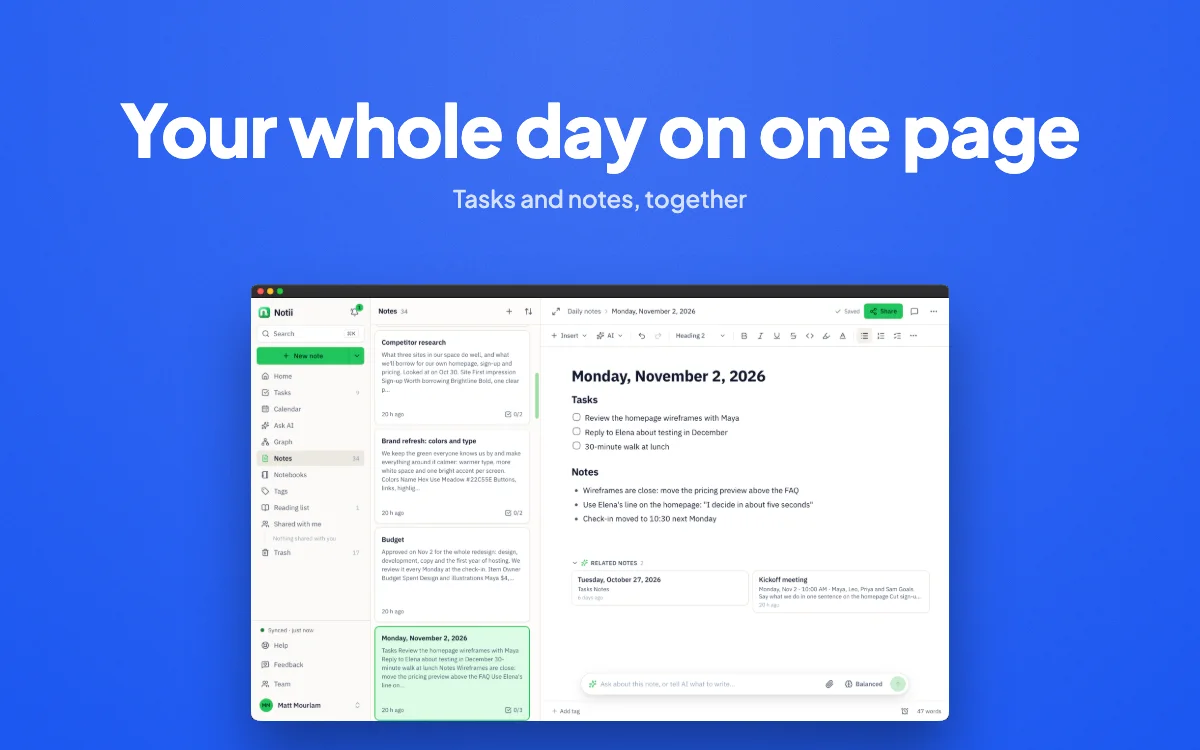
A notes app, at 2880 × 1800.
Questions
Good to know.
What sizes are Mac App Store screenshots?
One of 1280 × 800, 1440 × 900, 2560 × 1600 or 2880 × 1800, all 16:10. Apple's limit of up to 10 screenshots applies here too.
Is there a MacBook mockup?
No. The Mac set shows your app's window on a design rather than a picture of a laptop.
How do I capture a window with its shadow?
On a Mac, press Shift-Command-4, then Space, then click the window. The saved PNG includes a transparent shadow, and Appscreensii keeps it.
Do I need an account?
You need an account, and the editor is made for a computer, in a current desktop browser. There's nothing to install.
What does Appscreensii cost?
Designing costs nothing. Exporting starts a 7-day free trial, with a card, then it's $12 a month, or $10 a month billed annually. Cancel before the trial ends and you pay nothing. A project owner's plan covers the people they invite. See pricing.
Keep reading
More on store screenshots.
Your store page is the first thing people see.
Drop in your screenshots and see them in every template, right now.
Get started