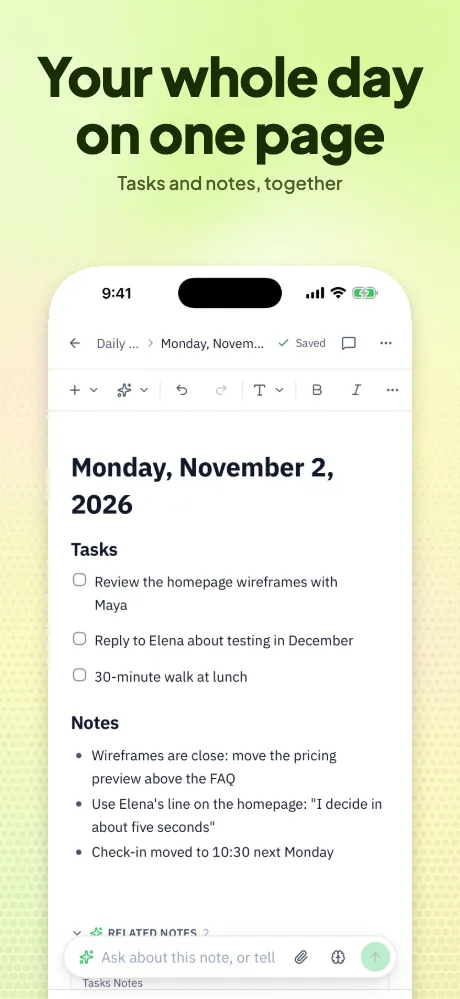
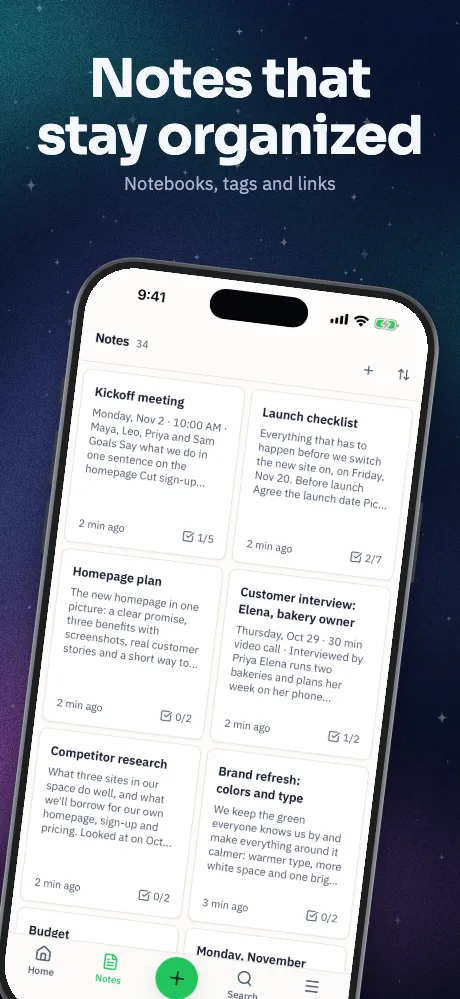
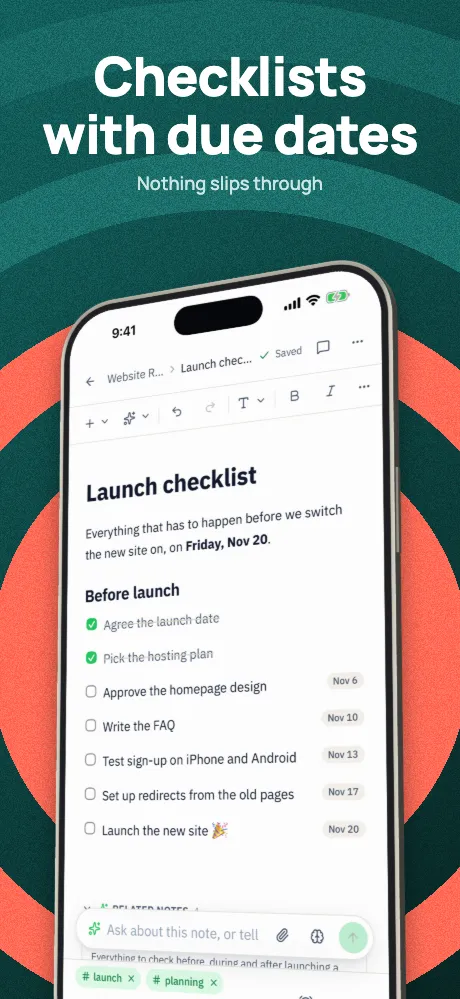
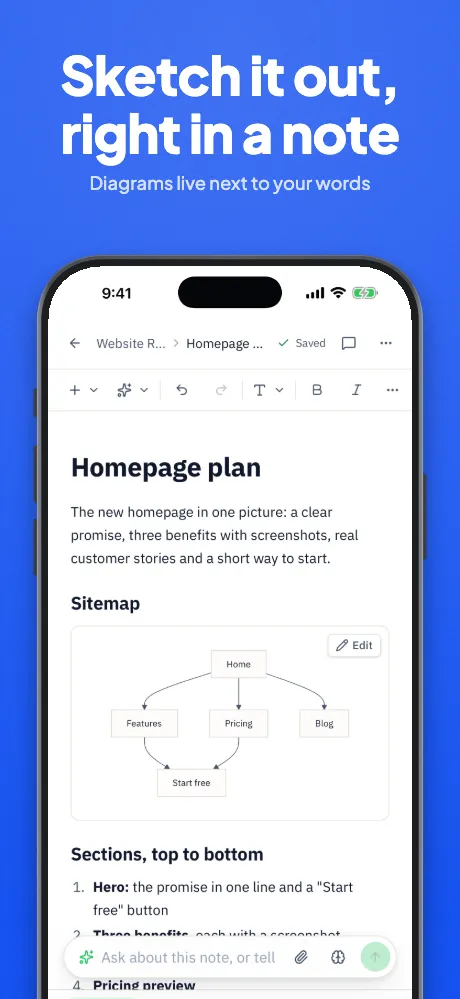
Google Play screenshot generator
Google Play screenshots, without starting over.
Keep Android phones, tablets and the feature graphic in one project, in the same design as your iPhone set. Checks flag what Google's listing guidance asks you to avoid.
Runs in your browser on a computer · No card until you export
In short
Appscreensii makes Google Play screenshots for Android phones and tablets, plus the 1024 × 500 feature graphic, from your own captures. Exports are 24-bit PNG without alpha, or JPEG, at sizes that meet Google's rules, in portrait or landscape, and it can lay files out for fastlane supply. It doesn't make Wear OS, Android TV, Automotive or Android XR assets, and it doesn't upload to Play Console for you.
- Makes
- Android phone and tablet screenshots, feature graphic
- Sizes
- 1080 × 1920 and 1440 × 2560 phones, 1440 × 2560 and 2160 × 3840 tablets, 1024 × 500 feature graphic
- Languages
- 83 of our 84 are Google Play listing languages
- Price
- Designing costs nothing. Exporting starts a 7-day free trial, then $12 a month, or $10 a month billed annually. See pricing
What you get
Built around what Play asks for.
Sized for recommendations
Google asks for at least four screenshots of at least 1080 pixels, in 16:9 or 9:16, for apps to be eligible for recommendations. The default Android set is 1080 × 1920, and a check warns when a set has too few.
Frameless when you want it
Google's help page discourages device imagery, since it can date quickly. Templates like Frameless Clean and Full Bleed skip the frame, and a check flags frames on Play sets.
Words Google warns about
Checks flag "Best", "#1", "Top", "New", "Sale", "Download now" and more, in several languages, along with text covering over 20% of the image.
The feature graphic too
Add a feature graphic to the project and it picks up your template, headline and colors at 1024 × 500.
One design, two stores
Pair your Android captures with your iPhone screens by look or by order, so both listings tell the same story.
fastlane supply folders
Export into the folders fastlane supply reads, with one folder per language and the feature graphic where it belongs.
How it works
Three steps to a Play listing.
Drop in Android captures
Phone and tablet captures are detected and sorted into their own sets. Already have an iPhone project? Add them to it.
Choose and check
Pick a template, then see a mock Google Play listing and fix anything the checks raise.
Export for Play Console
Download a ZIP or a folder, sorted by store, language and size, then upload it in Play Console or with fastlane supply.
In the app
The real thing, at each step.
Questions
Good to know.
How many screenshots does Google Play need?
Google asks for at least two across your device types to publish, and takes up to 8 per device type. For recommendations it asks for at least four at 1080 pixels or more. See Google Play sizes.
Does Google allow device frames?
Google's guidance discourages device imagery for phones and tablets because it can date quickly, and asks for interface-only images on Wear OS. Appscreensii has frameless templates, and warns you when a Play set has a frame. The choice is yours.
Can I use the same design as my App Store set?
Yes. iPhone, iPad, Android and Mac sets live in one project with the same captions, and changing the template changes them all.
Does it upload to Play Console?
Not directly. You get a ZIP or a folder with a guide to where each file goes, and it can lay the files out for fastlane deliver and supply, which do the upload.
Which Android devices can it make?
Phones and tablets, in portrait and landscape. Frames include a punch-hole phone, a 16:9 phone with bezels, Android tablet, Pixel Tablet and Galaxy Tab S10+. Wear OS, TV, Automotive and XR aren't covered.
What does Appscreensii cost?
Designing costs nothing. Exporting starts a 7-day free trial, with a card, then it's $12 a month, or $10 a month billed annually. Cancel before the trial ends and you pay nothing. A project owner's plan covers the people they invite. See pricing.
Keep reading
More on store screenshots.
Your store page is the first thing people see.
Drop in your screenshots and see them in every template, right now.
Get started