iPhone mockup generator
Your screen, in a real iPhone.
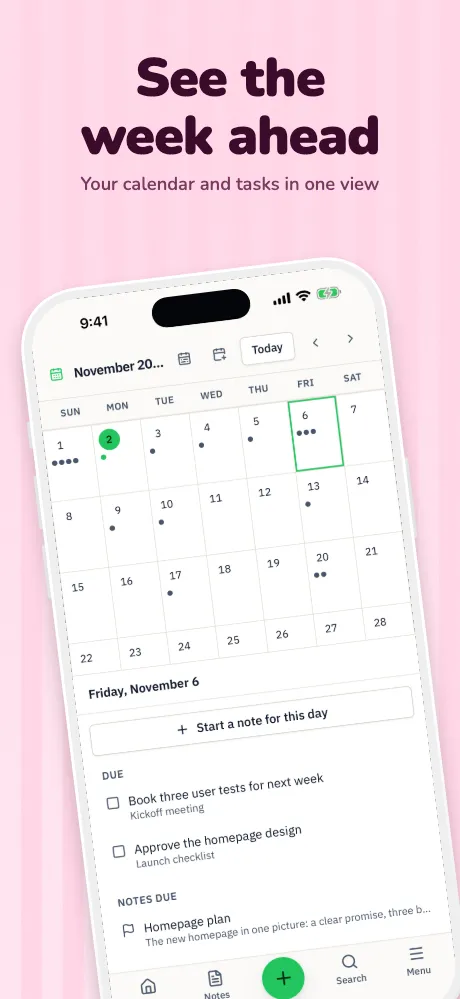
Drop in a screenshot and it fits itself to the right iPhone. Choose a frame style and finish, turn it in real 3D, and export it on any background.
Runs in your browser on a computer · No card until you export
In short
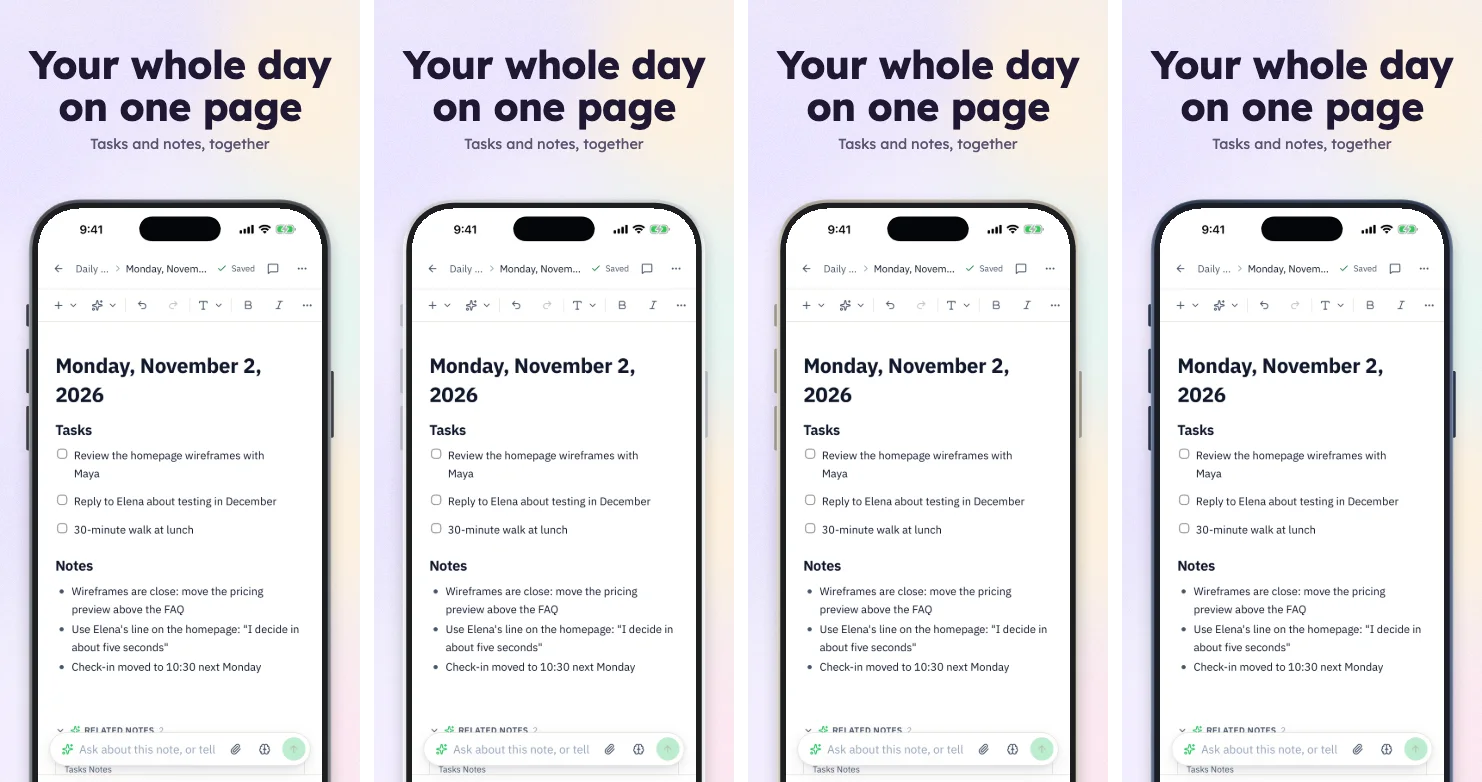
Appscreensii is an iPhone mockup generator made for app screens: drop in a capture and it lands in a matching frame. iPhones with Dynamic Island, Face ID notch or Home button, and iPhone Duo, come in 5 frame styles and 4 finishes, with 6 real 3D angles. It exports flattened PNG or JPEG on a background of your choice. It isn't a stock mockup library: there are no hand-holding photo scenes, PSD files or transparent PNG exports.
- iPhones
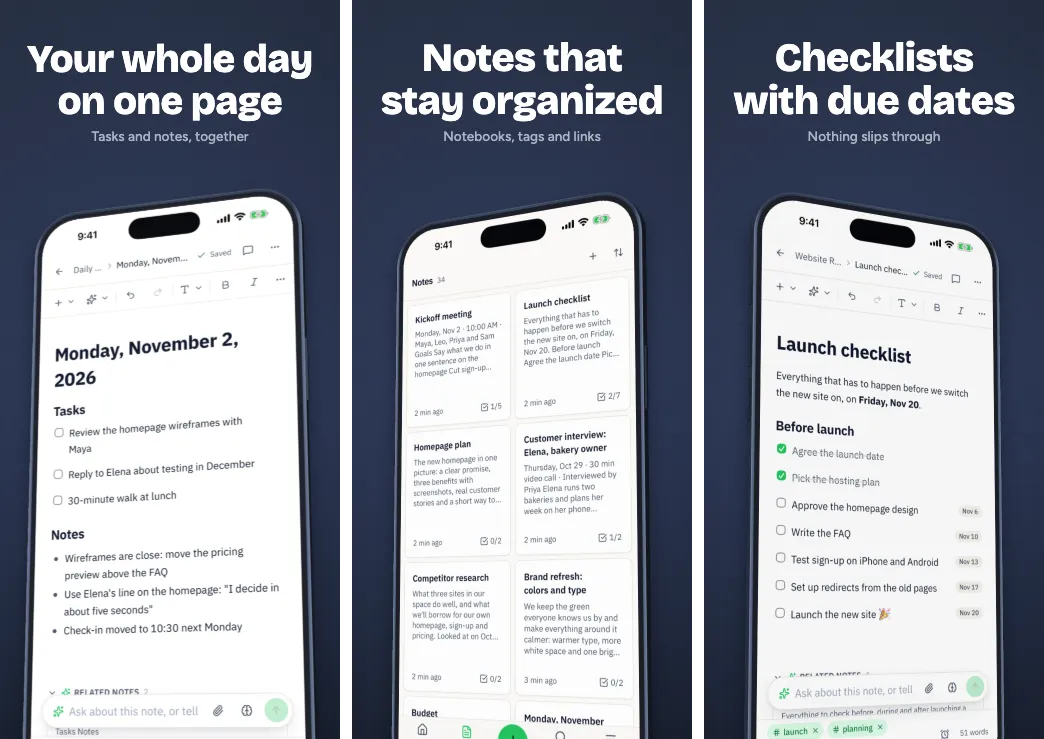
- Dynamic Island 6.9″ and 6.3″, Face ID notch, Home button, Duo
- Frame styles
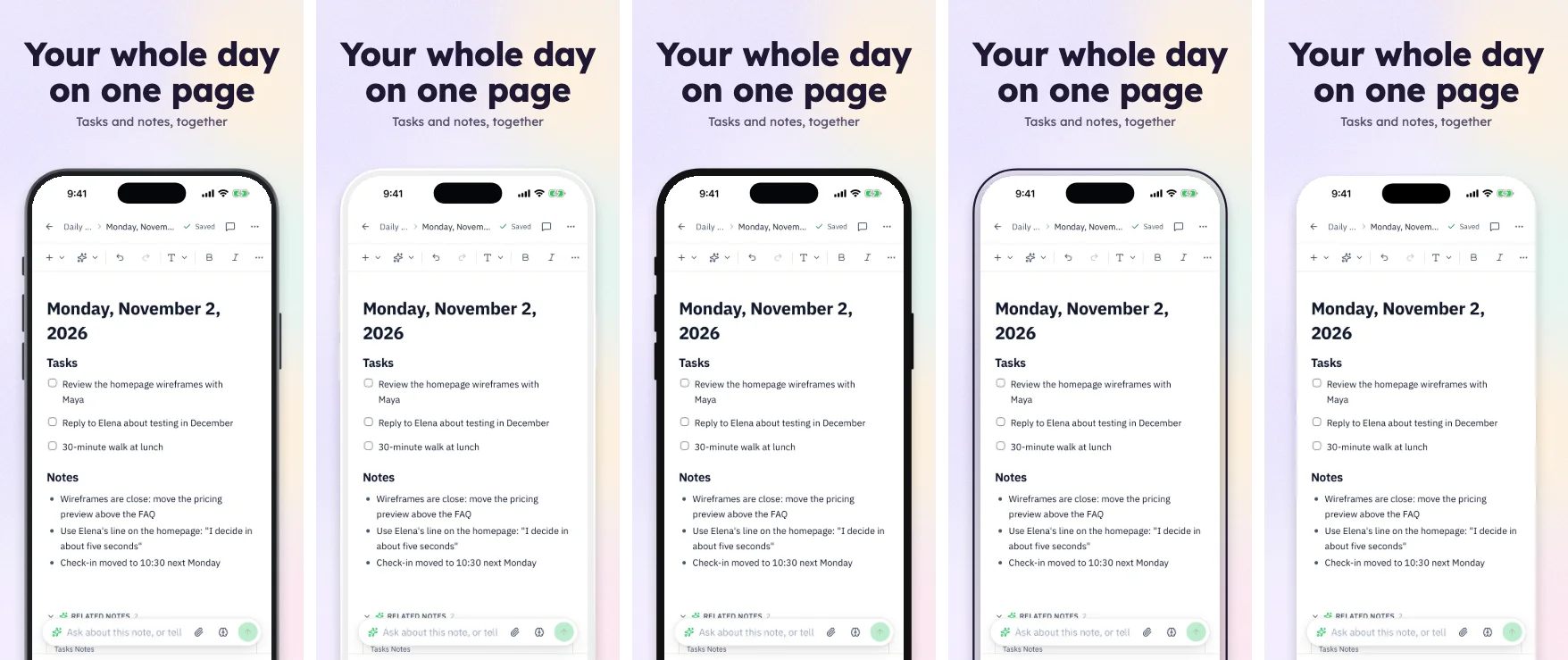
- Realistic, clay, flat, outline, frameless
- 3D
- Flat, tilt left, tilt right, hero, isometric, lay flat
- Price
- Designing costs nothing. Exporting starts a 7-day free trial, then $12 a month, or $10 a month billed annually. See pricing
What you get
Made for app screens.
Fits itself
The device is detected from your capture's pixel size, so the screen sits in the right frame with the right corners.
Real 3D
Turn the phone with six presets or by hand, and the screenshot follows the tilt, with lighting and projected shadows.
Clean status bar
A check flags a messy status bar, and when the bar is a plain color one click tidies it. Otherwise, capture again at 9:41 with full bars.
Your own bezel
Have a frame you love? Import any bezel as a PNG with a transparent screen area.
A whole set at once
Mock up one screen or twenty. They share a frame, a background and captions, and change together.
Take it to Figma
Export a screen to Figma, with the device as an image layer and headlines as live text, for your own layouts.
Frames
One screen, many iPhones.
When this is the right tool, and when it isn't
It fits when the mockup is of your app and it's headed for a store listing, a launch page or a social post. You also get every store size without extra work.
It doesn't fit if you want a photo of a hand holding a phone, a PSD to open in Photoshop, or a transparent PNG to place elsewhere: exports always have a background. A library like Mockuuups or Placeit suits those jobs better. For animated video, look at Rotato or Previewed.
Questions
Good to know.
Can I export an iPhone mockup with a transparent background?
No. Exports are PNG without alpha, or JPEG, because that's what the stores take. If you need a cut-out, export to Figma, where the device arrives as an image layer with transparency.
Which iPhones are there?
Dynamic Island in 6.9-inch and 6.3-inch, Face ID notch, Home button and iPhone Duo. You can also import your own bezel.
What sizes can I export?
The store sizes: for iPhone, from 1080 × 2340 up to 1320 × 2868, or a wide 5244 × 2950 banner. See all sizes.
Do I need an account?
You need an account, and the editor is made for a computer, in a current desktop browser. There's nothing to install.
What does Appscreensii cost?
Designing costs nothing. Exporting starts a 7-day free trial, with a card, then it's $12 a month, or $10 a month billed annually. Cancel before the trial ends and you pay nothing. A project owner's plan covers the people they invite. See pricing.
Keep reading
More on store screenshots.
Your store page is the first thing people see.
Drop in your screenshots and see them in every template, right now.
Get started