Guide · ASO
App Store Optimization, from the screenshot side.
Search gets you seen. Screenshots help decide whether you get installed. Here's where they fit in ASO, and how to improve them, without invented statistics.
Runs in your browser on a computer · No card until you export
In short
App Store Optimization (ASO) is improving your listing so more people find your app and install it. It has two halves: being found, through your title, keywords and ratings, and convincing people, through your icon, screenshots and description. Screenshots are the biggest visual part of the second half: up to three can appear in search results. Appscreensii helps with screenshots. It isn't a keyword or rank-tracking tool, so you'd pair it with one.
- Being found
- Title, subtitle, keywords, ratings
- Convincing
- Icon, screenshots, header, description
- Test with
- Apple product page optimization, Google store listing experiments
- Not covered here
- Keyword research, rank tracking
On this page
What ASO is
Think of it as two questions. Do people find your app when they search? And when they find it, do they install it?
- Being found: your app name and subtitle (30 characters each on the App Store), the 100-character keyword field, ratings and reviews. On Google Play: a 30-character title, an 80-character short description and a 4,000-character full description.
- Convincing: the icon, screenshots, header images, previews, and the first lines of your description.
Keyword tools are for the first half. Most of what people see, and judge, is the second.
Where screenshots appear
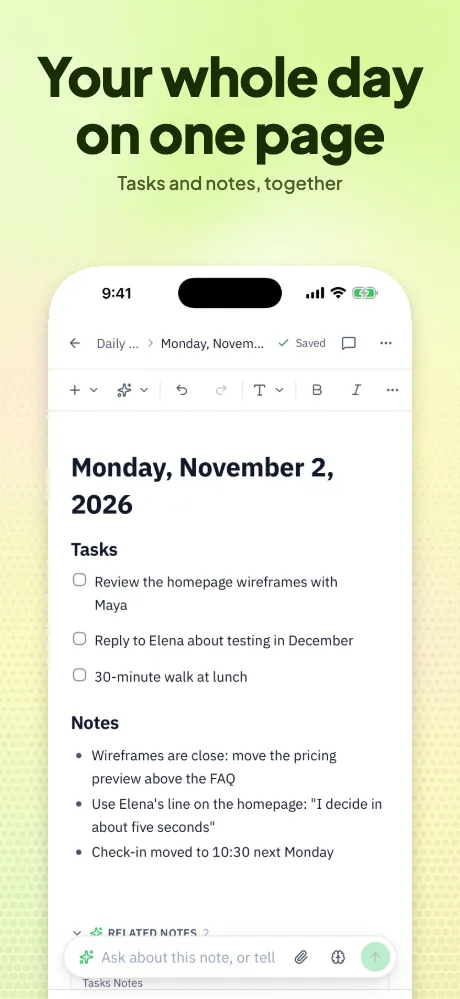
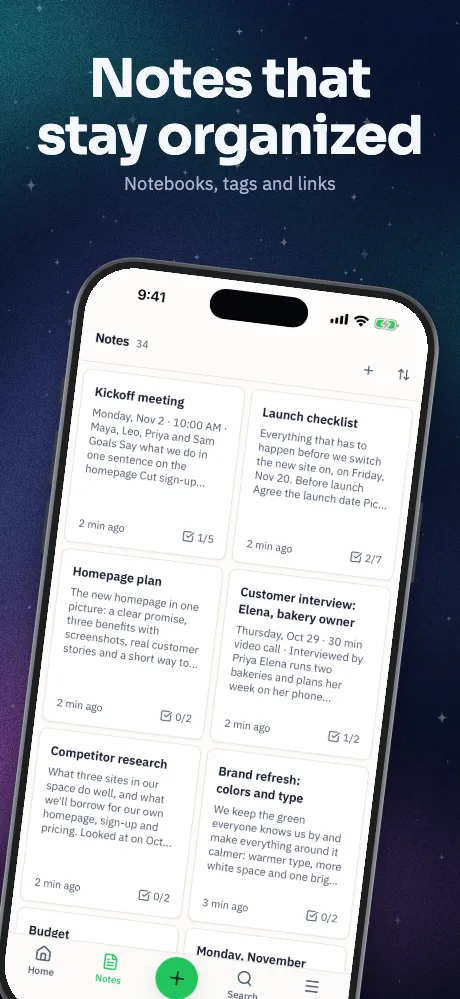
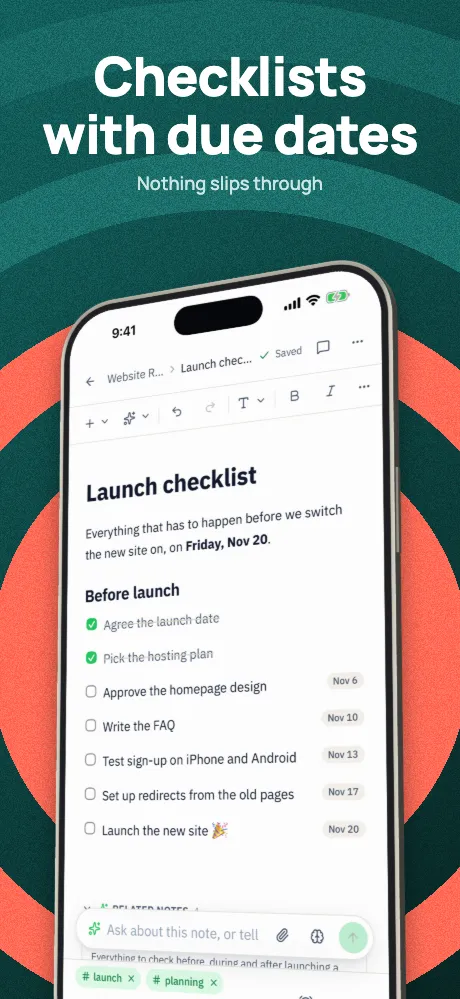
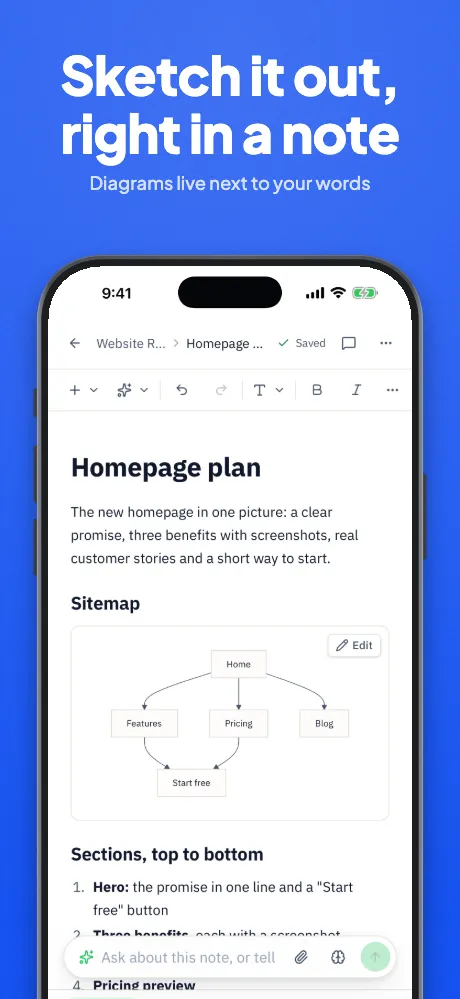
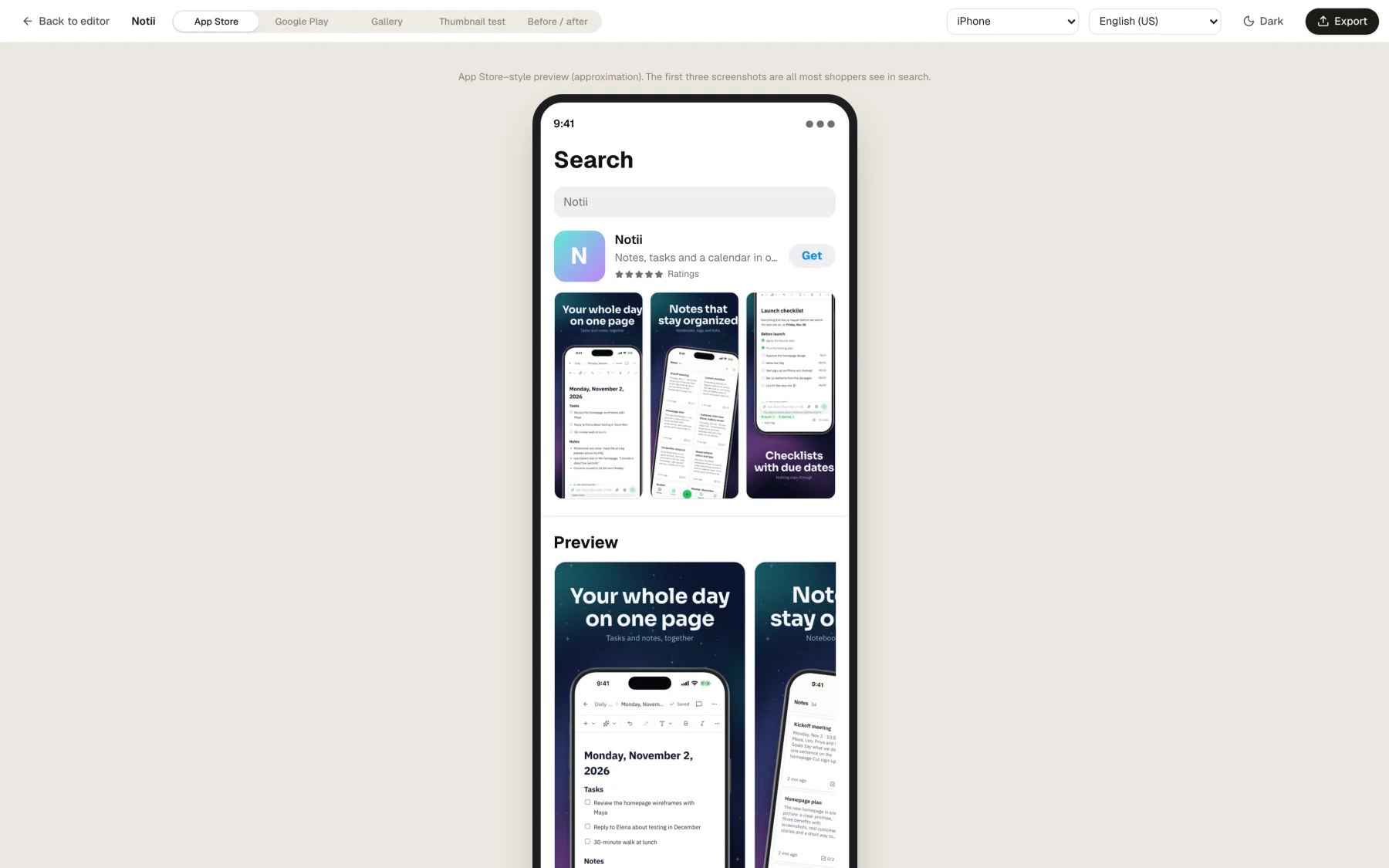
- Search results. Apple says that, depending on orientation, up to three screenshots can appear. From iOS 27, an optional search results asset can appear instead.
- Your product page. Up to 10 per device and language on the App Store, and up to 8 per device type on Google Play.
- Custom product pages. Apple lets you make other versions of your page for different campaigns.
So the first three do the most work. Design them to make sense without the rest, at the size they really appear.
How to improve them
- Say what it is, first. Someone in search gives you a moment. Your first screen should answer "what is this?"
- Match the search. If people find you for a specific job, show that job early. Keep the wording natural.
- Write for small sizes. Few words, big type, strong contrast.
- Show the real app. Both stores ask for it, and it sets honest expectations, which helps the reviews you need for the other half.
- Localize. Text in a language someone reads does more than text they don't. Start with languages your app supports.
The guidelines page lists what to keep out.
Test instead of guessing
Apple's product page optimization tests different creative with real visitors, and Google Play has store listing experiments. Change one idea at a time, starting with the first screen, and give each test enough traffic to mean something.
You'll see claims that certain screenshots lift conversion by some exact percent. We don't quote any, because the answer depends on your app and its audience. A test on your own listing is worth more.
Where Appscreensii fits
Appscreensii makes the creative side: screenshots, header and search images, feature graphics and translations. For variants to test, duplicate a project and change it.
It doesn't research keywords, track rankings or report downloads. For those, use a dedicated ASO tool. App Store Connect and Play Console also show your own conversion numbers.
Store rules checked November 4, 2026, against Apple's and Google's own pages. They change, so check the source before relying on any one number.
Questions
Good to know.
What does ASO stand for?
App Store Optimization: improving a listing so more people find an app and install it. On Google Play it's sometimes called Play Store optimization, with the same idea.
Do screenshots affect search rankings?
Their main job is convincing people after they've found you. How much installs feed back into rankings isn't something the stores publish in detail, so treat any exact claim with care.
Is Appscreensii an ASO tool?
It covers the creative part of ASO, not keywords or rank tracking. Most teams pair a keyword tool with something like it.
How often should I update screenshots?
When your interface changes in a way people would notice, when you add something worth showing first, or when a test gives you a winner.
Keep reading
More on store screenshots.
Your store page is the first thing people see.
Drop in your screenshots and see them in every template, right now.
Get started