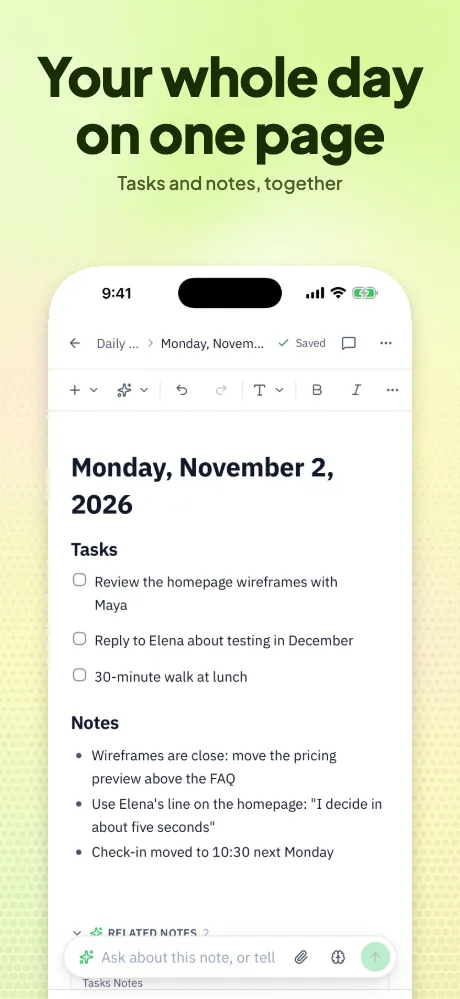
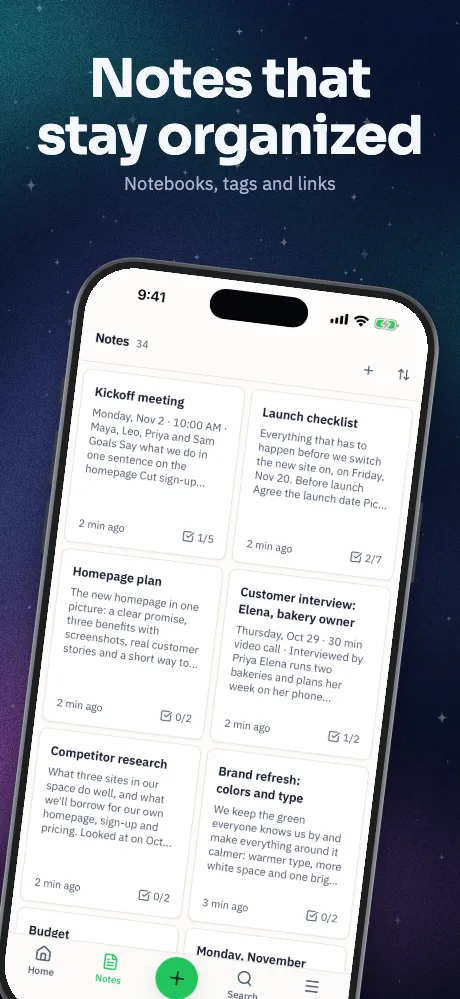
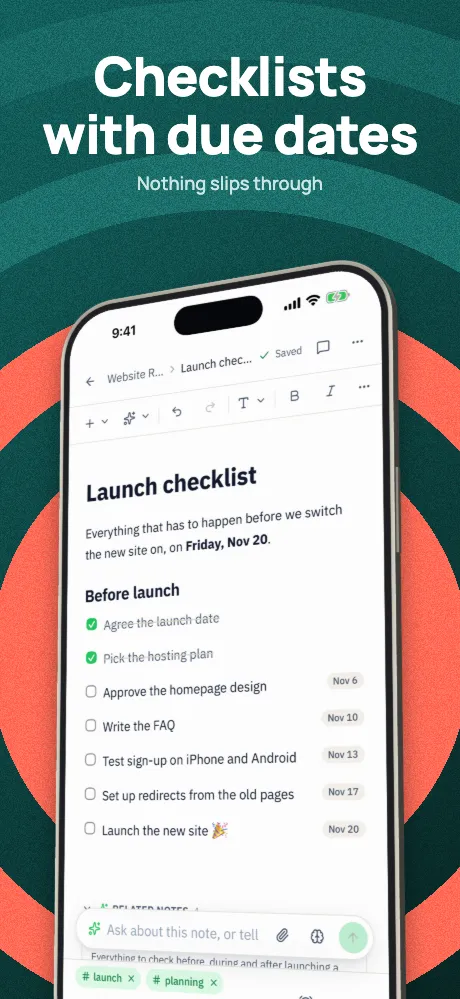
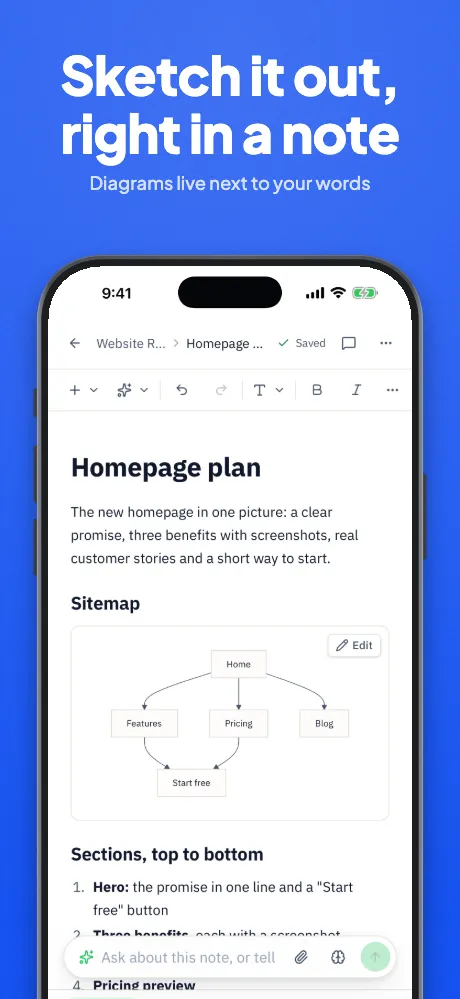
iPad and tablet mockups
iPad mockups, sized for the store.
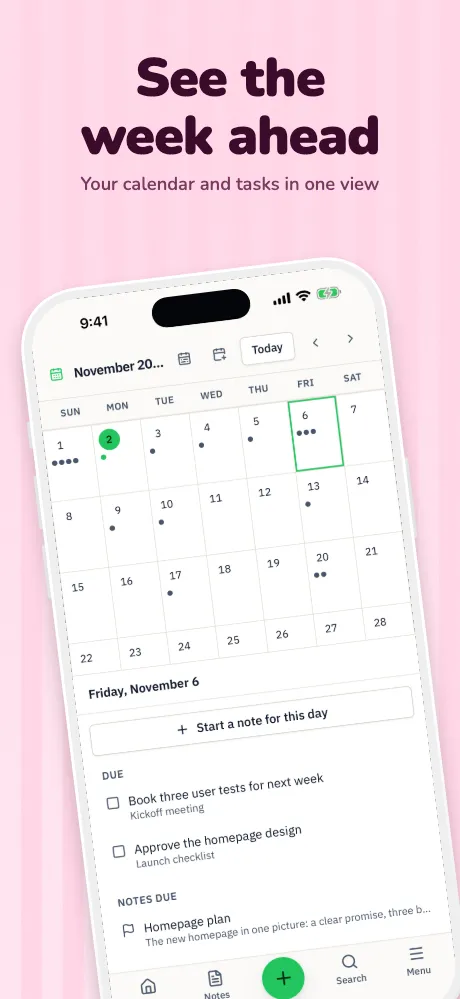
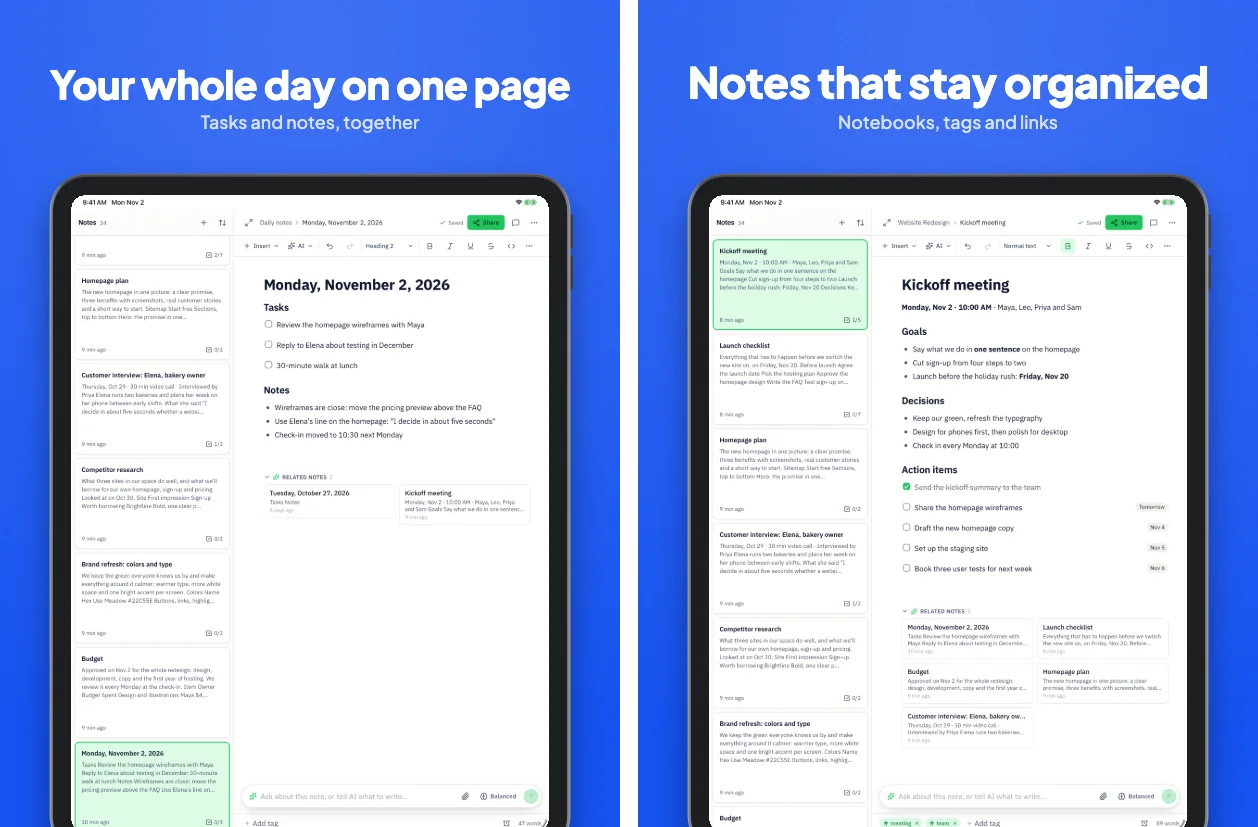
Drop in iPad or Android tablet captures. They land in a matching frame, in portrait or landscape, in the same design as your phone screenshots.
Runs in your browser on a computer · No card until you export
In short
Appscreensii makes iPad and tablet mockups from your own screens, with frames for iPad Pro 13-inch, iPad 11-inch, a generic Android tablet, Pixel Tablet and Galaxy Tab S10+. Sets export at 2064 × 2752, the size Apple requires for iPad apps, plus Google Play's 16:9 tablet sizes, in portrait or landscape. Exports are flattened with a background, so there are no PSD or transparent files.
- iPad
- iPad Pro 13″, iPad 11″
- Android tablets
- Android tablet, Pixel Tablet, Galaxy Tab S10+
- Orientation
- Portrait or landscape
- Price
- Designing costs nothing. Exporting starts a 7-day free trial, then $12 a month, or $10 a month billed annually. See pricing
What you get
Tablets are not big phones.
Layouts for the shape
A 3:4 iPad gives you room a phone doesn't. Templates lay out for tablets, with space for bigger headlines or two screens side by side.
Landscape too
Landscape sets for iPad and Android tablets are real sets, with their own layouts.
Required sizes marked
2064 × 2752 and 2048 × 2732 go in Apple's 13-inch slot. Google Play tablet sizes are 16:9 or 9:16, between 1,080 and 7,680 pixels.
Same captions
Tablets share captions with your phone set, so you only write them once.
Example
Two finished iPad screens.
Questions
Good to know.
Which size do I need for the App Store?
If your app runs on iPad, Apple requires at least one screenshot for the 13-inch display: 2064 × 2752 or 2048 × 2732 in portrait, or those reversed in landscape.
How many tablet screenshots does Google Play want?
At least four for 7-inch and 10-inch tablets and Chromebooks, between 1,080 and 7,680 pixels, at 16:9 or 9:16. All Google Play sizes.
Can I show a phone and a tablet together?
Yes, on the canvas. Place more than one device on a screen, or span one across two screens with a panorama.
Do I need an account?
You need an account, and the editor is made for a computer, in a current desktop browser. There's nothing to install.
What does Appscreensii cost?
Designing costs nothing. Exporting starts a 7-day free trial, with a card, then it's $12 a month, or $10 a month billed annually. Cancel before the trial ends and you pay nothing. A project owner's plan covers the people they invite. See pricing.
Keep reading
More on store screenshots.
Your store page is the first thing people see.
Drop in your screenshots and see them in every template, right now.
Get started