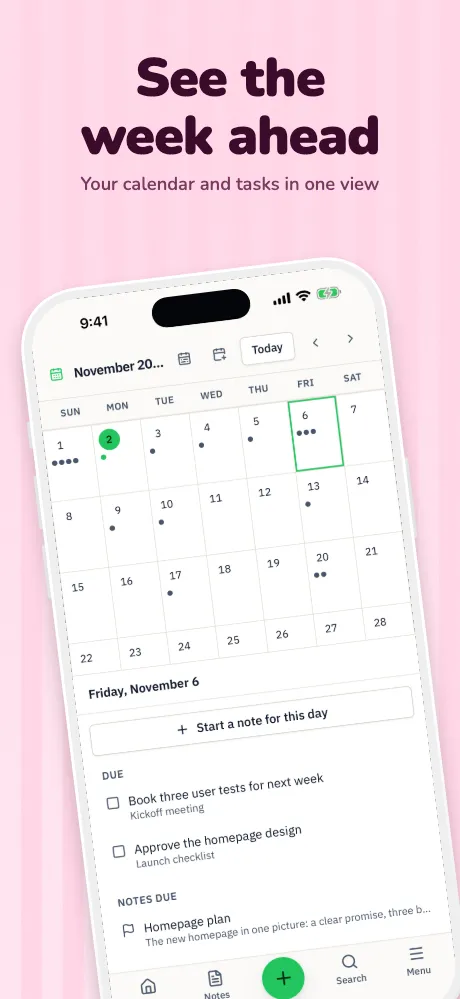
App Store screenshot templates
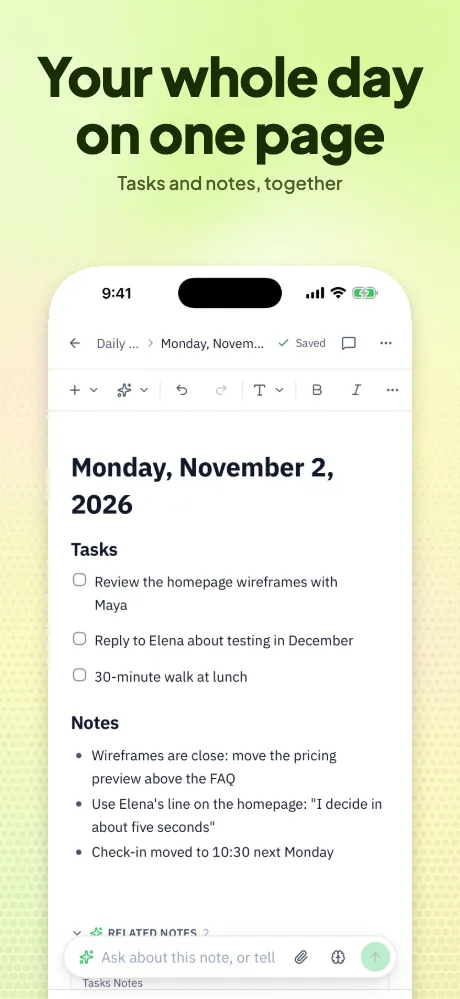
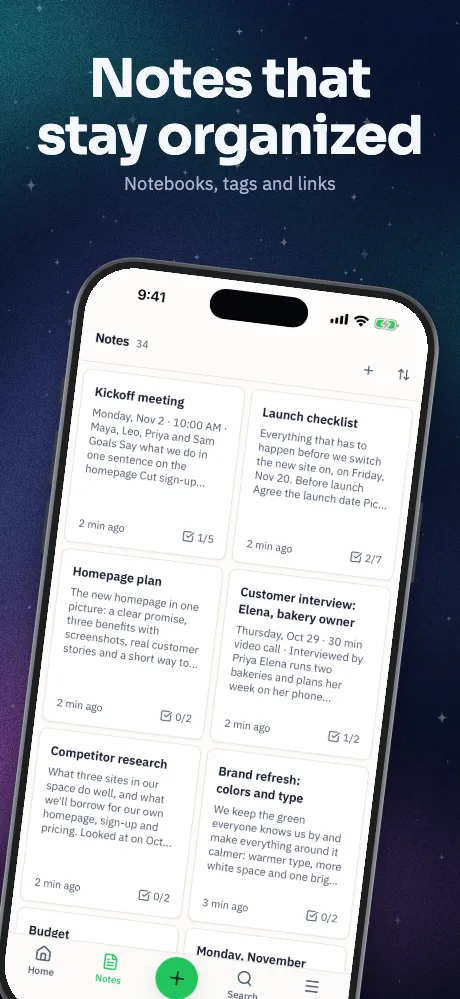
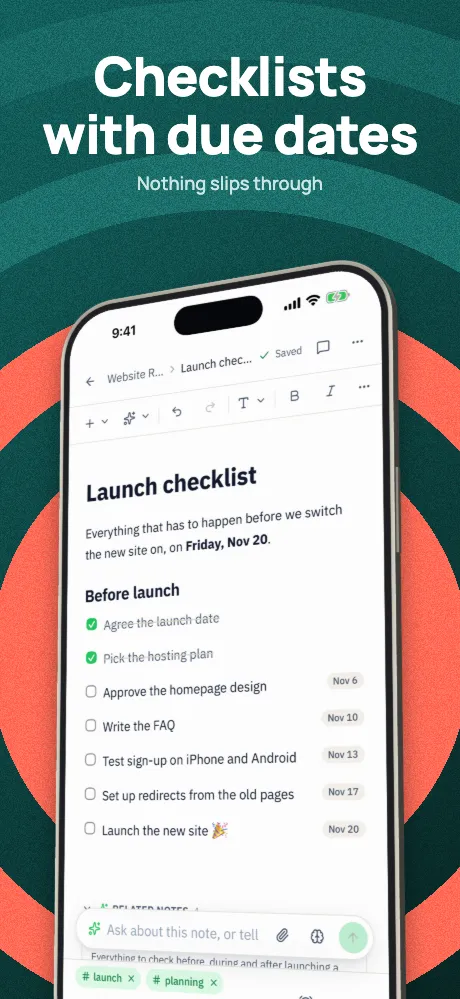
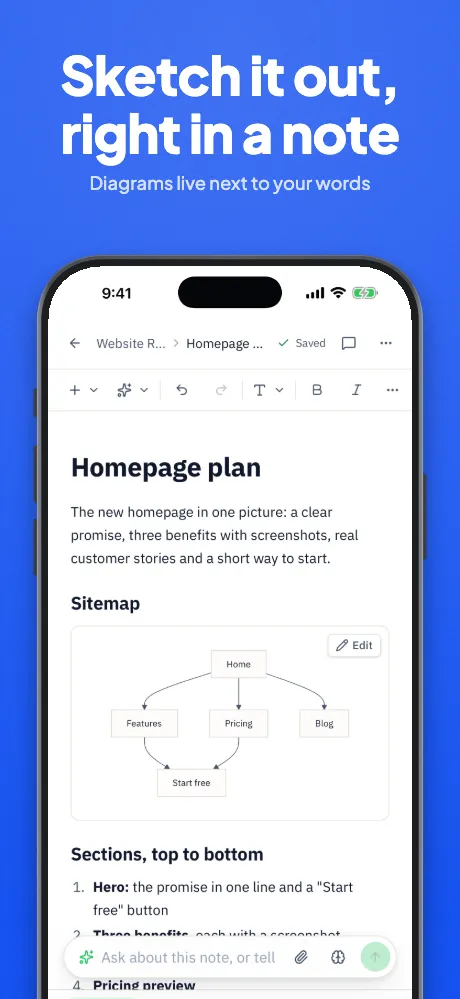
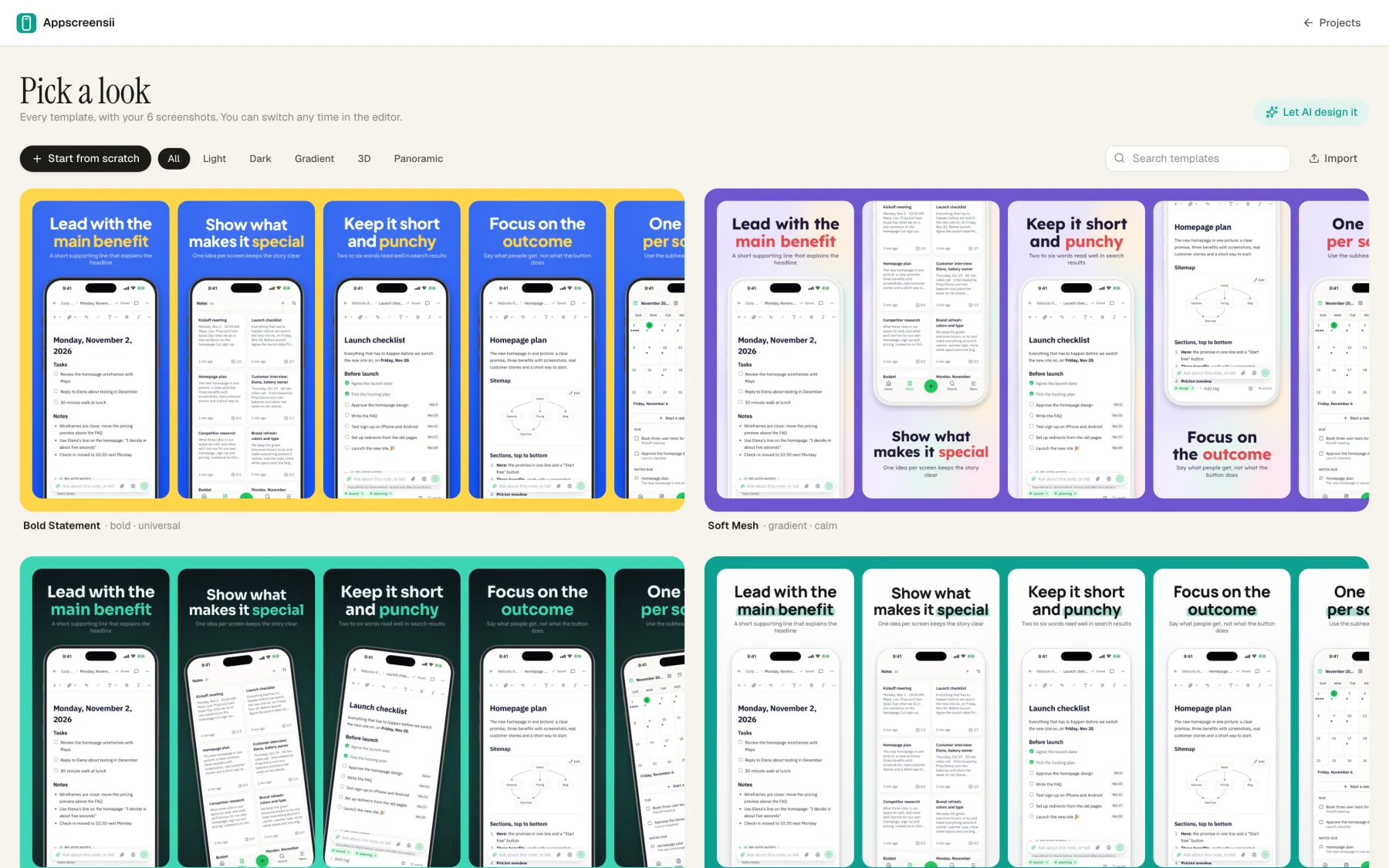
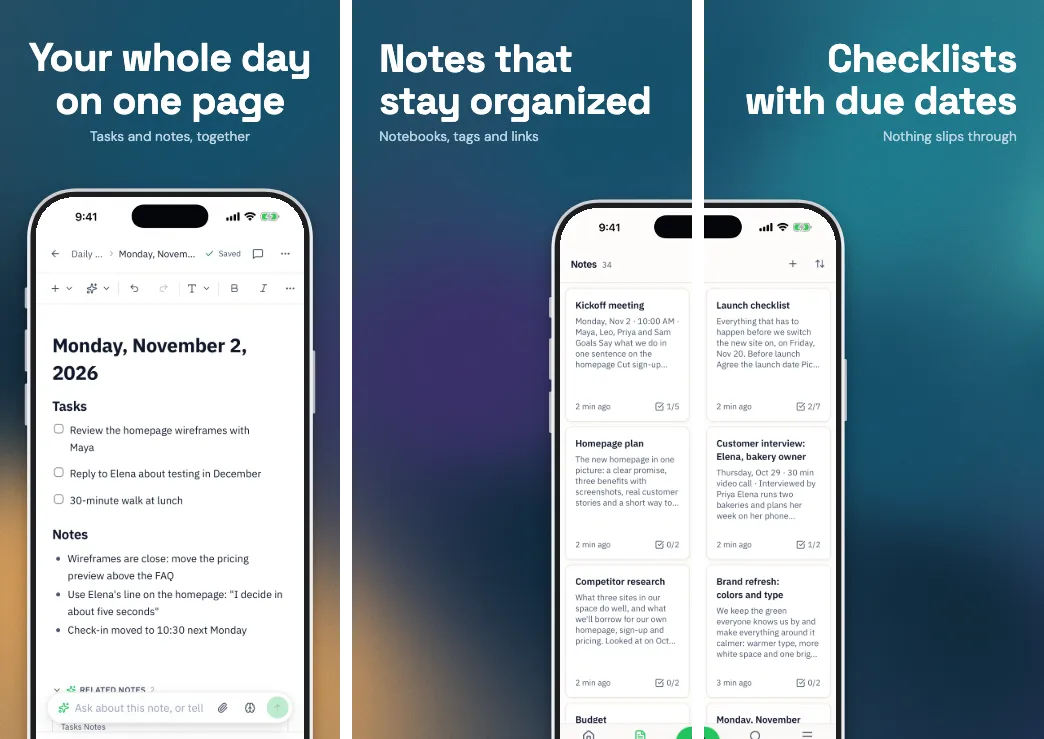
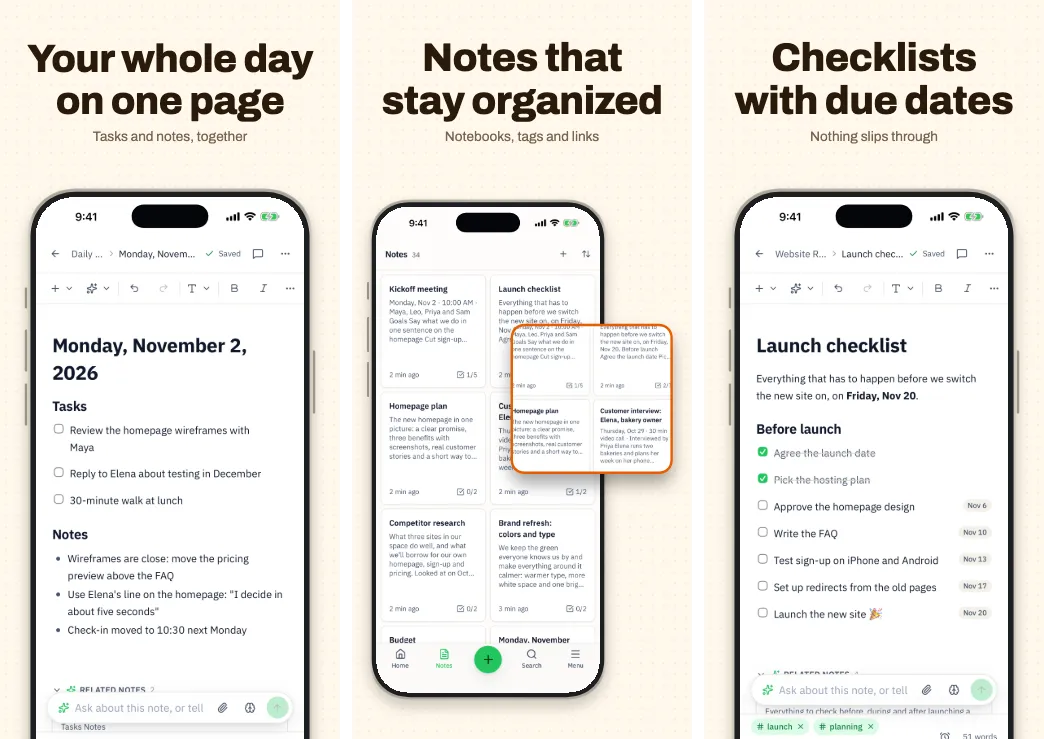
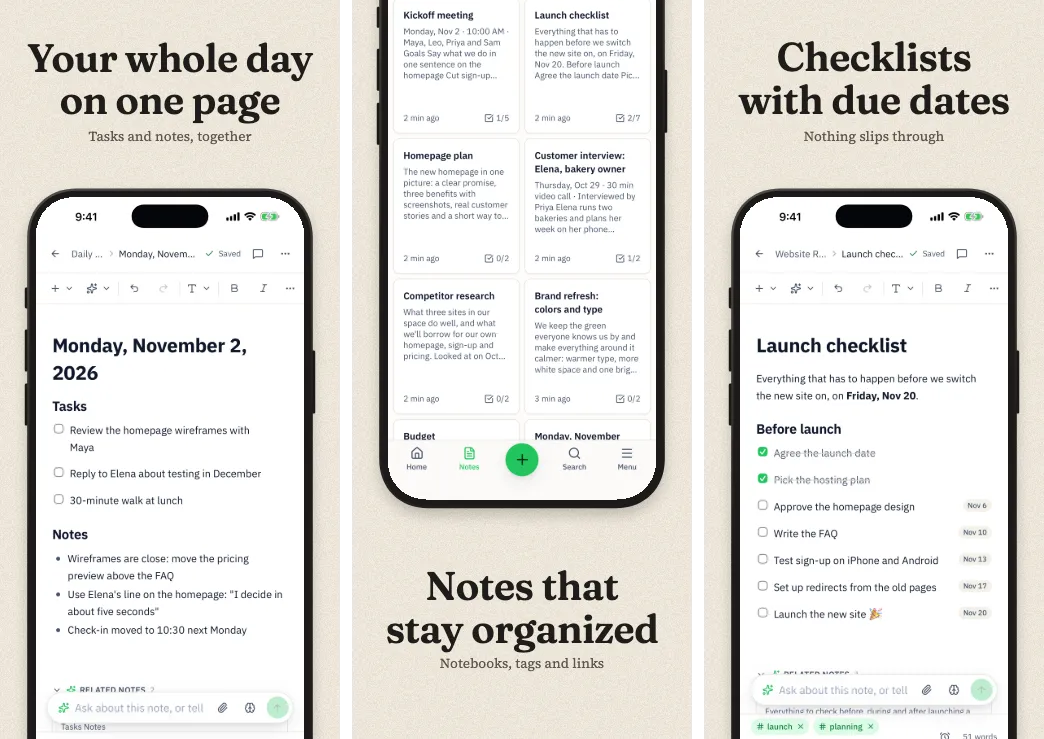
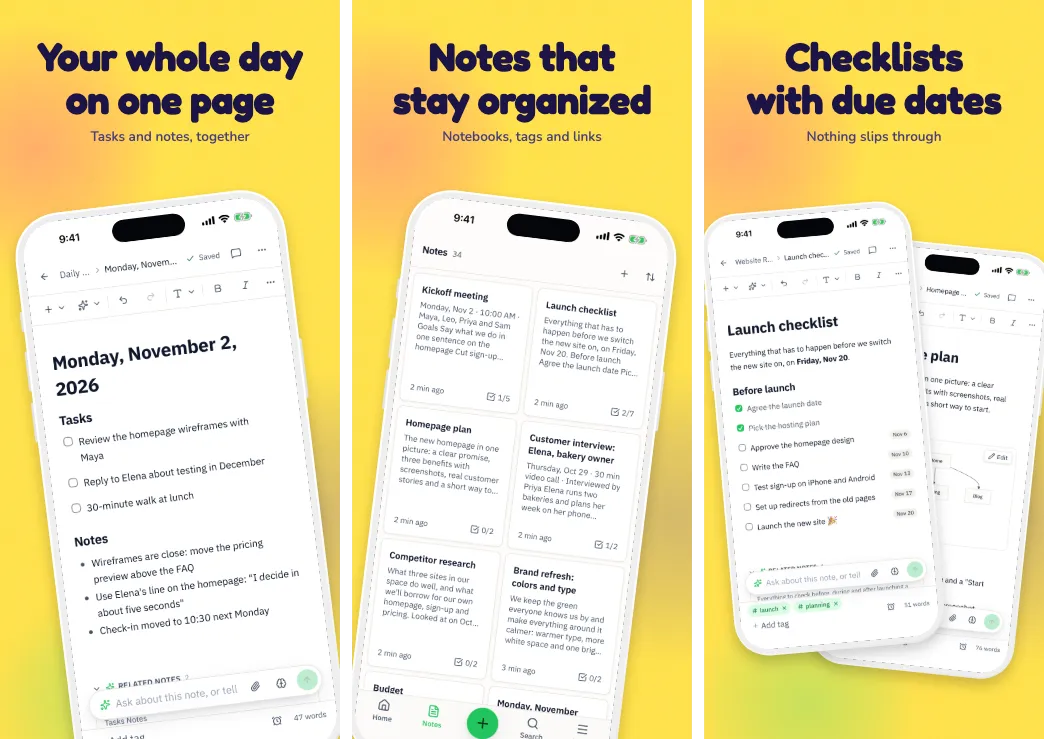
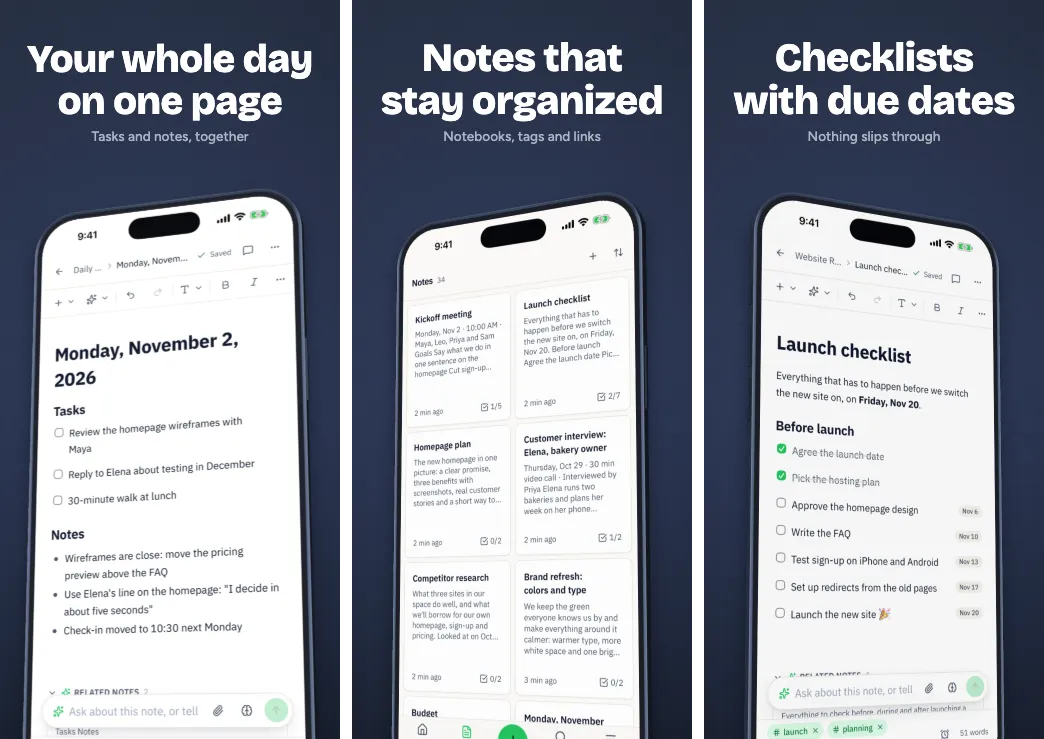
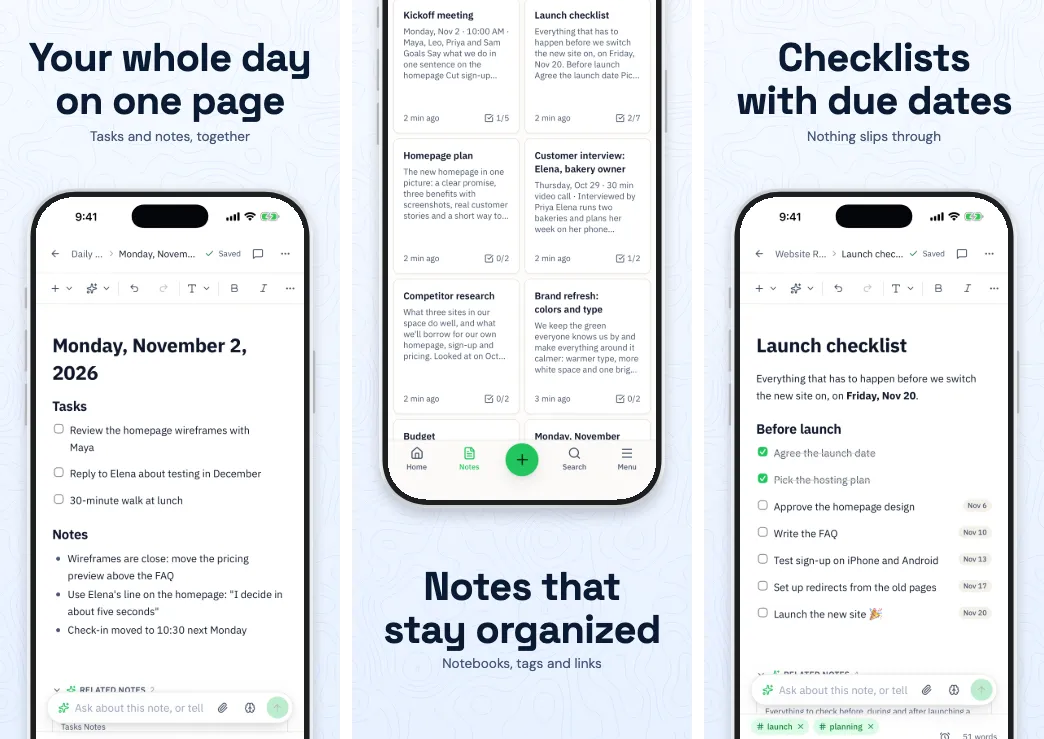
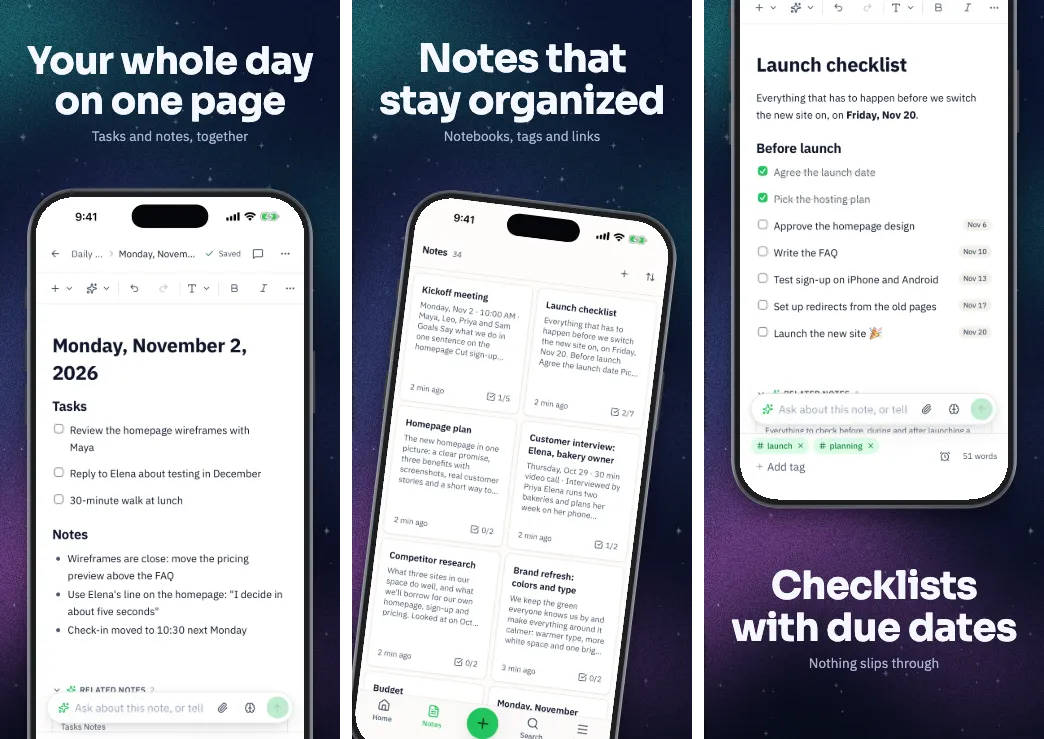
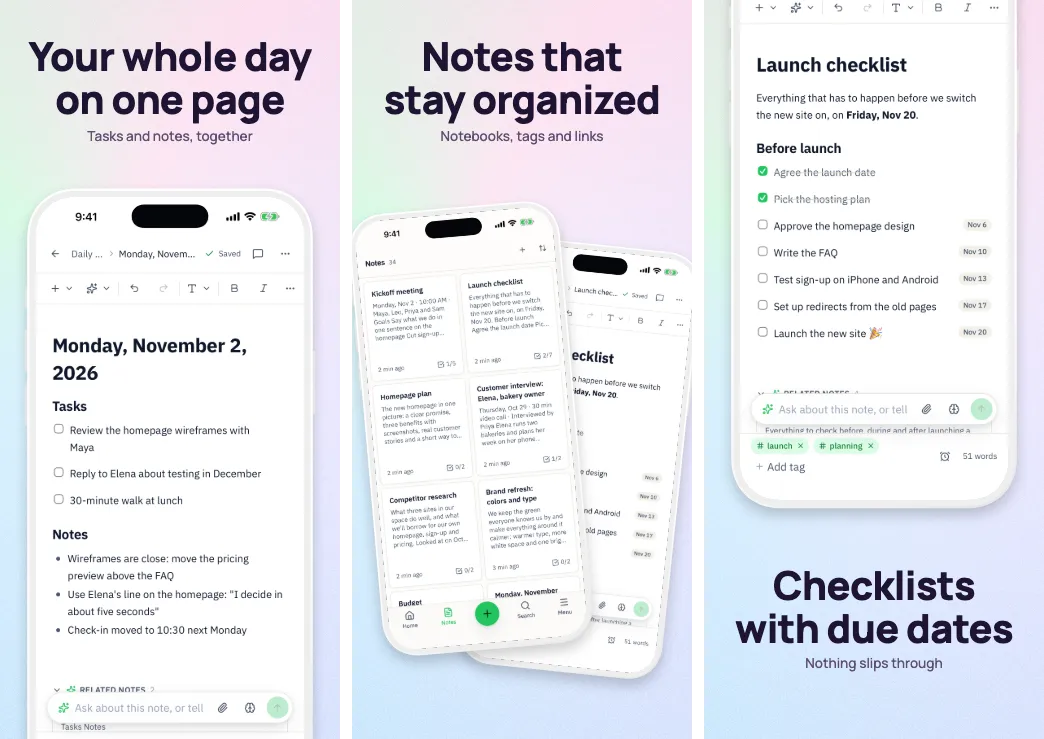
30 templates, each one drawn with your app.
A template you can only judge on someone else's app is a guess. Drop in your captures and every look here redraws with your own screens, captions and colors.
Runs in your browser on a computer · No card until you export
In short
Appscreensii has 30 screenshot templates for App Store and Google Play, covering bold statements, soft gradients, dark themes, frameless layouts, panoramas and 3D. Each one previews with your own screenshots, and switching keeps your captures, captions and order. Each template works across iPhone, iPad, Android and Mac sets, with 20 layouts inside, and you can save your own as a template to reuse.
- Templates
- 30, plus any you save
- Layouts
- 20 to mix inside a set
- Works on
- iPhone, iPad, Android, Mac and store banners
- Price
- Designing costs nothing. Exporting starts a 7-day free trial, then $12 a month, or $10 a month billed annually. See pricing
All 30
The whole collection.
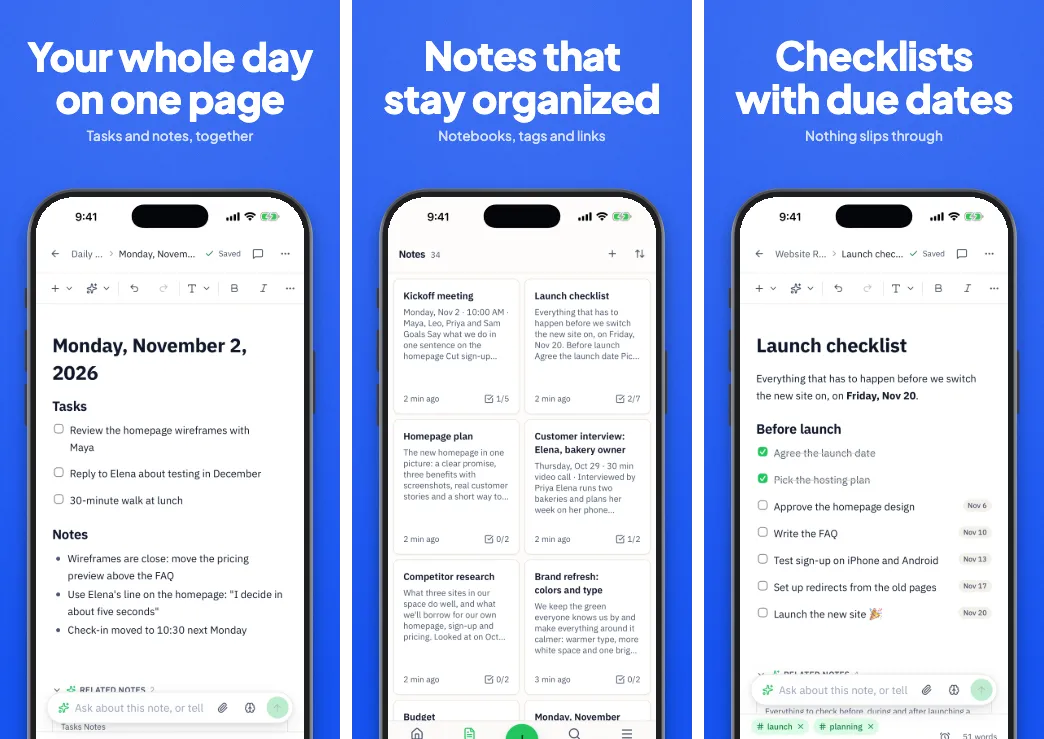
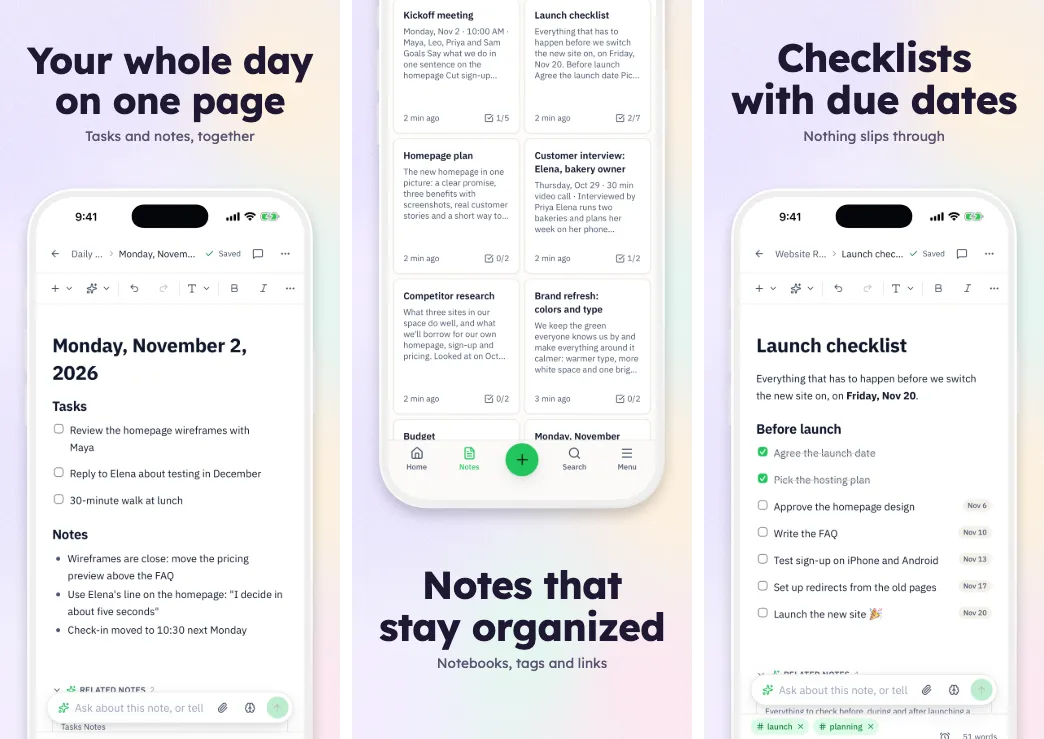
Shown here with Notii, a notes app by the same maker. Yours will show your app.
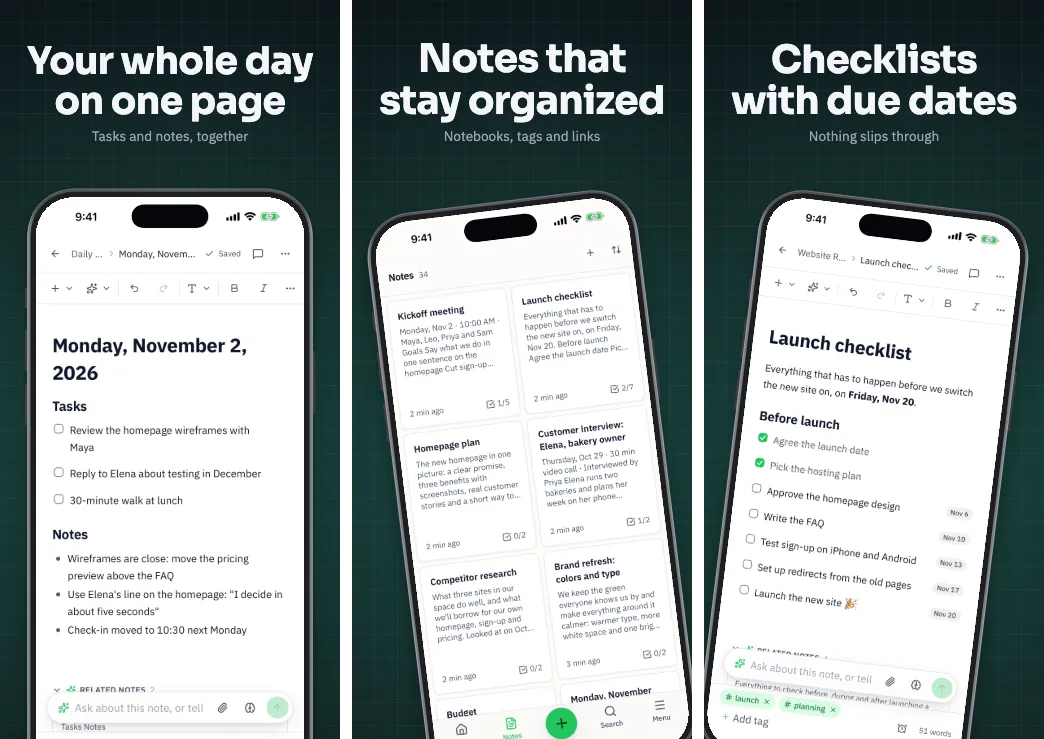
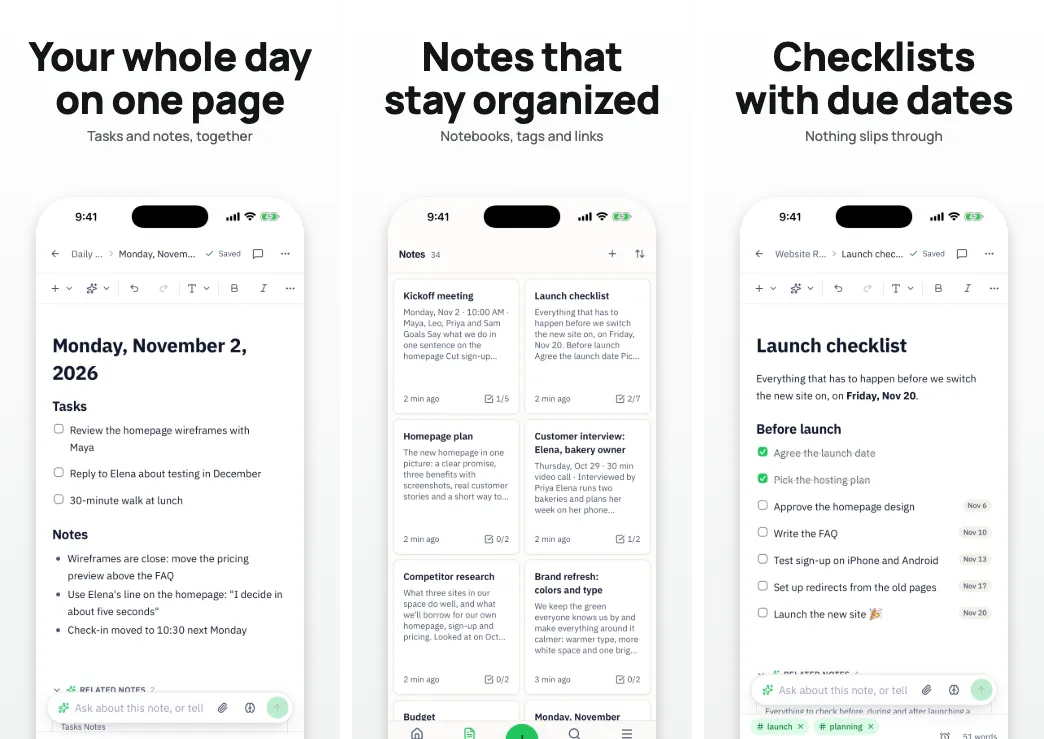
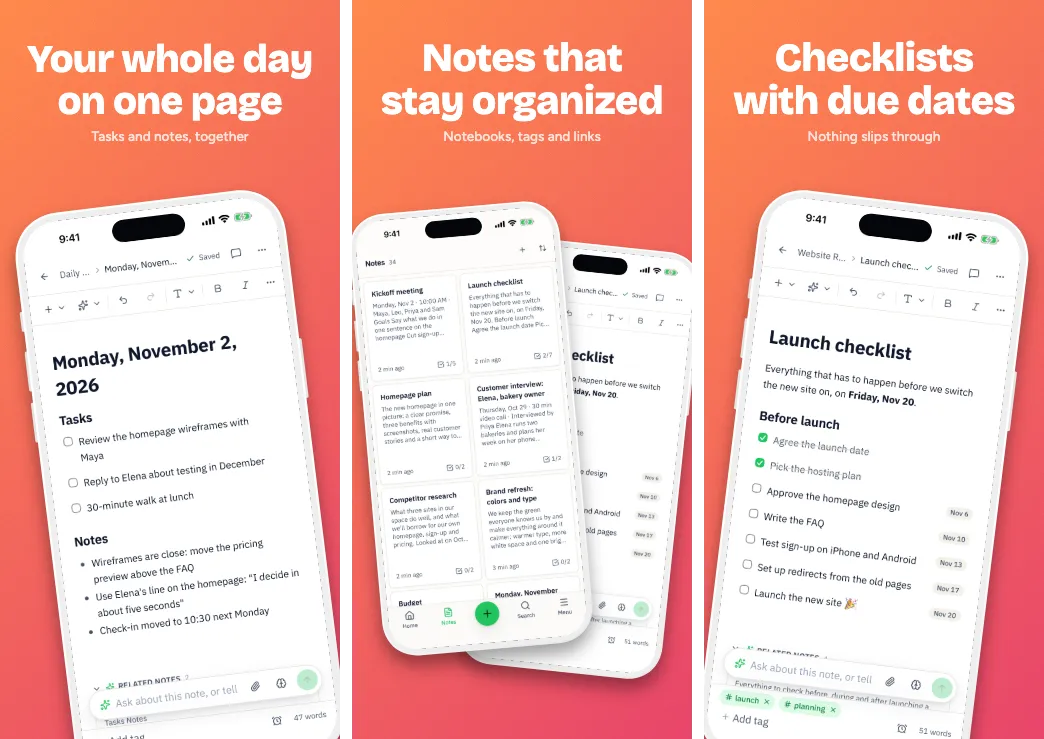
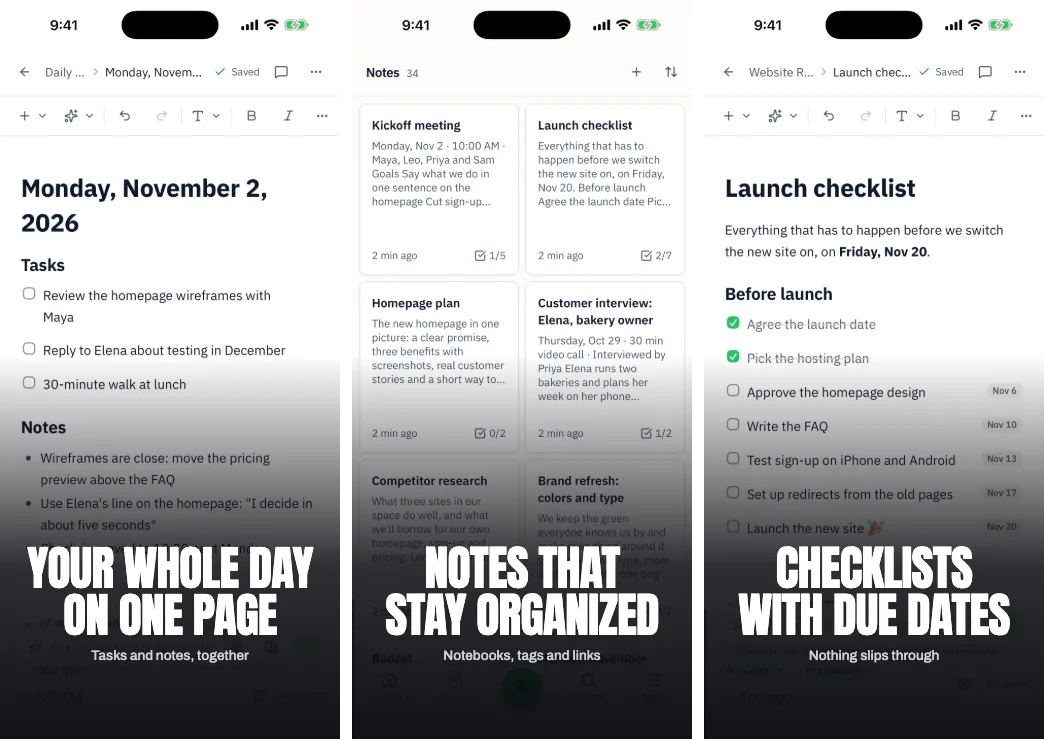
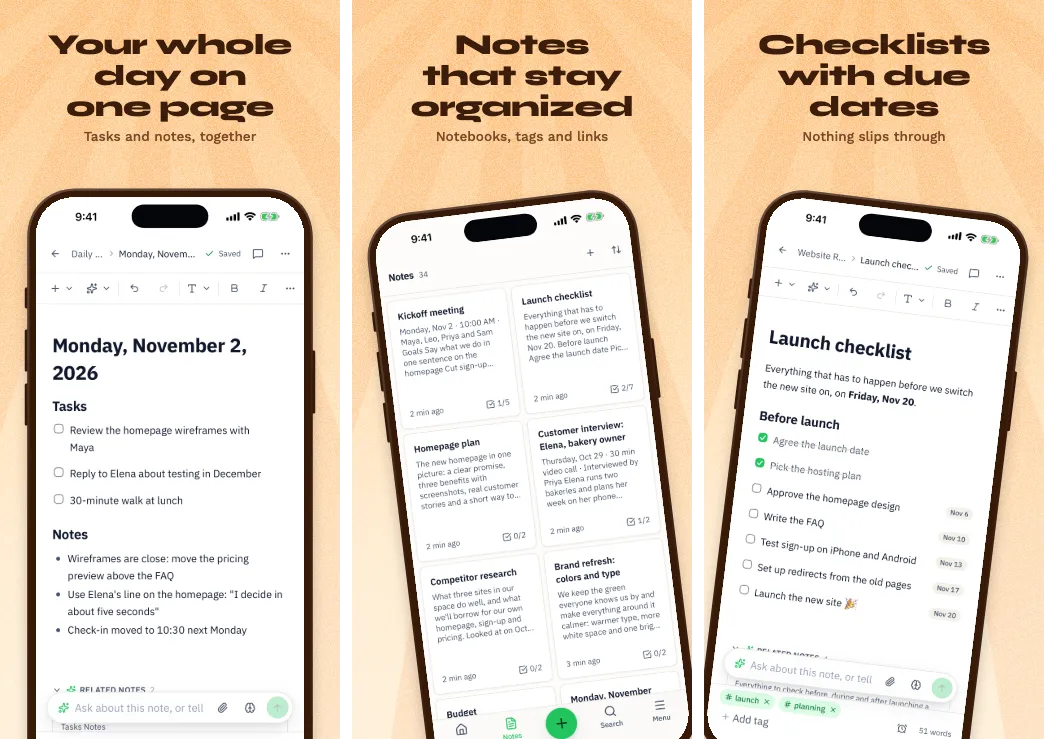
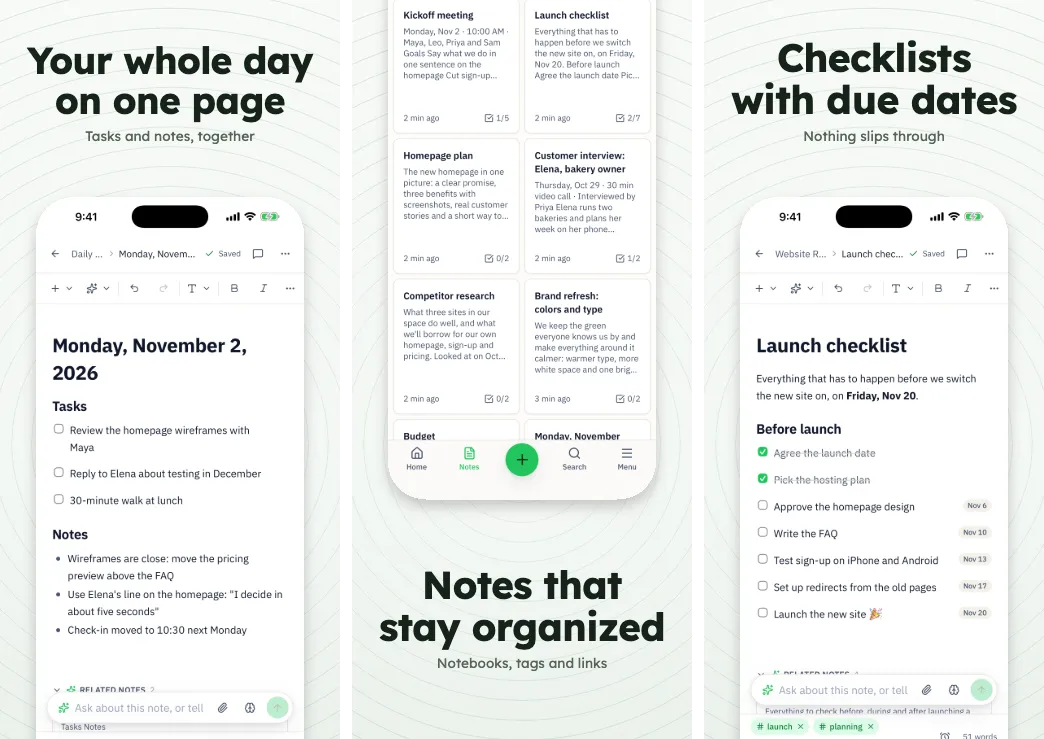
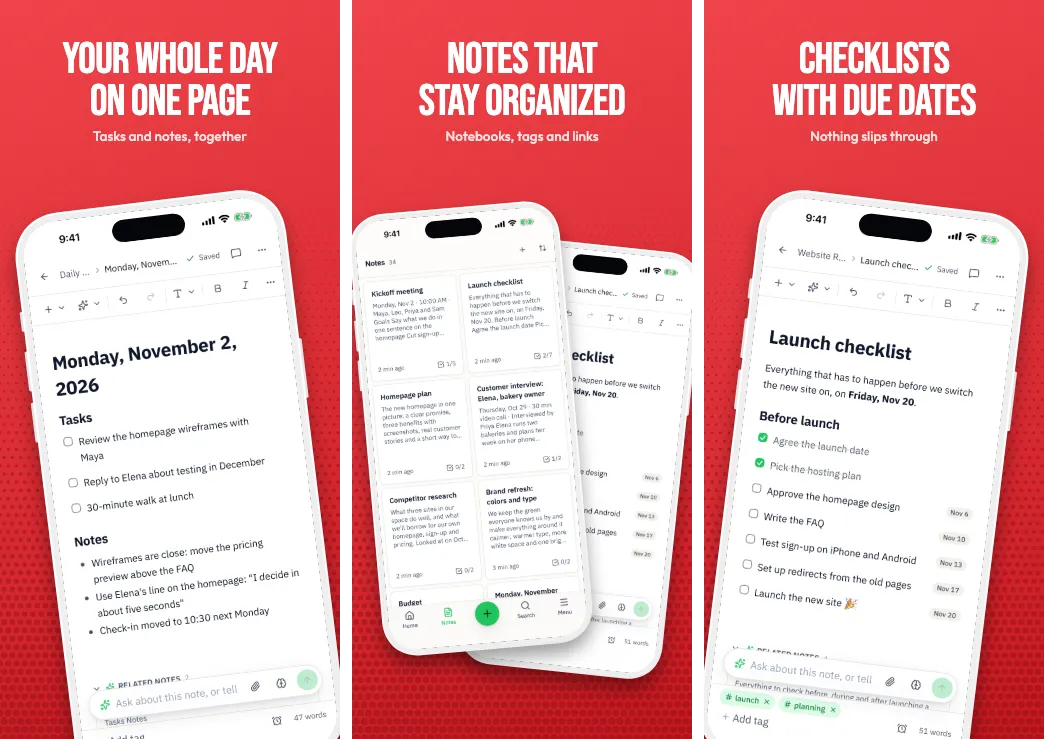
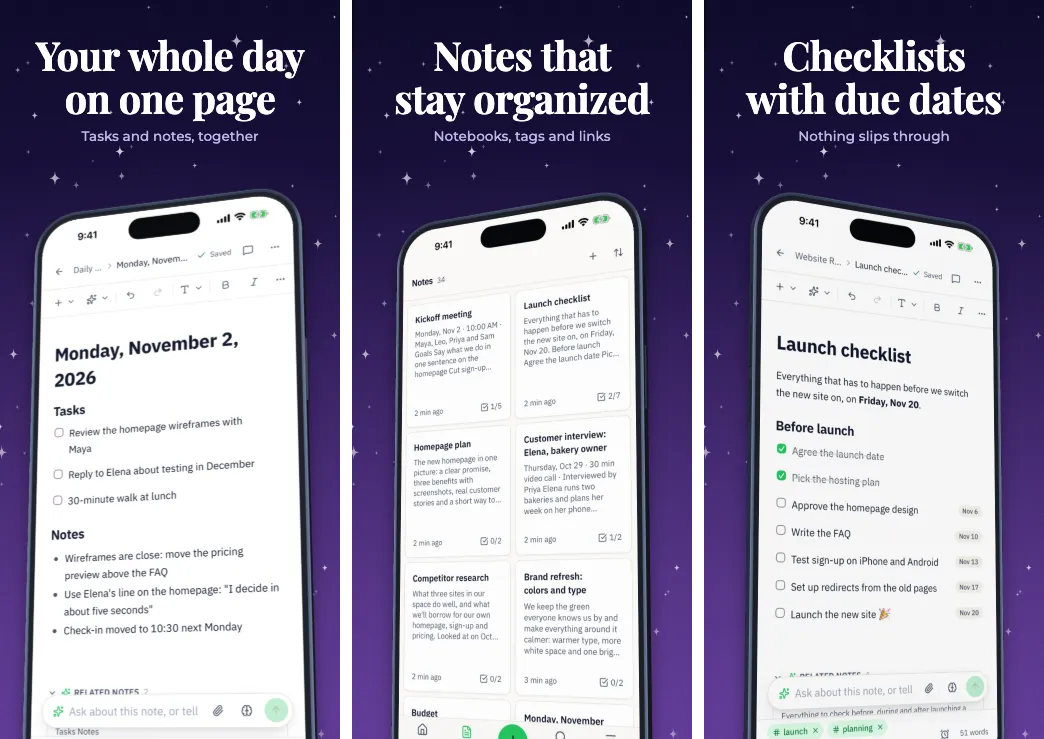
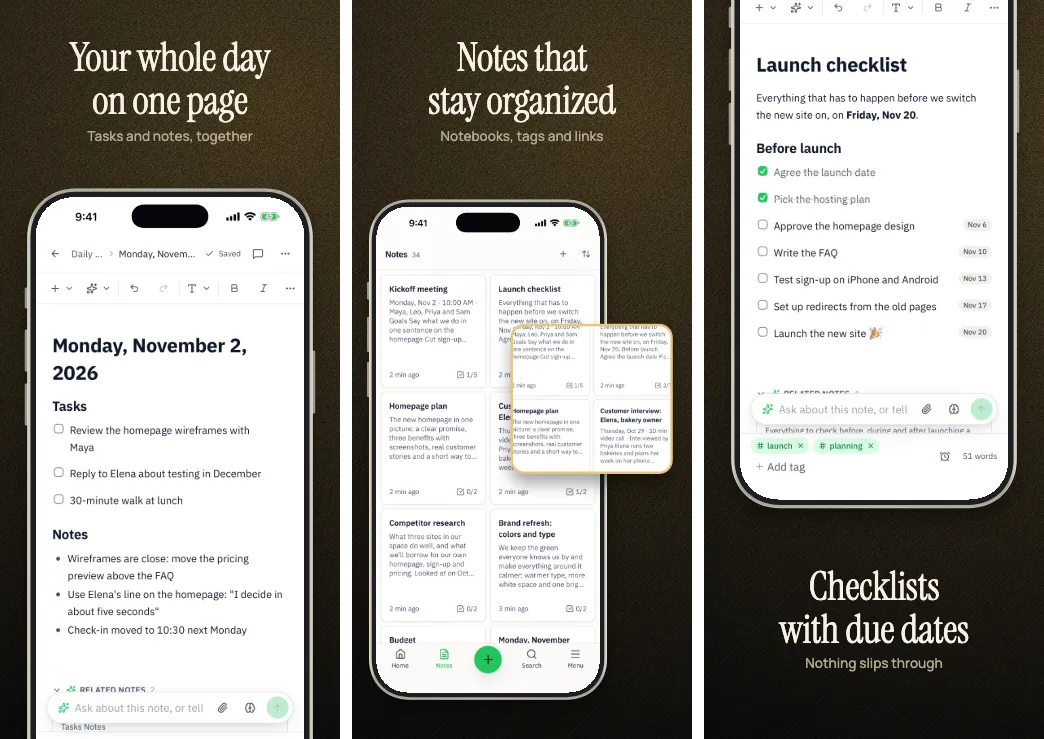
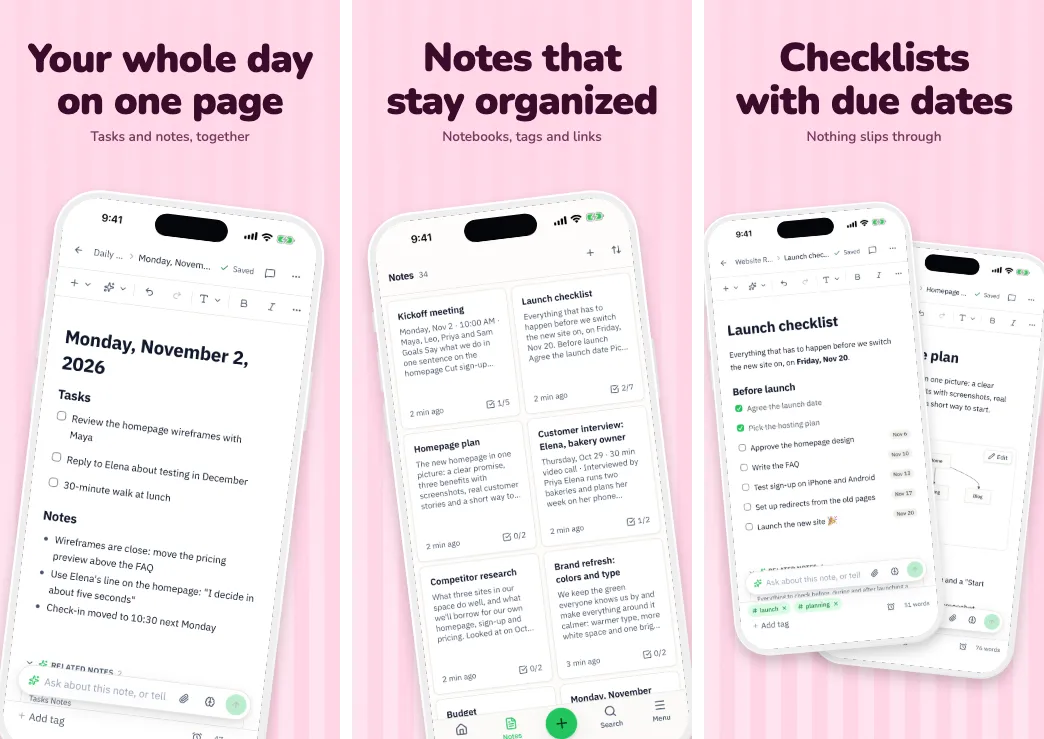
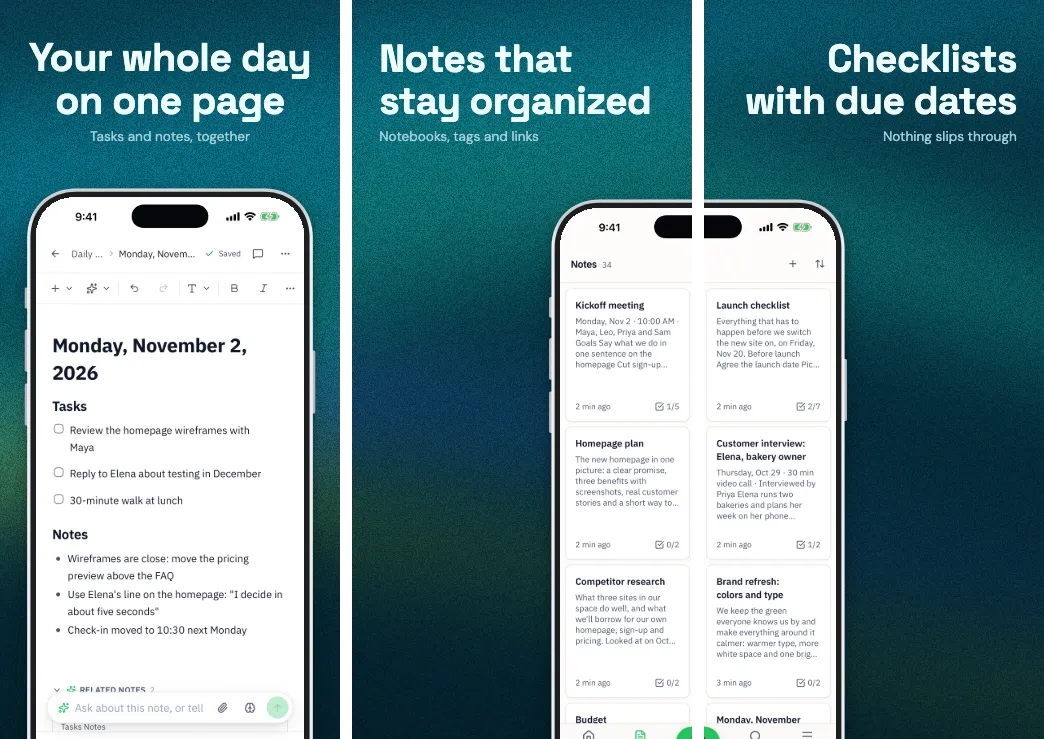
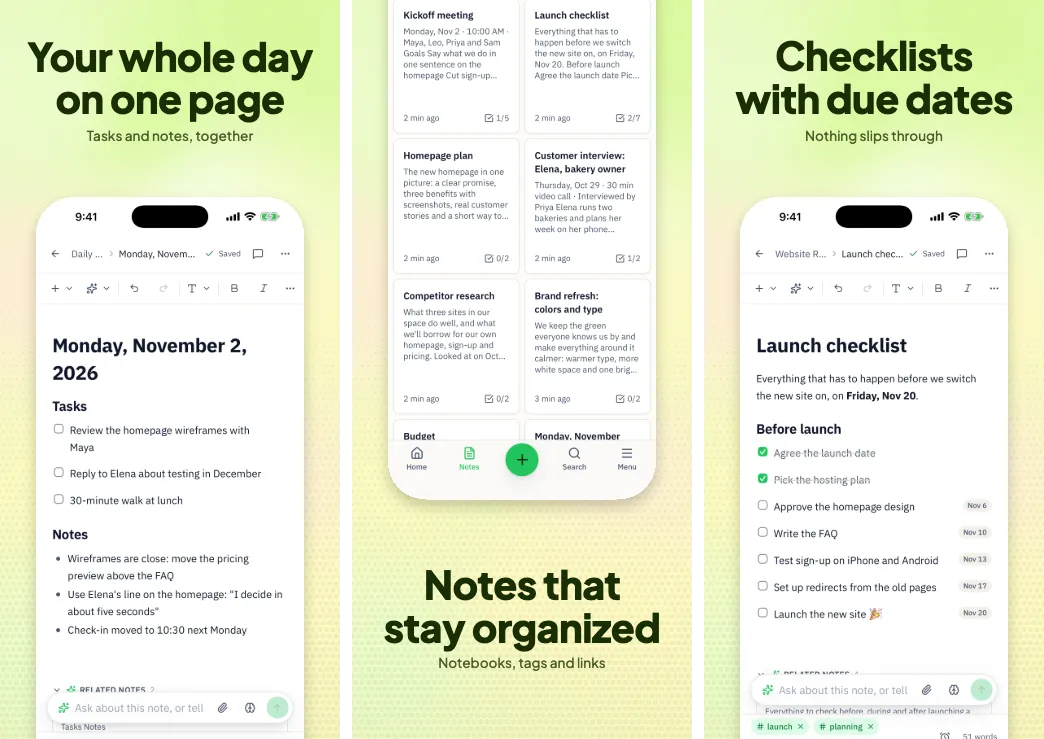
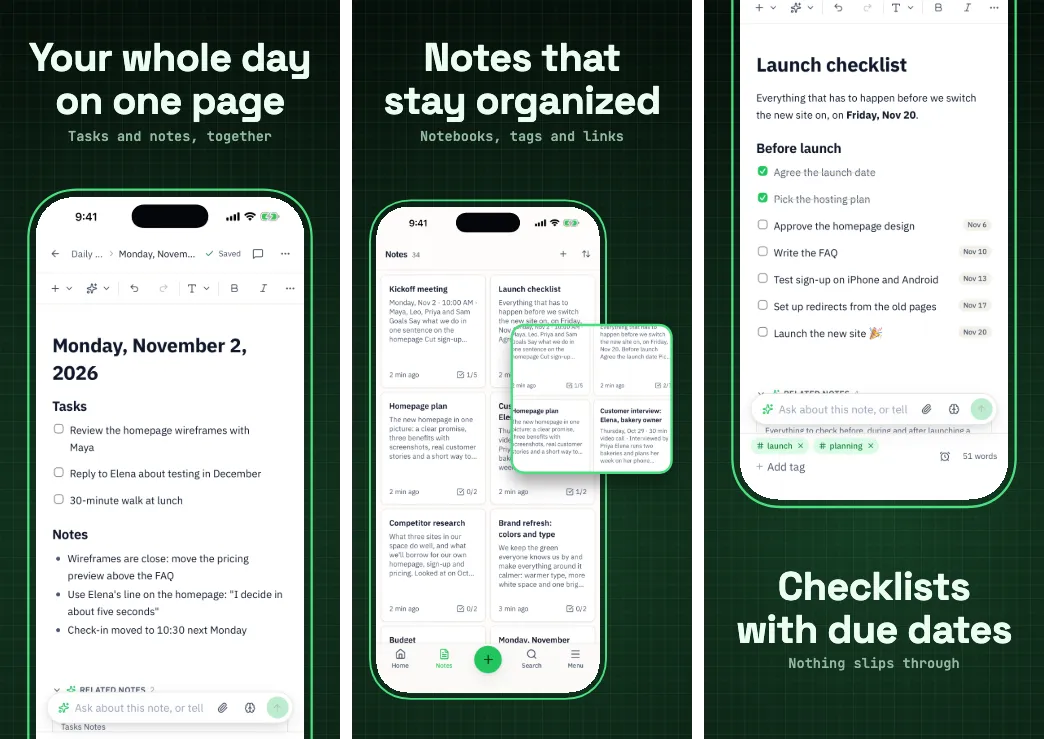
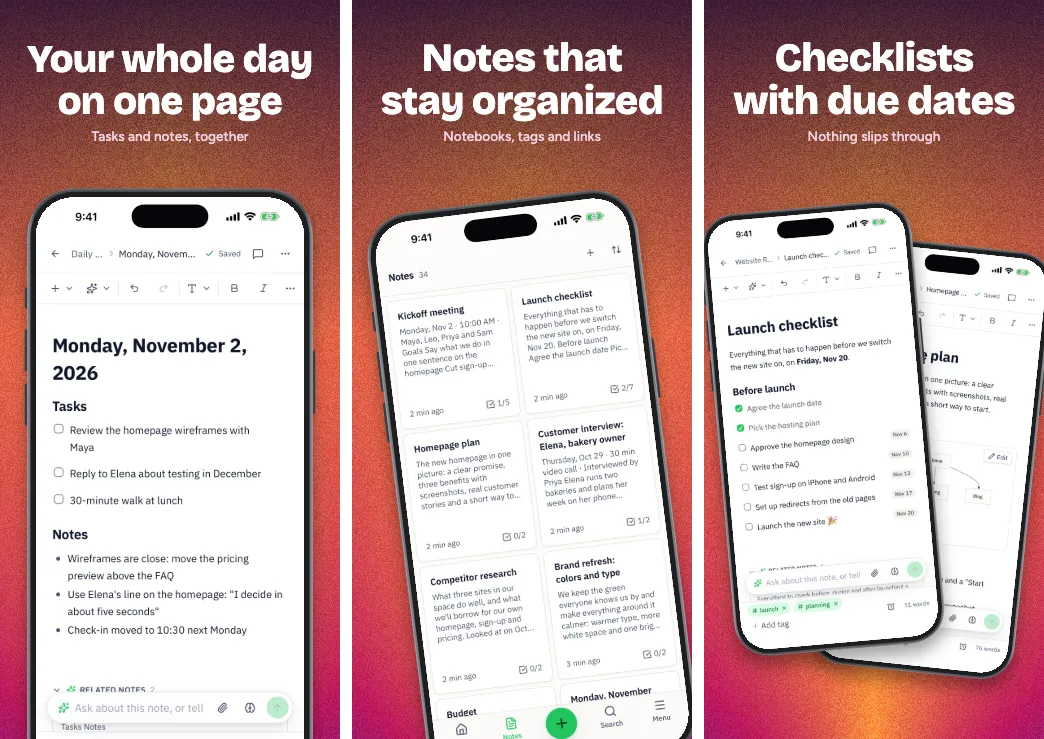
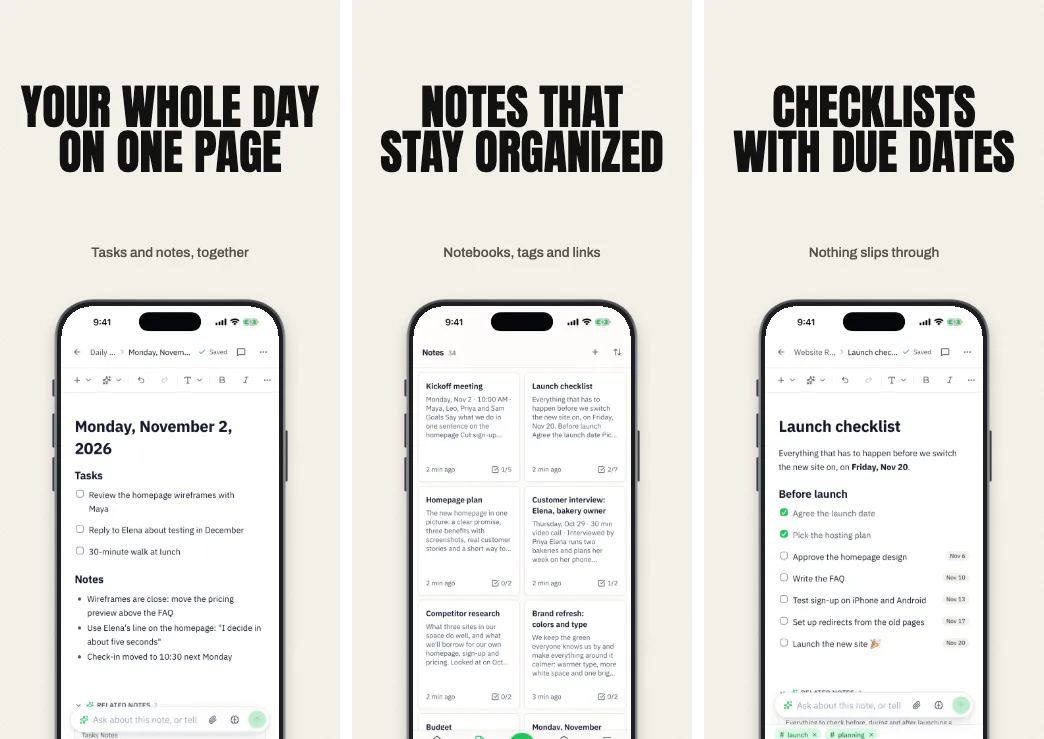
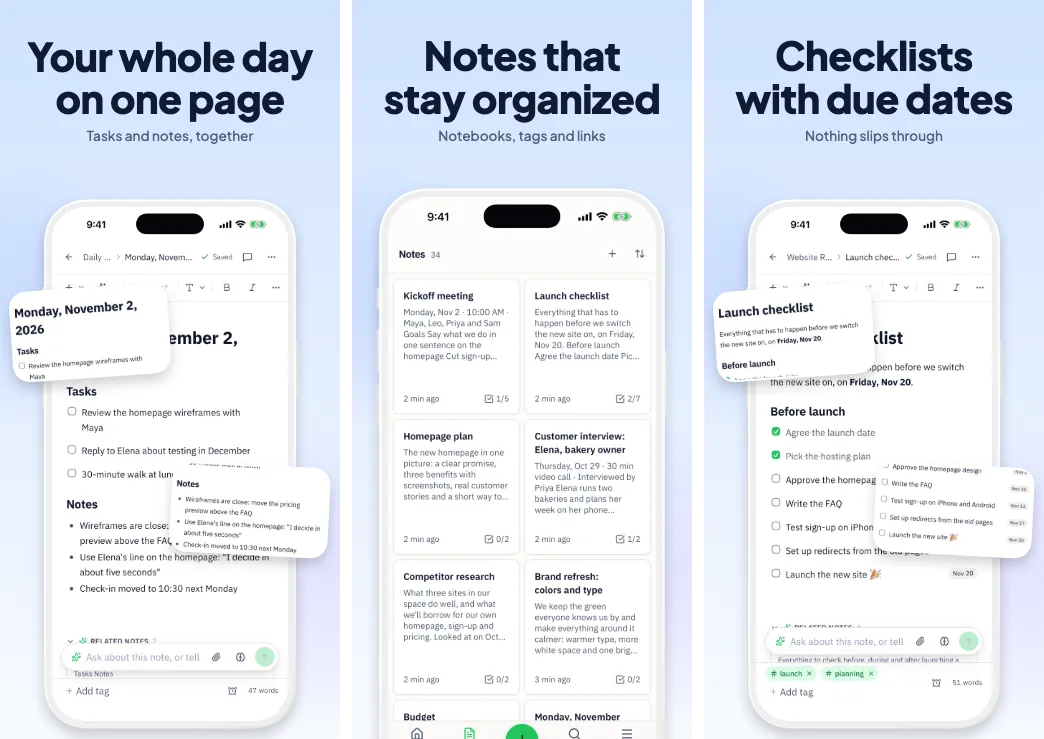
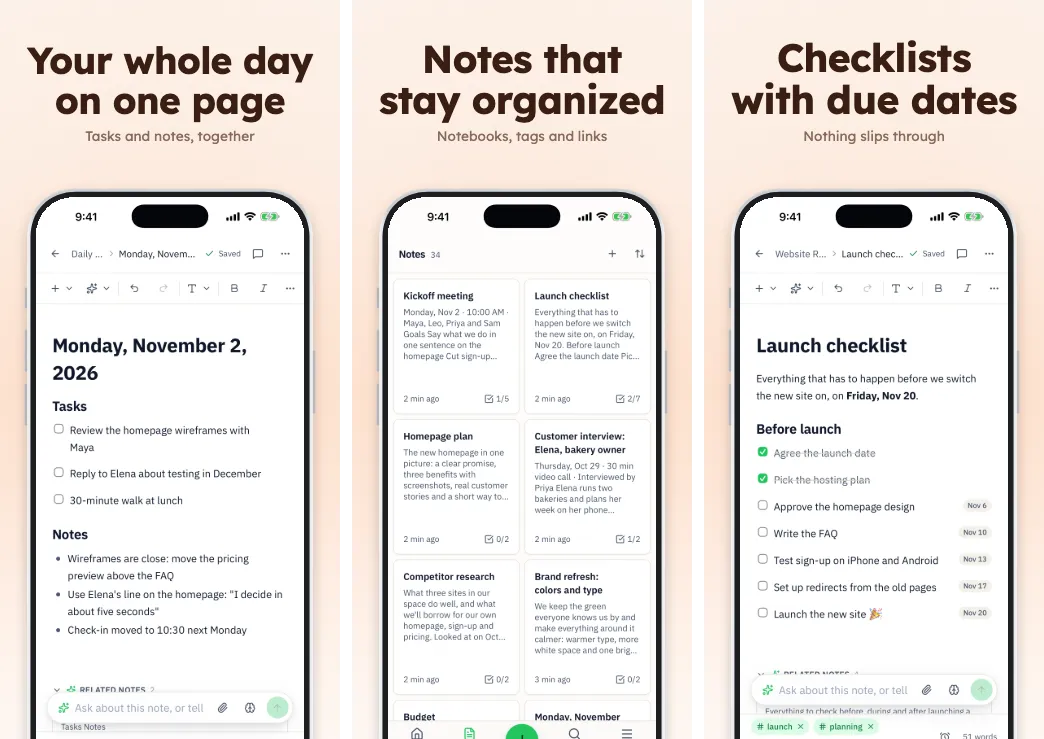
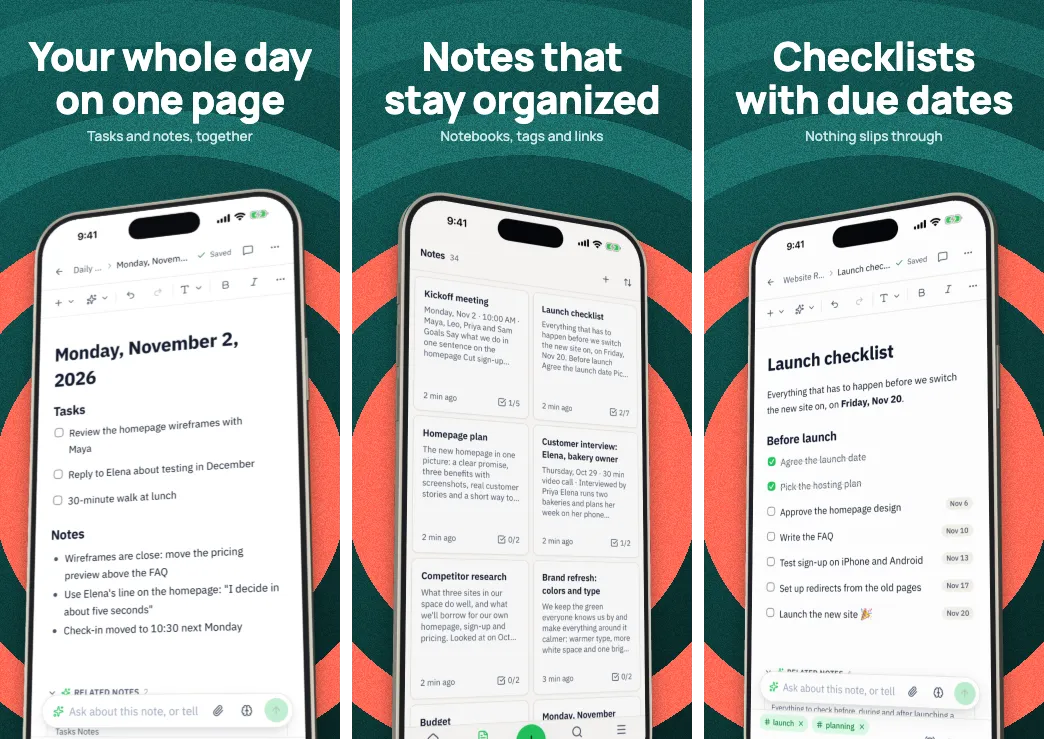
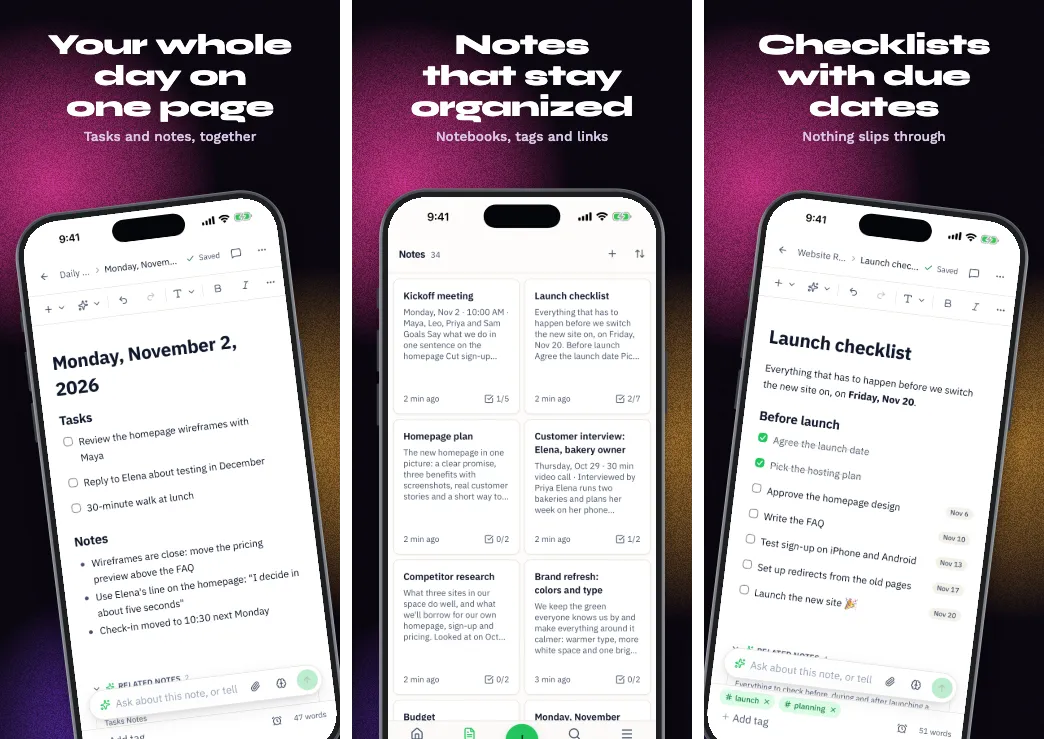
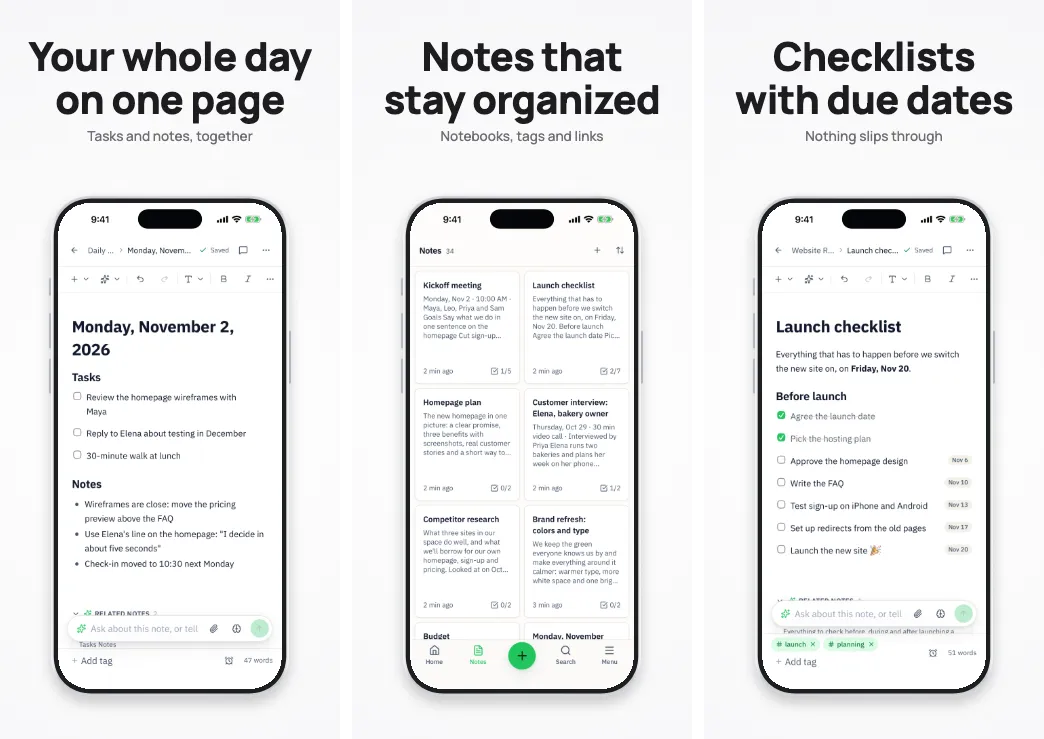
How to choose
Start from your app, not the template. Pick the look closest to your app's own colors and tone. A calm health app and a loud party app shouldn't share a poster.
Check at search size. Apple can show up to three screenshots in search results, where each is small. The Preview tab's thumbnail test blurs them so you can see whether the headline still reads.
Think about the store. Frameless Clean, Full Bleed, Ripple and Citrus Fresh skip the device frame, which suits Google's guidance on device imagery. Panorama Flow and Ocean Depth run one picture across screens, so they read best in order.
Don't commit. Applying another template keeps your screenshots, captions and order, so trying five takes seconds.
Questions
Good to know.
Can I change a template after I've edited it?
Yes. Applying a template keeps your screenshots, captions and order and restyles the rest. Undo goes back 200 steps.
Can I save my own?
Yes. Save any project as a template and start your next app from it.
Do they work for Google Play?
Yes. Each works for phones and tablets, and for the feature graphic. Some are frameless, in line with Google's guidance on device imagery.
Are there Figma templates?
You can export any screen to Figma, with headlines as live text. See working with Figma.
What does Appscreensii cost?
Designing costs nothing. Exporting starts a 7-day free trial, with a card, then it's $12 a month, or $10 a month billed annually. Cancel before the trial ends and you pay nothing. A project owner's plan covers the people they invite. See pricing.
Keep reading
More on store screenshots.
Your store page is the first thing people see.
Drop in your screenshots and see them in every template, right now.
Get started