Appscreensii This is ours.
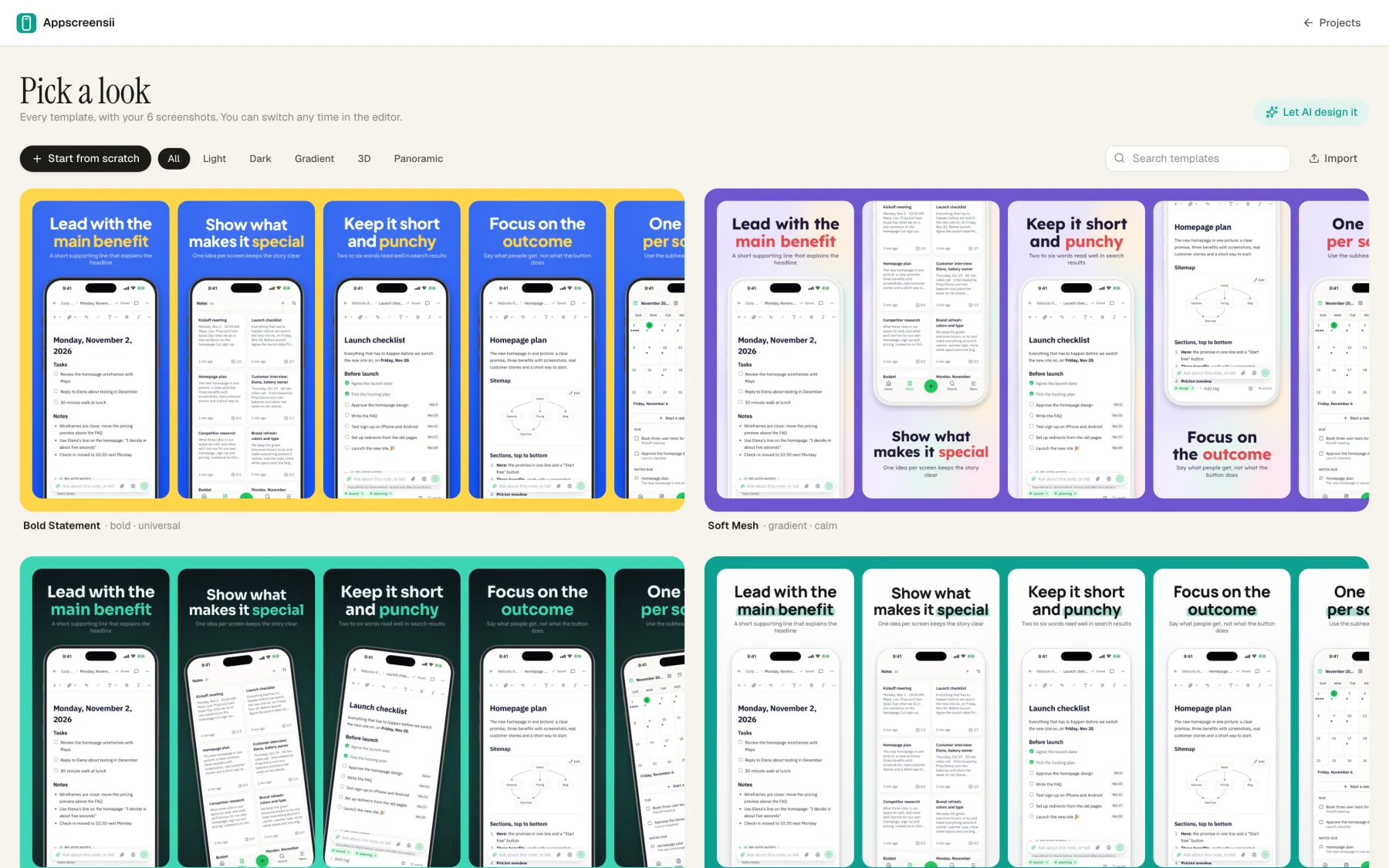
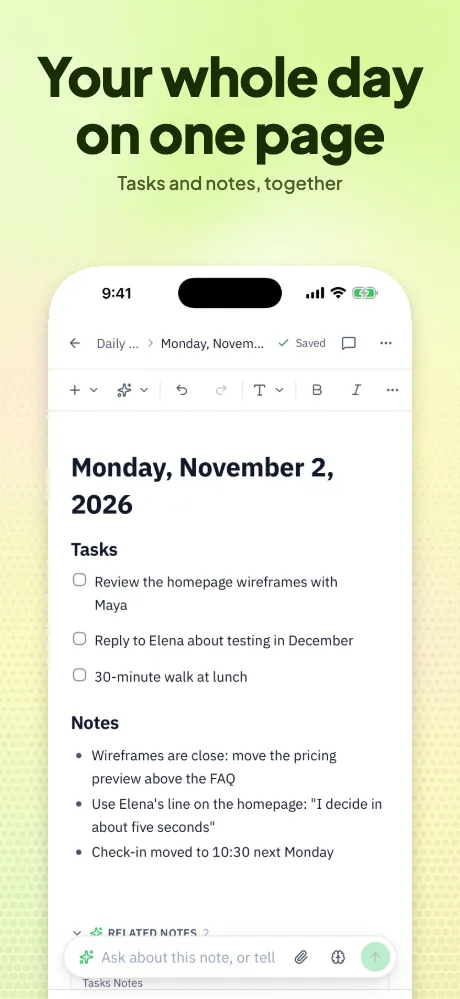
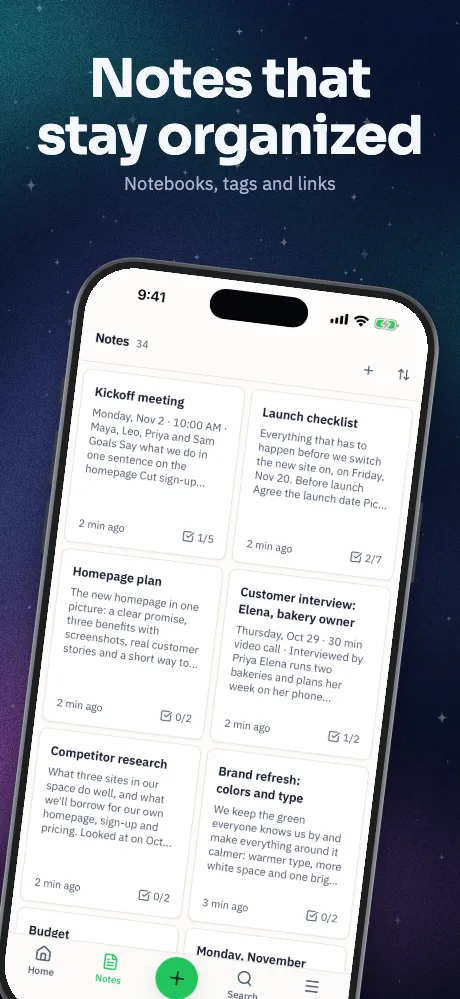
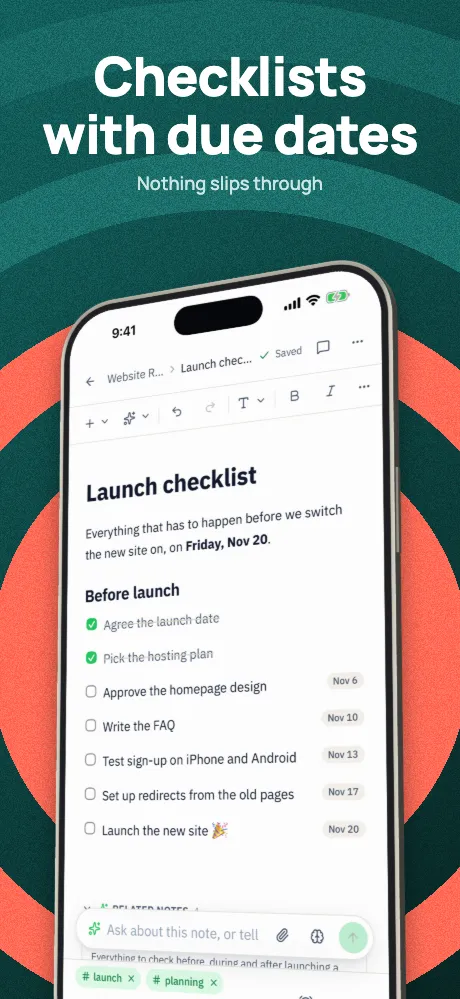
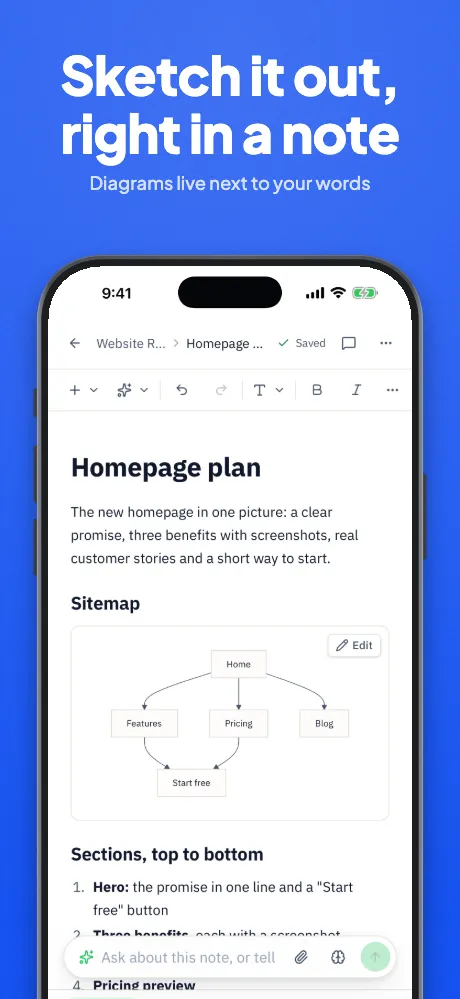
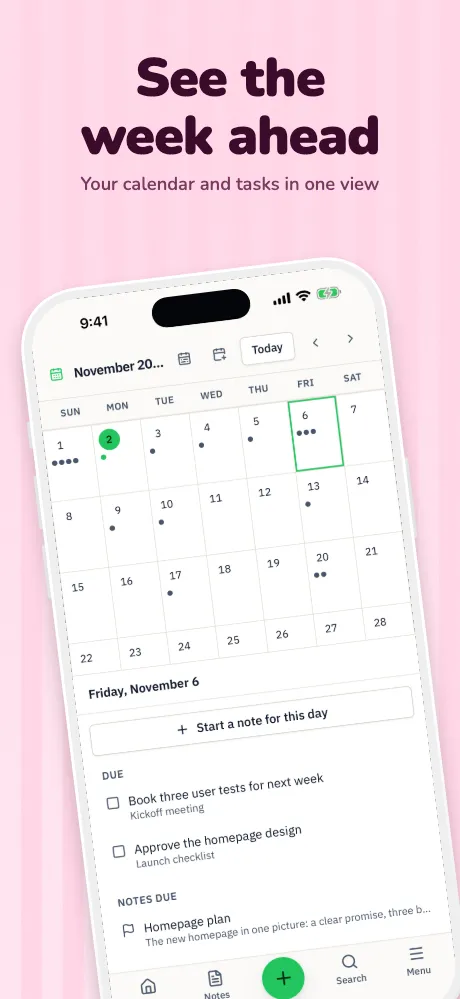
Browser-based, for App Store and Google Play. Live co-editing and pinned comments, translation into 84 languages including text inside screenshots, AI that reads your captures and writes captions, 30 templates previewed with your own screens and 30 checks. No direct upload or video, and no editor on phones.
Best for: Teams, and shipping in many languages
Home page
AppScreens
A browser editor with 150+ template sets, real, clay and 3D frames, AI captions, 80+ languages and one-click upload. It has a free plan with limits, and subscriptions.
Best for: Solo developers and small teams who want upload built in
Our comparisonTheir site
AppLaunchpad
A browser generator with 1000+ pre-built templates, plus device art and mockup tools. You update the text per language yourself.
Best for: People who want the most templates to browse
Our comparisonTheir site
ButterKit
A native Mac app for macOS 26 and later, with real 3D frames, 50 App Store languages, 18 on-device, and direct upload to App Store Connect. Exports are watermarked until you pay; lifetime pricing is offered.
Best for: Mac users shipping mainly to Apple
Our comparisonTheir site
AppScreenshotStudio
Describe your app in chat and it makes screenshots, with variants to test. Runs on credits, with a 14-day trial that needs a card, and offers an API and MCP server.
Best for: People who want to direct by chat
Their site
AppLaunchFlow
Store assets with AI layouts and copy, translation into 50+ languages, animated 3D mockups, collaborators, upload and an API. A free plan gives previews; a one-time pass or subscription gives full exports.
Best for: One launch, and people who want an API
Their site
Screenhance
An online editor for mockups, screenshots and launch visuals, plus a screen recorder. Free exports are watermarked and capped; there's a one-time pass and a subscription.
Best for: Launch visuals beyond the stores
Their site
Screenshots.pro
A browser editor focused on panoramic screenshots, with 3D angles and automatic translation on paid plans, and an API on its top plan. A free plan is offered.
Best for: Panoramic sets
Their site
AppMockUp Studio
A free App Store screenshot designer with templates and real, clay and color frames, with no account required.
Best for: A quick set with no sign-up
Their site
Previewed
A browser mockup generator with 3D snapshots, animations and app promo video. A free plan gives 720p exports, with one-time and subscription options.
Best for: Animated mockups and promo video
Our comparisonTheir site
Rotato
A Mac app, with a web app in beta, for 3D mockup images and video, including ProRes. One-time purchase, with an unlimited free trial.
Best for: Polished 3D video
Our comparisonTheir site
Mockuuups Studio
5,300+ mockups on the web and desktop, plugins for Figma and Sketch, and an API. Pay per export or subscribe.
Best for: Varied mockups for marketing
Our comparisonTheir site
fastlane frameit
Open source. Adds device frames and titles from the command line, alongside snapshot for capture and deliver and supply for upload.
Best for: Developers who want it all in code
Our comparisonTheir site
Figma and Canva
General design tools. Full control in Figma, and easy templates and Pro translation in Canva, but store sizes, repeats and rules are up to you.
Best for: Teams who already work there
Our comparisonTheir site
Compared from each product's own public pages on November 4, 2026; features and prices change, so check before you decide. "Not stated" means we didn't find it on those pages, not that the product can't do it. Product names are trademarks of their owners. Appscreensii isn't affiliated with or endorsed by them.