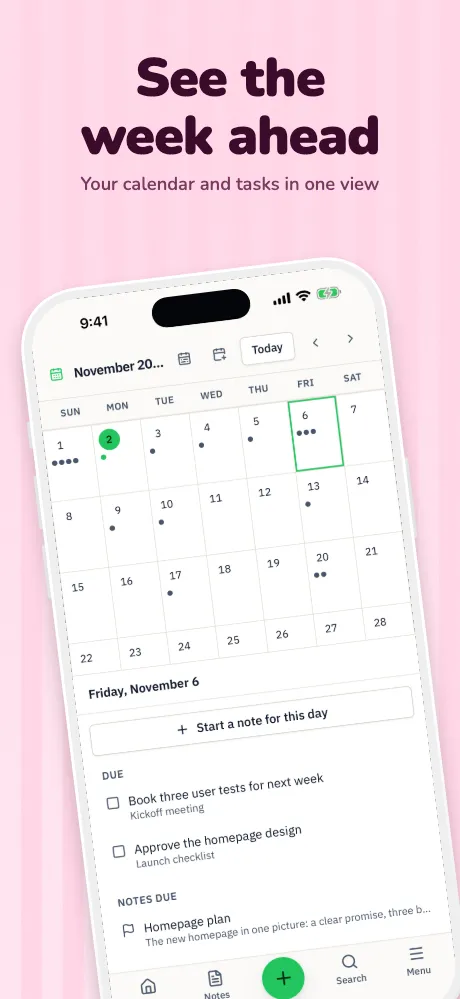
AI App Store screenshot generator
AI that starts from your real screens.
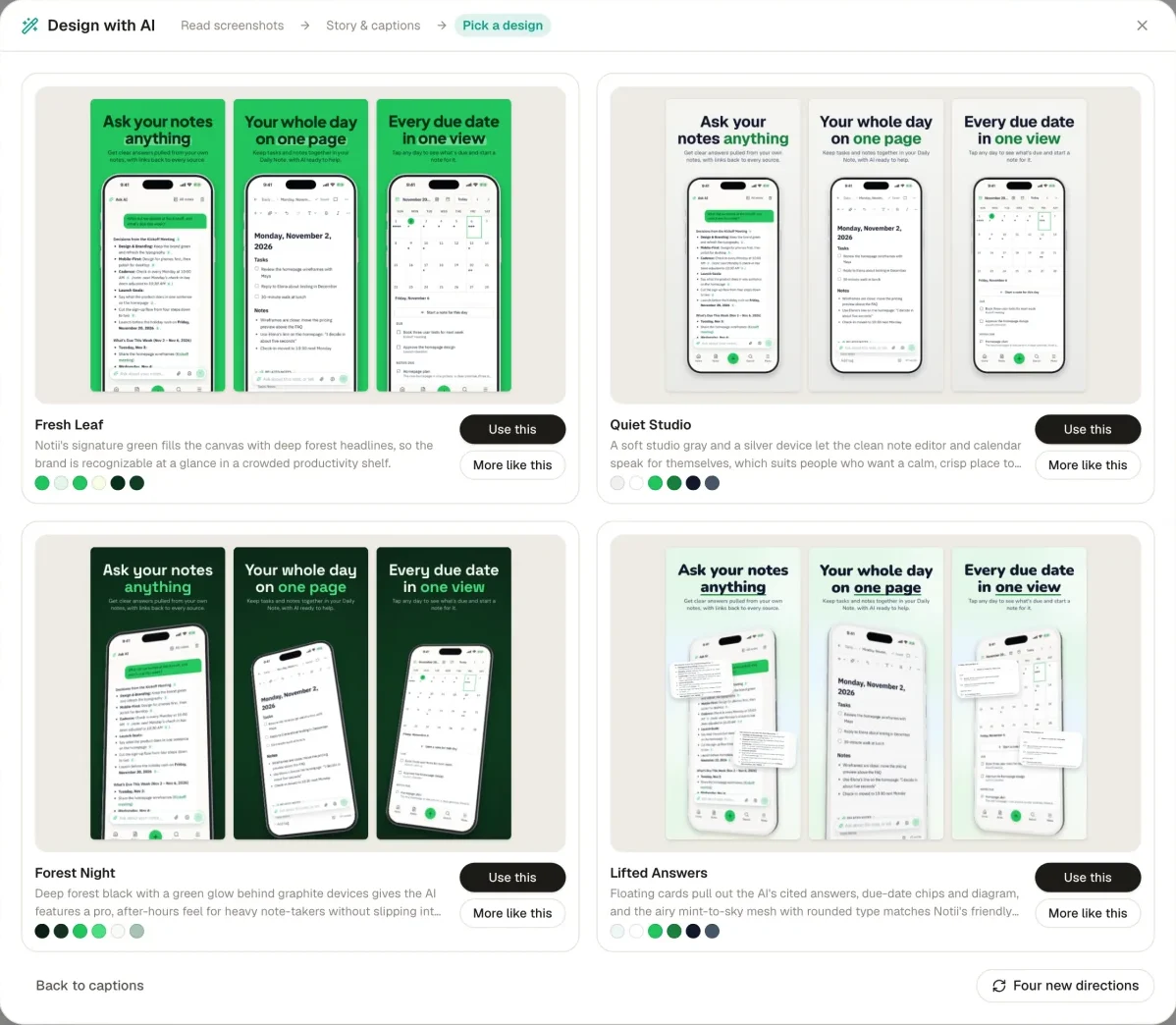
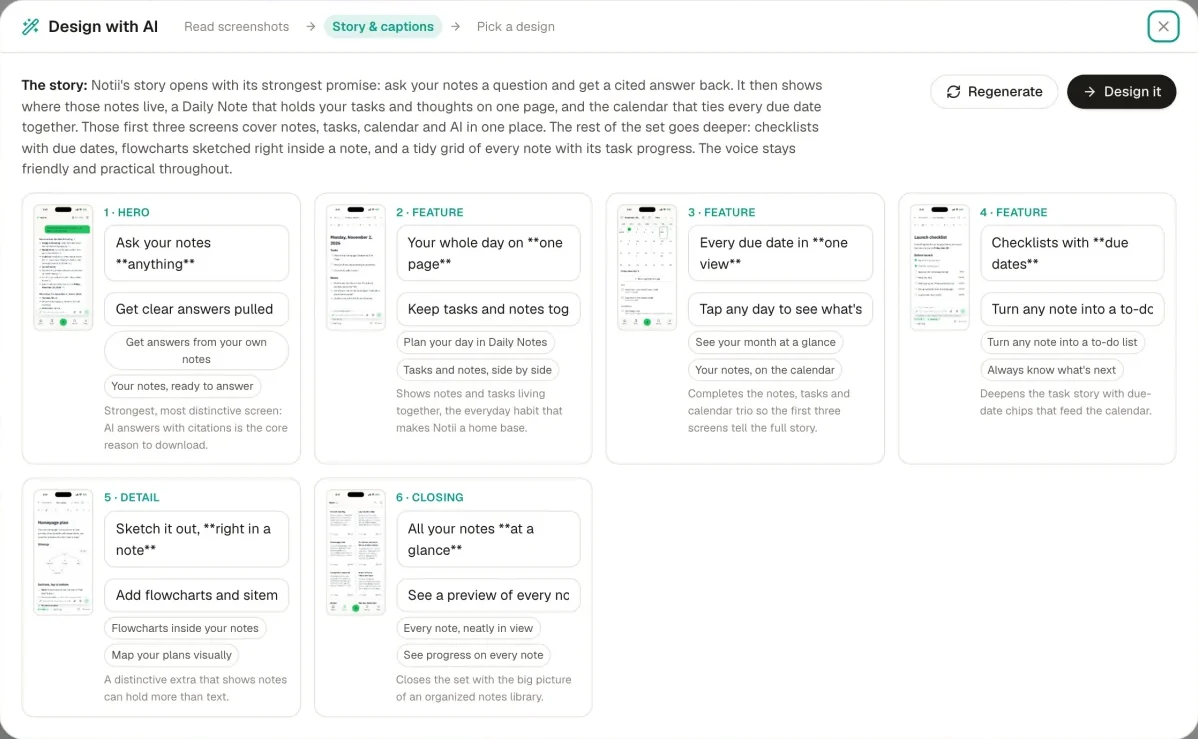
Magic reads your screenshots, plans a story across the set, writes the captions and draws four designs with your own screens in them. Everything it makes stays editable.
Runs in your browser on a computer · No card until you export
In short
Appscreensii's AI starts from your real screenshots instead of inventing an interface. Magic reads them, orders them into a story, writes headlines and offers four designs. Ask AI edits in plain language, Rewrite has 8 modes for any caption, AI review scores your set out of 100 across 7 categories, and AI backgrounds come in 10 styles. When you use these, the screenshots they need are sent to our AI providers to do the work.
- Magic
- Reads screens, writes a story, offers four designs
- Ask AI
- Change the project in plain language
- AI review
- A score out of 100, 7 categories, up to 8 findings
- Price
- Designing costs nothing. Exporting starts a 7-day free trial, then $12 a month, or $10 a month billed annually. See pricing
What you get
Five ways it helps.
Magic
From a folder of captures to a storyboard with headlines and reasons, then four designs drawn with your real screens. Pick one and keep editing.
Ask AI
Say "make the headlines shorter" or "try a darker background" instead of hunting for the control. It makes the change on your project.
Rewrite
Eight ways to change a caption, such as punchier, shorter, clearer or playful, right where you're typing.
AI review
A second opinion before you ship: a score out of 100 across 7 categories, with up to 8 findings.
AI backgrounds
Ten styles, up to 4K, for when a gradient isn't enough. They're kept in your project to use again.
Checks that look
After Magic has read your screens, 8 more checks spot real-looking personal data, debug overlays, visible keyboards and loading states.
In the app
The real thing, at each step.
Why it uses your real screens
Apple's asset guidance says to depict your app in use and stay focused on the core experience, so people know what to expect before they download. That's easier when the picture is your app.
The AI writes, arranges and designs around your captures. It doesn't invent app screens. The one time it redraws a screen is when you ask it to translate the text inside.
Questions
Good to know.
Does the AI see my screenshots?
To read them, yes. When you use an AI feature, the screenshots it needs are sent to our AI providers to do that work. A setting turns off screenshots for Magic and Ask AI. The privacy policy says what goes where.
Can I edit what it makes?
Everything. Headlines stay live text, and every design is an ordinary project with layers.
Do I have to use AI?
No. Templates, the canvas and export all work without it.
Will it write words the stores don't allow?
Checks flag ranking words, calls to action and prices in any caption, whoever wrote it. See the guidelines.
What does Appscreensii cost?
Designing costs nothing. Exporting starts a 7-day free trial, with a card, then it's $12 a month, or $10 a month billed annually. Cancel before the trial ends and you pay nothing. A project owner's plan covers the people they invite. See pricing.
Keep reading
More on store screenshots.
Your store page is the first thing people see.
Drop in your screenshots and see them in every template, right now.
Get started