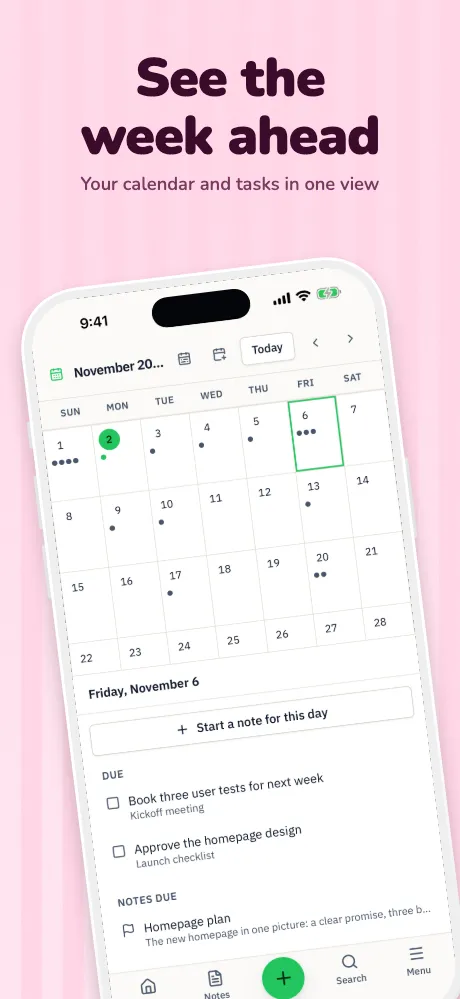
Localize app screenshots
Your listing, in the language people search in.
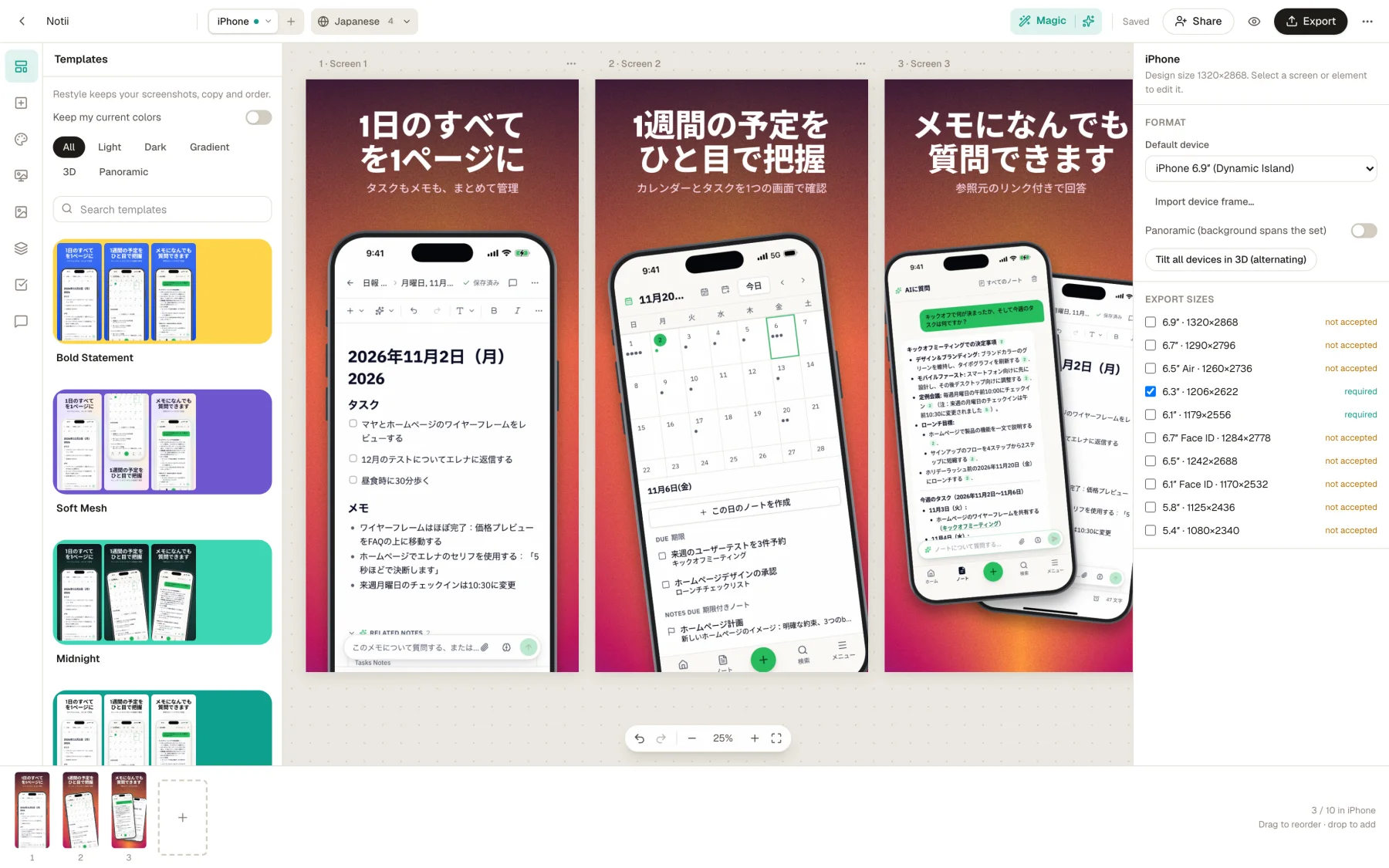
Translate captions, and the text inside the screenshots themselves, into 84 languages. Then review them side by side and fix any one language without touching the rest.
Runs in your browser on a computer · No card until you export
In short
Appscreensii translates App Store and Google Play screenshots into 84 languages: 50 App Store languages and 83 Google Play languages. Captions are written for store listings and sized to fit. Screenshots are redrawn by an AI image model that's told to keep numbers, prices and names, and your original stays if a redraw changes too much. Arabic, Hebrew, Urdu and Persian captions run right to left. It's AI, so you should check each language.
- Languages
- 84: 50 for the App Store, 83 for Google Play
- Translates
- Captions, and text inside screenshots
- Right to left
- Arabic, Hebrew, Urdu, Persian captions
- Price
- Designing costs nothing. Exporting starts a 7-day free trial, then $12 a month, or $10 a month billed annually. See pricing
What you get
More than translated captions.
Text inside the screens
Translating only the caption leaves your app's interface in English. Screenshots can be redrawn in each language too, so the whole image matches.
Kept honest
The redraw is told to keep numbers, prices and names, and your original stays if the result changes too much.
A grid for review
See every caption in every language in one grid, edit in place, or take the words out and bring them back as CSV.
Overrides per language
German too long? Nudge that headline or swap that screenshot for one language without changing the others.
Sized to fit
Captions are written for store listings and fitted to your layout, and a check flags any text that overflows or isn't translated.
Folders by language
Export by store, language and size, or in the layouts fastlane deliver and supply read, using each store's own language codes.
Real results
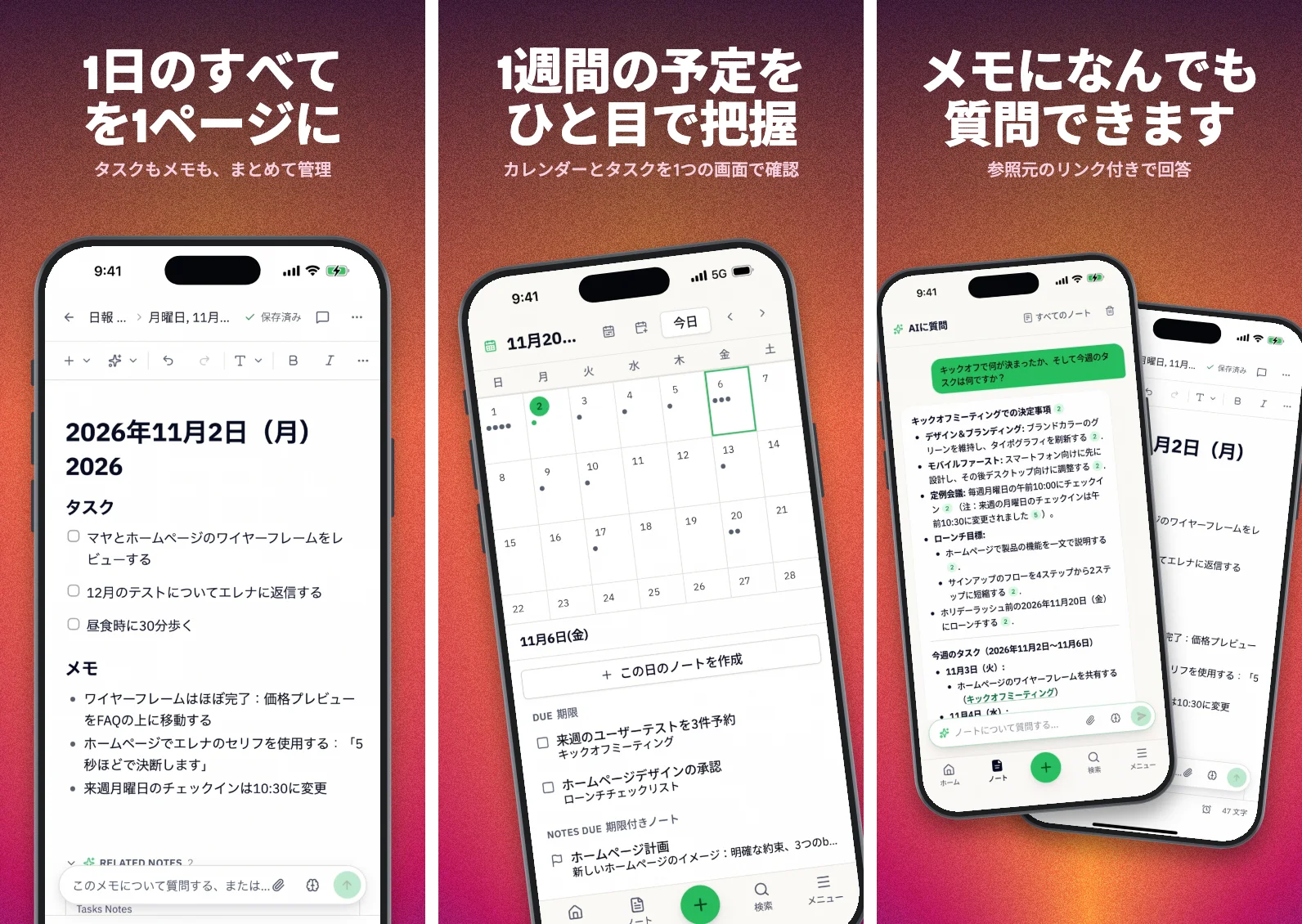
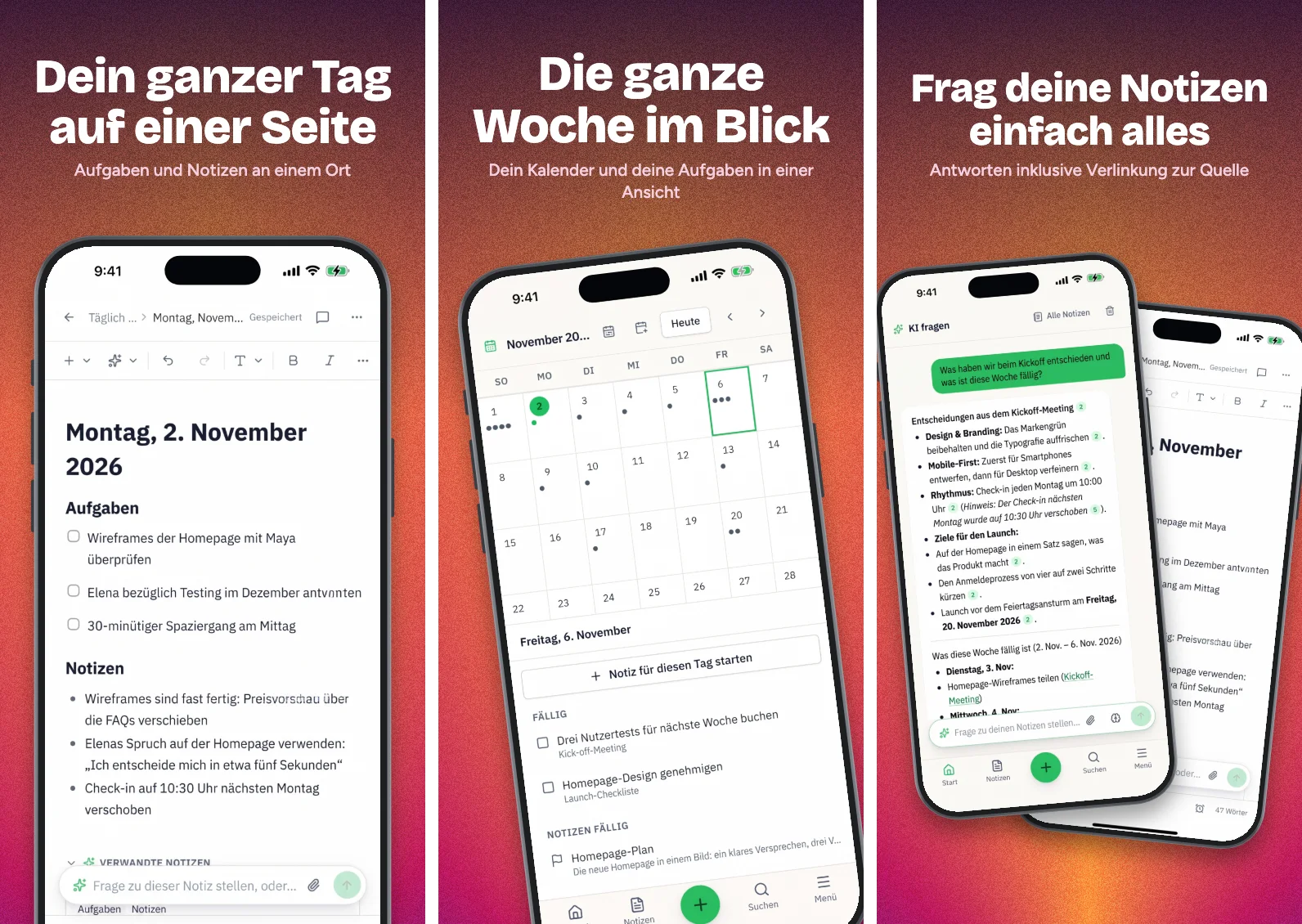
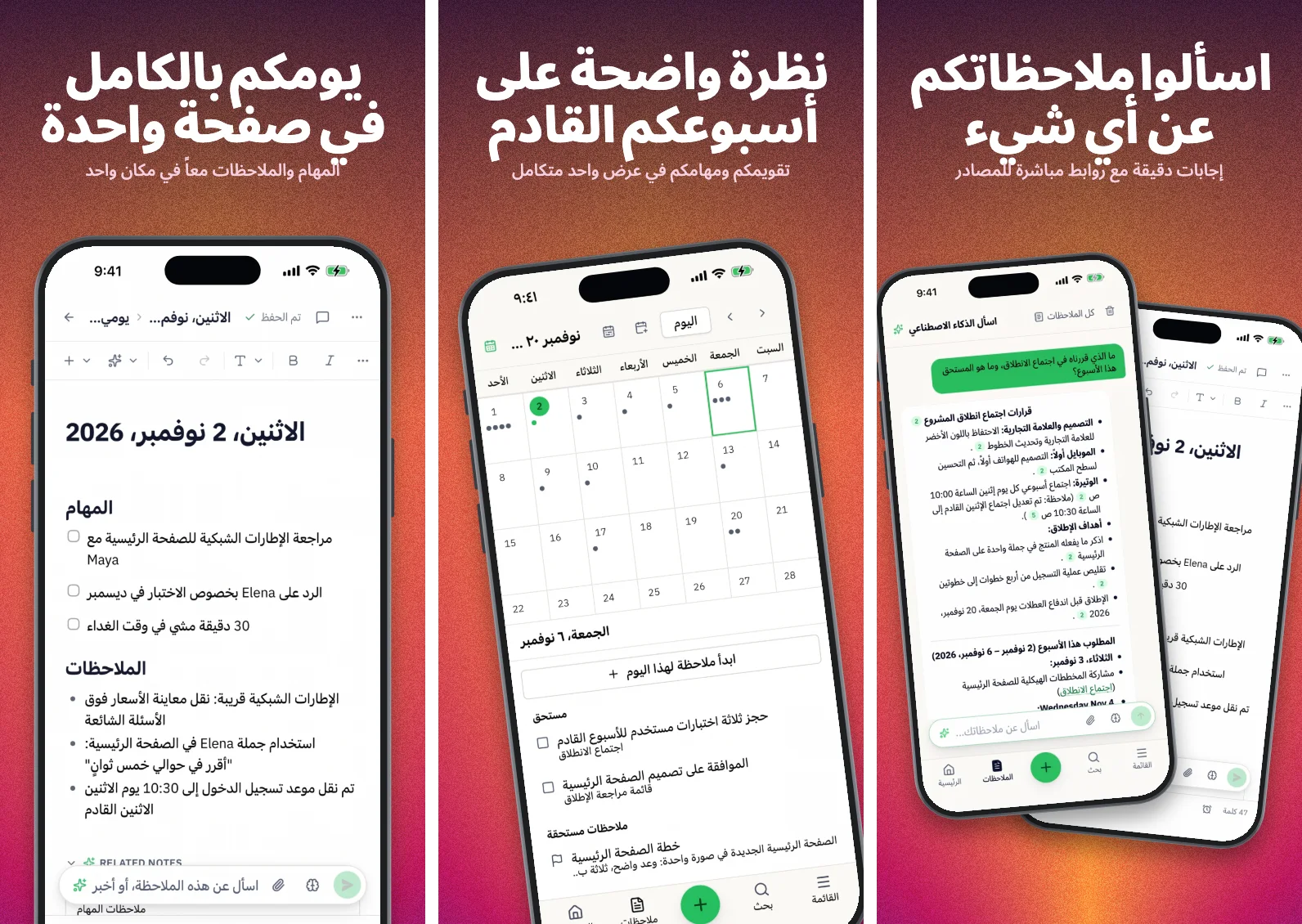
One project, three of its languages.
These are real outputs, so they carry the same small flaws yours might. That's why there's a review step.
What the stores say
Apple's asset guidance says to localize any text for all the languages your app supports, and that you can localize images and videos for each region. Google's best practices say that for screenshots with text, you should provide separate screenshots and videos for each language you support.
Start with the languages your app already supports. A listing in a language the app doesn't speak sets the wrong expectation.
Questions
Good to know.
How good is the translation?
Captions are written for store listings and sized to fit. Screenshots are redrawn by an AI image model, which is told to keep numbers, prices and names, and your original stays if a redraw changes too much. It's AI, so check each language before you ship it. You can edit any caption or swap any screenshot for one language without touching the others.
Do you translate the text inside the screenshot?
Yes, as a separate step from captions. You can also skip it and upload your own localized captures, one language at a time.
Which languages are right to left?
Arabic, Hebrew, Urdu and Persian. Their captions are set right to left. Check the layout of each, and whether your app's own screens should mirror.
Can I use my own translators?
Yes. Export the captions as CSV, have them translated, and bring them back, or type into the grid.
What does Appscreensii cost?
Designing costs nothing. Exporting starts a 7-day free trial, with a card, then it's $12 a month, or $10 a month billed annually. Cancel before the trial ends and you pay nothing. A project owner's plan covers the people they invite. See pricing.
Keep reading
More on store screenshots.
Your store page is the first thing people see.
Drop in your screenshots and see them in every template, right now.
Get started