App Store screenshot generator
Raw captures in. App Store screenshots out.
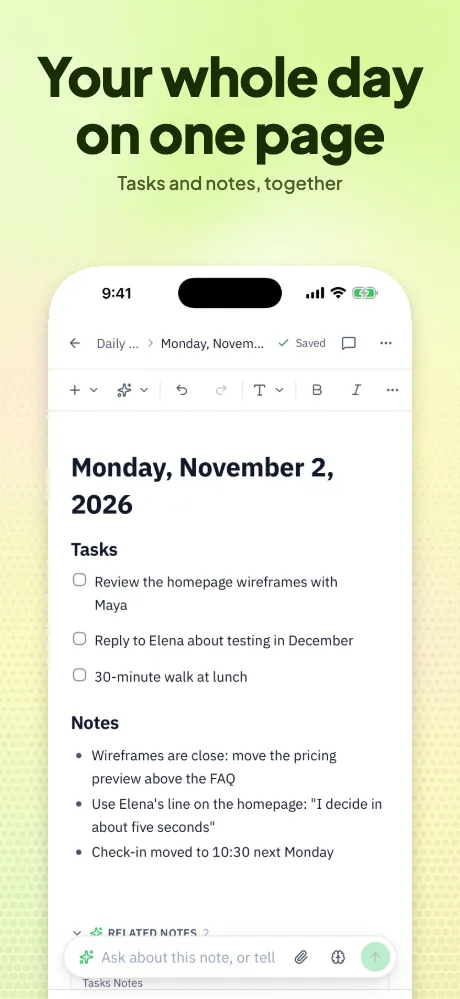
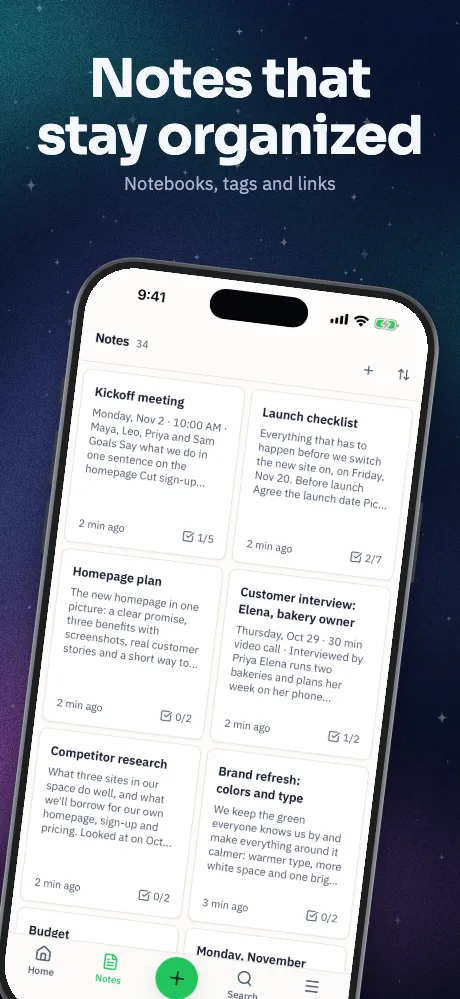
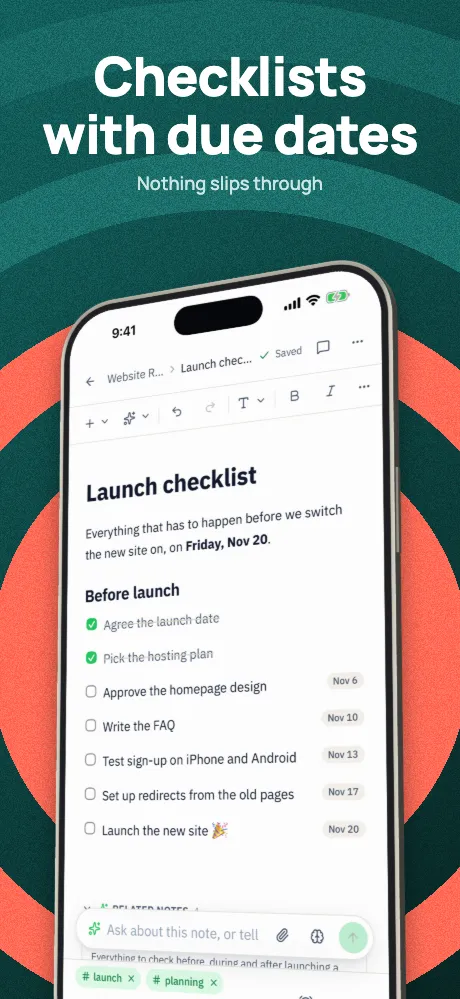
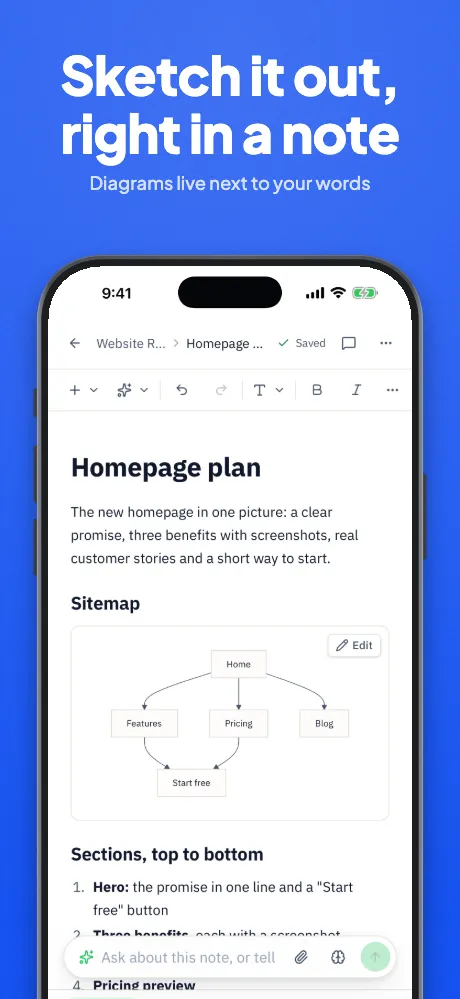
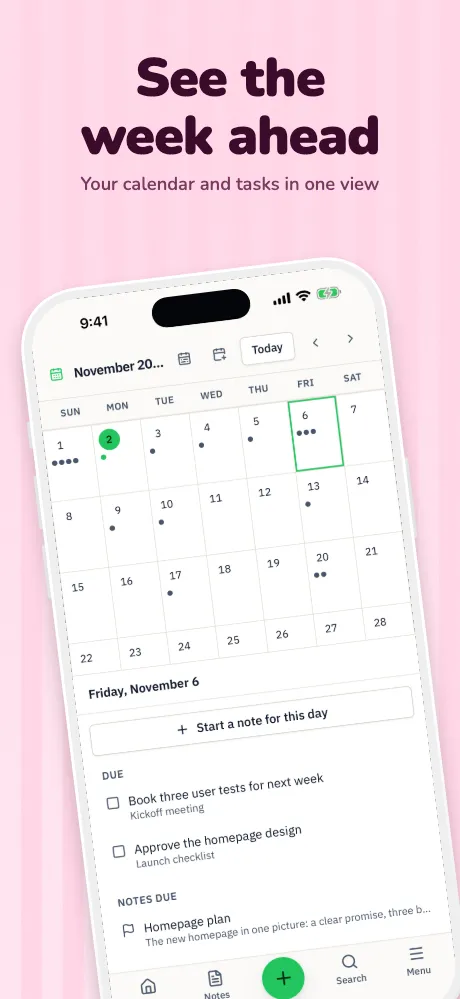
Drop in the screenshots from your simulator or phone. Appscreensii sorts them by device, shows them in 30 templates, helps write the captions and exports at the sizes App Store Connect takes.
Runs in your browser on a computer · No card until you export
In short
Appscreensii is an App Store screenshot generator that runs in your browser. It makes iPhone, iPad and Mac sets, plus the new header and search images, from your own captures. You get live co-editing and pinned comments, translation into 84 languages, AI that reads your screens and writes captions, 30 templates and 30 store checks. It doesn't upload to App Store Connect: you get a ZIP or folder to upload yourself or with fastlane.
- Makes
- iPhone, iPad and Mac screenshots, App Store header and search images
- Starts from
- Your own captures, or a ready-made sample app
- Exports
- PNG without alpha, or JPEG, as a ZIP or a folder
- Price
- Designing costs nothing. Exporting starts a 7-day free trial, then $12 a month, or $10 a month billed annually. See pricing
What you get
From a folder of captures to a set you can ship.
Sorted as they land
Drop files or whole folders. Each capture is matched to its device by pixel size, then file name, then shape, and goes into the right set.
Every template, with your screens
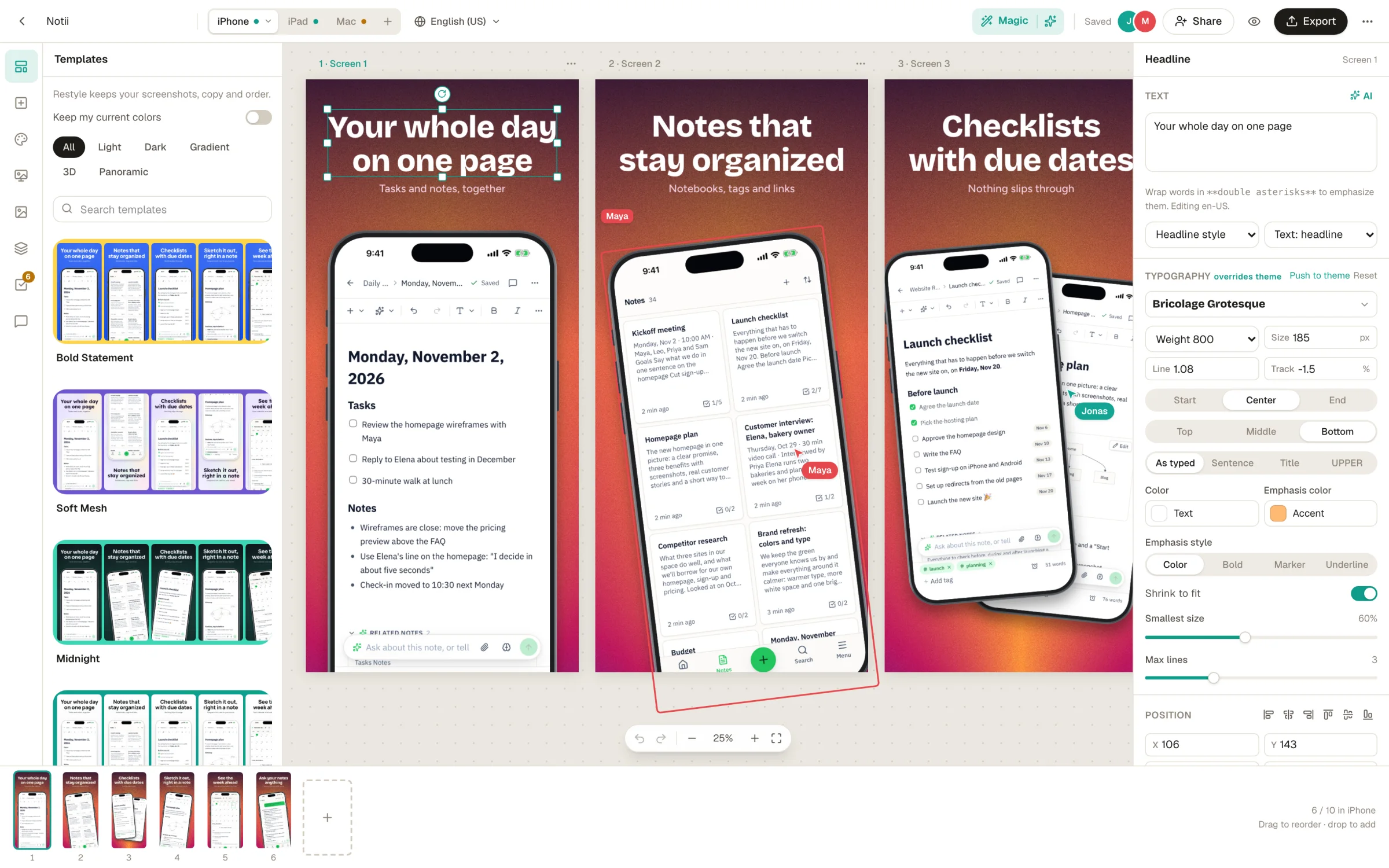
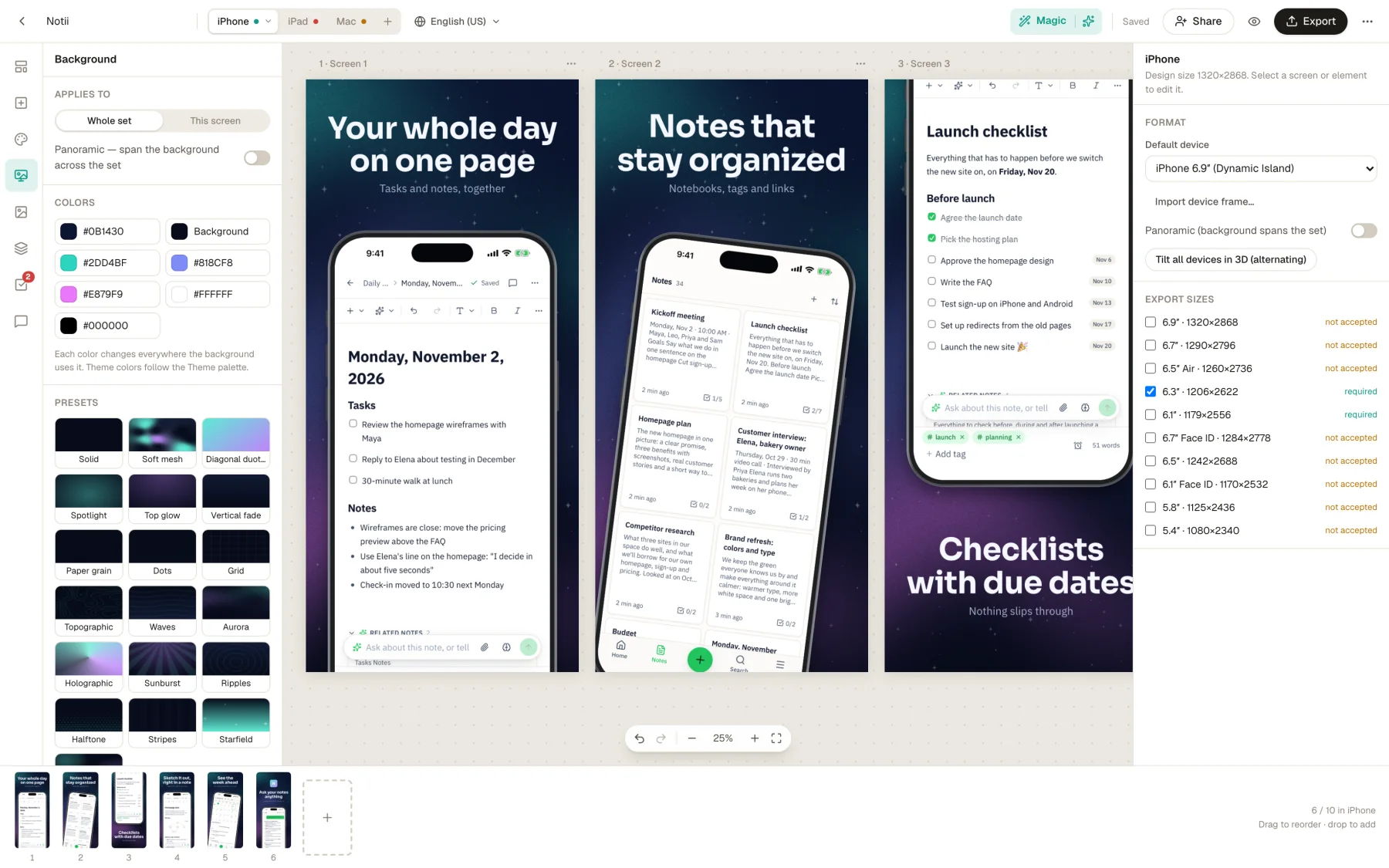
See 30 templates with your own app in them before you choose. Changing your mind keeps your screenshots, captions and order.
Captions written for you
Magic reads your screenshots, plans a story across the set and writes the headlines. Rewrite has 8 modes for the ones you'd like to change.
Sizes the store takes
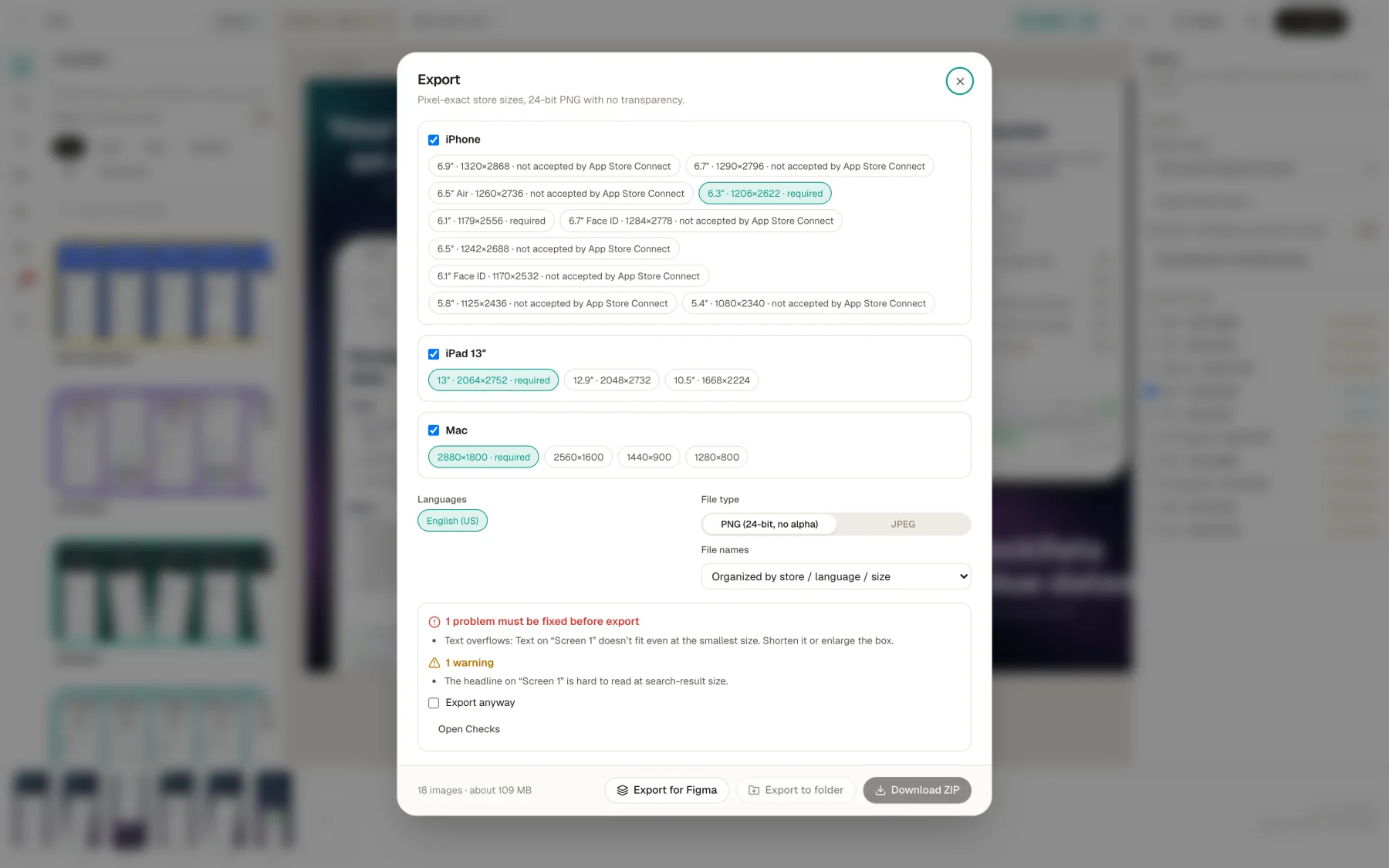
Required sizes are marked, and any size App Store Connect refuses says so before you upload. Files are saved without alpha.
30 checks as you work
Text that overflows, weak contrast, words the store doesn't allow and upscaled captures, many with a one-click fix.
A full canvas underneath
Layers, groups, 19 device frames, 3D angles, 78 fonts, callouts and panoramas, for when a template is only the start.
How it works
Five steps from captures to upload.
Drop in your captures
From the simulator, your phone or a folder. Devices are detected and sets are made for you.
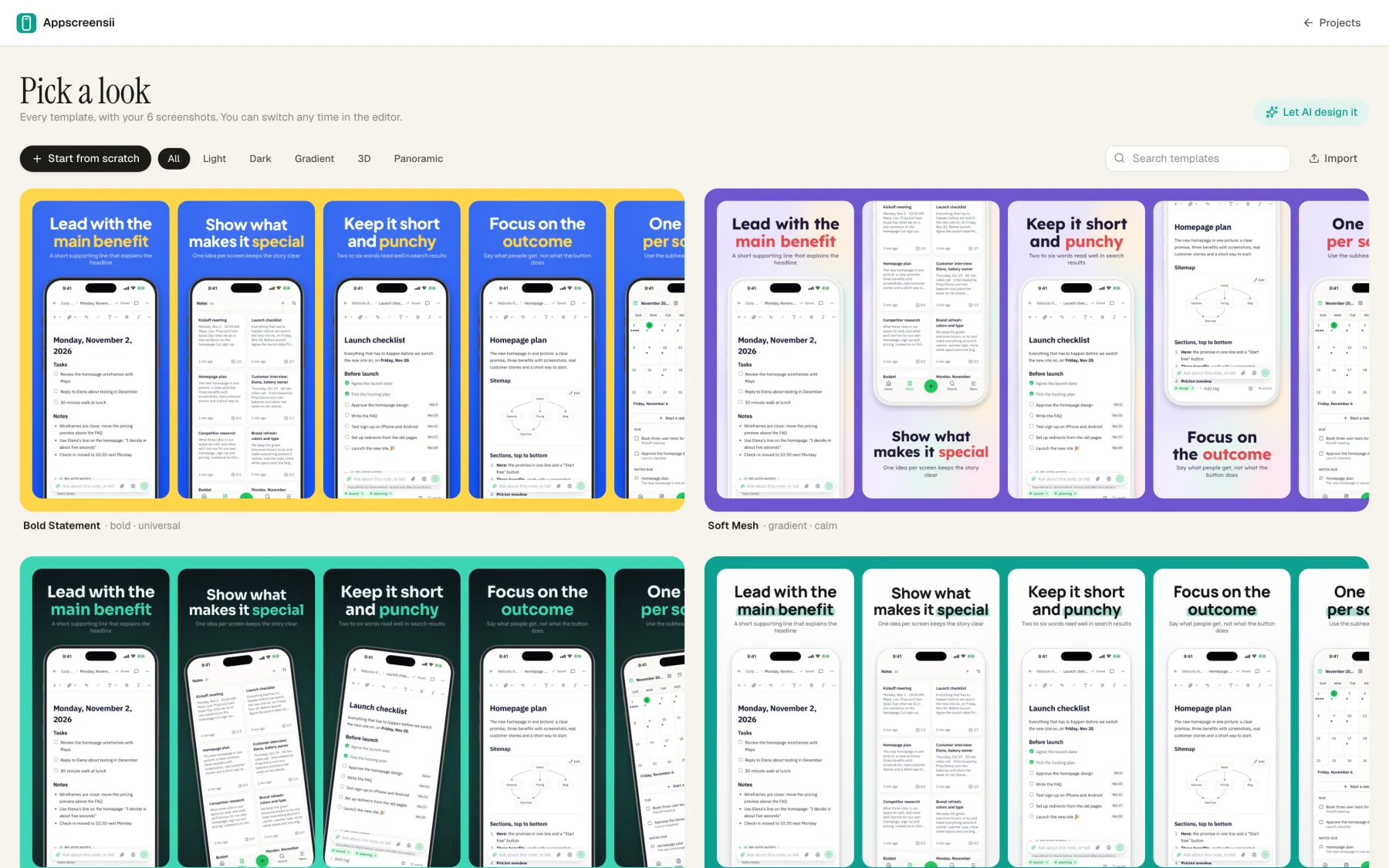
Pick a look
Every template is drawn with your screens. Or press Magic and choose from four designs made for your app.
Write the captions
Type them, or let AI read each screen and draft them. Text stays editable on the canvas.
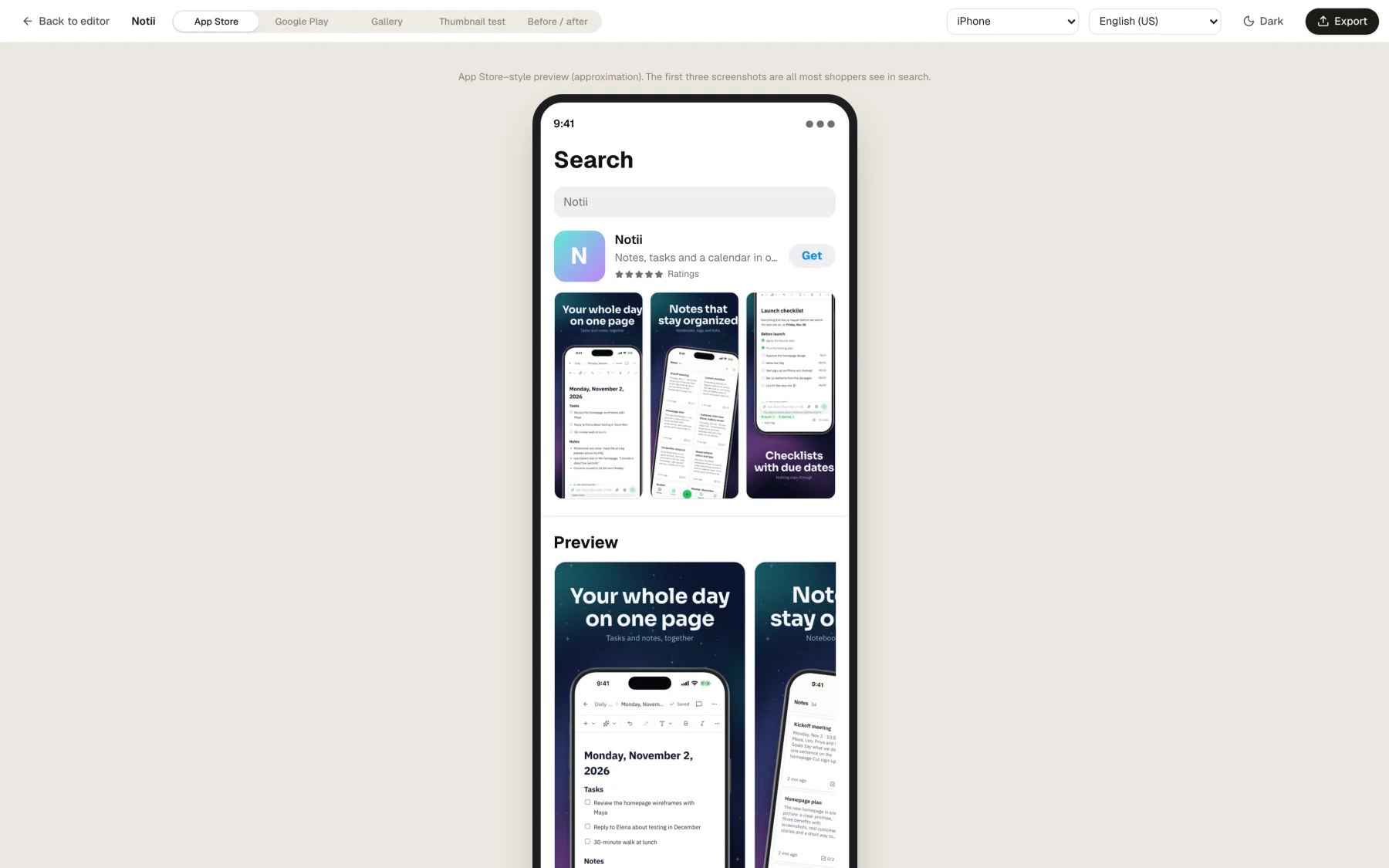
Check it like a shopper
See a mock App Store search result, a thumbnail test with a squint blur, and any problems the checks found.
Export
Choose sizes and languages, then download a ZIP or write a folder. fastlane deliver layouts are one option.
In the app
The real thing, at each step.
Questions
Good to know.
How many screenshots does the App Store need?
At least one and up to 10 for each device size, as .jpeg, .jpg or .png, with no alpha. Depending on orientation, up to three can appear in search results, so the first three matter most. Our sizes guide has every class.
Which sizes do I have to make?
For iPhone, Apple requires the Dynamic Island medium display: 1206 × 2622 or 1179 × 2556. For iPad, if your app runs there, the 13-inch display: 2064 × 2752 or 2048 × 2732. Mac apps need one of four 16:10 sizes.
Does it upload to App Store Connect?
Not directly. You get a ZIP or a folder with a guide to where each file goes, and it can lay the files out for fastlane deliver and supply, which do the upload.
Do I need design skills?
No. Drop in your captures, pick a template or press Magic, and you have a finished set. If you do design, there's a full canvas with layers, groups, 3D and type controls underneath.
Will Apple accept the files?
The sizes come from what App Store Connect and Google Play take, and sizes App Store Connect refuses are marked as such. PNGs are saved without alpha. Approving your listing is always up to the store.
What does Appscreensii cost?
Designing costs nothing. Exporting starts a 7-day free trial, with a card, then it's $12 a month, or $10 a month billed annually. Cancel before the trial ends and you pay nothing. A project owner's plan covers the people they invite. See pricing.
Keep reading
More on store screenshots.
Your store page is the first thing people see.
Drop in your screenshots and see them in every template, right now.
Get started