Pick Appscreensii if…
- People who don't code need to change the design or words
- You want templates and AI to start from
- You're tired of tuning a Framefile
- You want translation done for you
fastlane frameit alternative
frameit adds device frames and titles from the command line, and it's free and open source. When you want to design by eye, and let non-developers change the words, Appscreensii exports straight into fastlane's folders.
Runs in your browser on a computer · No card until you export
In short
Appscreensii is a visual alternative to fastlane frameit that fits your fastlane workflow. frameit is open source and adds device frames, backgrounds and titles to screenshots from the command line, configured in Framefile.json. Appscreensii is a visual editor with templates, AI and team editing, and it exports in the layouts fastlane deliver and supply read. For a pipeline that runs entirely in code, keep frameit.
How they fit together
Let fastlane snapshot capture your screens with UI tests, then drop the results in. Replace in place swaps new captures into an existing design.
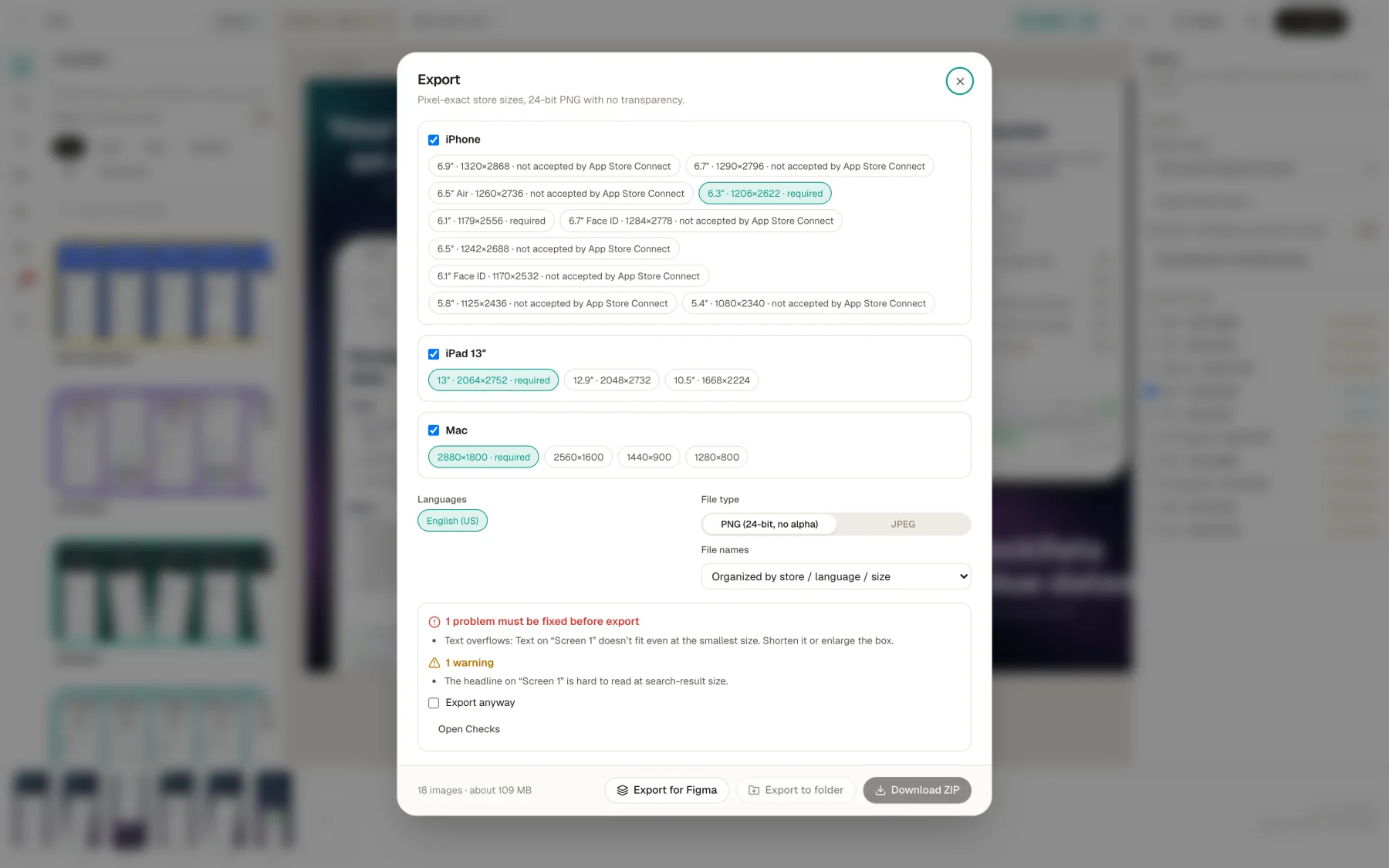
Export with fastlane deliver or supply file names. The files land in the folders those tools read, and they do the upload.
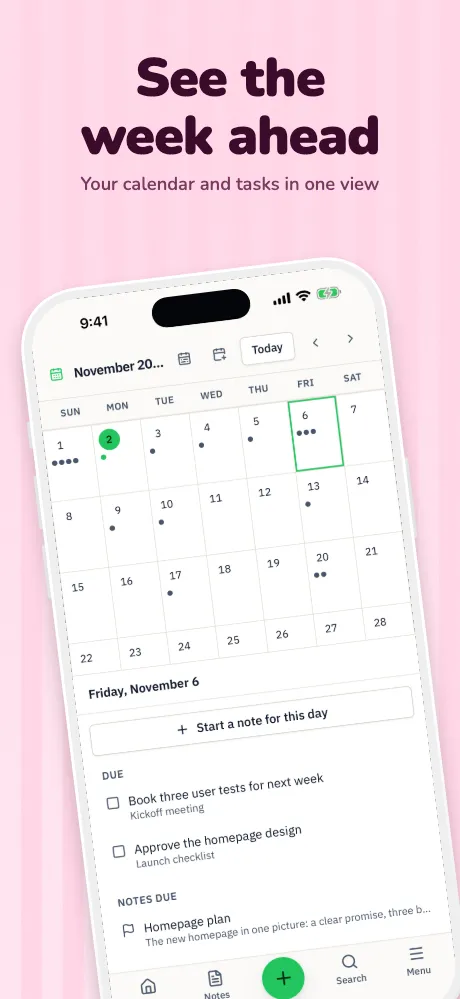
No Framefile.json or fonts to set up. Move things on a canvas, with 30 templates and 19 device frames.
Marketers and translators work in the app, in a grid or with CSV, instead of editing .strings files.
Side by side
| Feature | Appscreensii | fastlane frameit |
|---|---|---|
| How you use it | Visual editor in the browser | Command line, configured in Framefile.json |
| Frames | 19 device frames, 5 styles, 4 finishes, real 3D | Device frames for iPhone, iPad, Mac and a set of Android devices |
| Titles | Live text on a canvas, 78 fonts, written by you or AI | Text from title.strings and keyword.strings per language; needs a background |
| Translation | 84, including captions and text inside screenshots | You supply the strings for each language |
| Automation | fastlane layouts on export; no CI | Runs anywhere you can script it |
| Working together | Live cursors and selections, roles, comments with @mentions | Through your repository |
| Uploading | Hands off to deliver and supply | Hands off to deliver and supply |
| Cost | Designing costs nothing. Exporting starts a 7-day free trial, then $12 a month, or $10 a month billed annually. See pricing | Open source |
Compared from each product's own public pages on November 4, 2026; features and prices change, so check before you decide. "Not stated" means we didn't find it on those pages, not that the product can't do it. Product names are trademarks of their owners. Appscreensii isn't affiliated with or endorsed by them.
Which to pick
With fastlane deliver naming, files go to fastlane/screenshots/<language>/, and deliver works out each device from the image's size. With supply naming, they go to fastlane/metadata/android/<language>/images/, in folders like phoneScreenshots, with the feature graphic as featureGraphic. Language codes are each store's own.
One thing to know, from fastlane's docs: supply replaces the current images on the listing rather than adding to them. Read the frameit docs for the other side of this comparison.
Questions
Yes. Choose fastlane deliver or fastlane supply under File names when you export. You then upload with those tools as usual.
No. Appscreensii is a visual app, so it doesn't run in CI. For that, keep frameit.
No. snapshot captures your app's screens. Appscreensii starts from those captures and designs around them.
Designing costs nothing. Exporting starts a 7-day free trial, with a card, then it's $12 a month, or $10 a month billed annually. Cancel before the trial ends and you pay nothing. A project owner's plan covers the people they invite. See pricing.
Keep reading
Drop in your screenshots and see them in every template, right now.
Get started