Guide · how to
How to make App Store screenshots, start to finish.
Seven steps that work with any tool, from what to show first to the commands for a clean status bar. Where Appscreensii saves time, it's noted.
Runs in your browser on a computer · No card until you export
In short
To make App Store screenshots: choose the three to five things your app does best, capture clean screens on a simulator or device, write a short caption for each, lay them out in order with your strongest first, export at 1206 × 2622 for iPhone and 2064 × 2752 for iPad if you support it, check for problems, and upload in App Store Connect. Up to three can appear in search results, so those need the most care.
On this page
1. Choose the story
You can upload up to 10, and depending on orientation, up to three can appear in search results. Apple's advice is to lead with your strongest features and sequence them so they tell a story.
Write one line per screen before you capture anything: what it shows, and why someone would care. If your first three lines don't say what your app is, reorder them. Five strong screens beat ten weak ones.
2. Capture clean screens
Use realistic content that isn't anyone's real data. Avoid empty states, loading spinners, visible keyboards and debug banners.
On the iOS Simulator, set a tidy status bar, then capture:
xcrun simctl status_bar booted override --time 9:41 --batteryState charged --batteryLevel 100 --cellularBars 4
xcrun simctl io booted screenshot home.png
On Android, with a device or emulator connected:
adb exec-out screencap -p > home.pngAndroid's demo mode, under Developer options, gives you a clean status bar too. On a real iPhone, press the side button and volume up.
Capture on the largest device you can, because scaling down is fine and scaling up looks soft.
3. Write short captions
Apple's advice: a short phrase that enhances your visual rather than describes it. Say what someone gets, not what the screen is.
| Describes the screen | Says what you get |
|---|---|
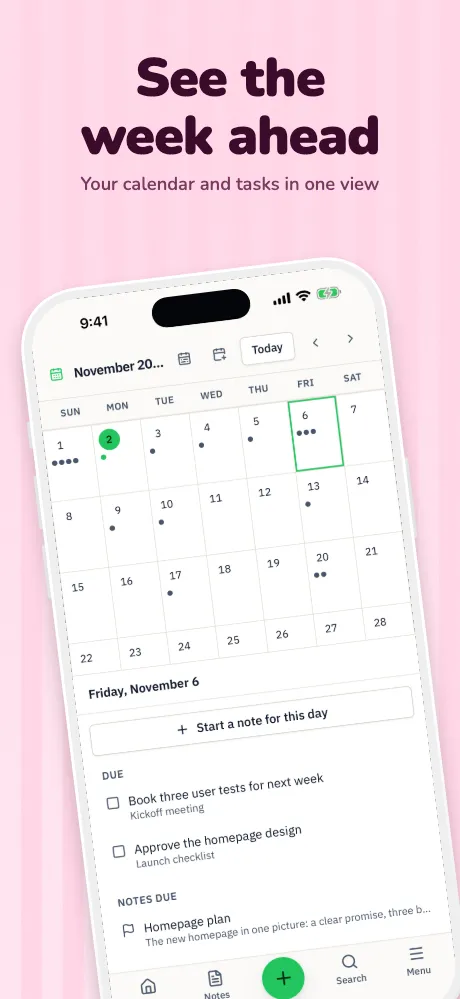
| Calendar view with tasks | See the week ahead |
| AI search for your notes | Ask your notes anything |
| Budget categories screen | Know where it all goes |
Keep them to a few words, large enough to read at search size. Leave out prices, rankings, URLs and words like "new". Google warns about the same, so one set of words works on both stores.
4. Design the set
Pick one background idea, one type pairing and one frame style, then keep them through the set so it reads as one thing. Put your focal point near the center. Apple suggests using similar colors, fonts and tone across your assets. See 10 patterns for starting points.
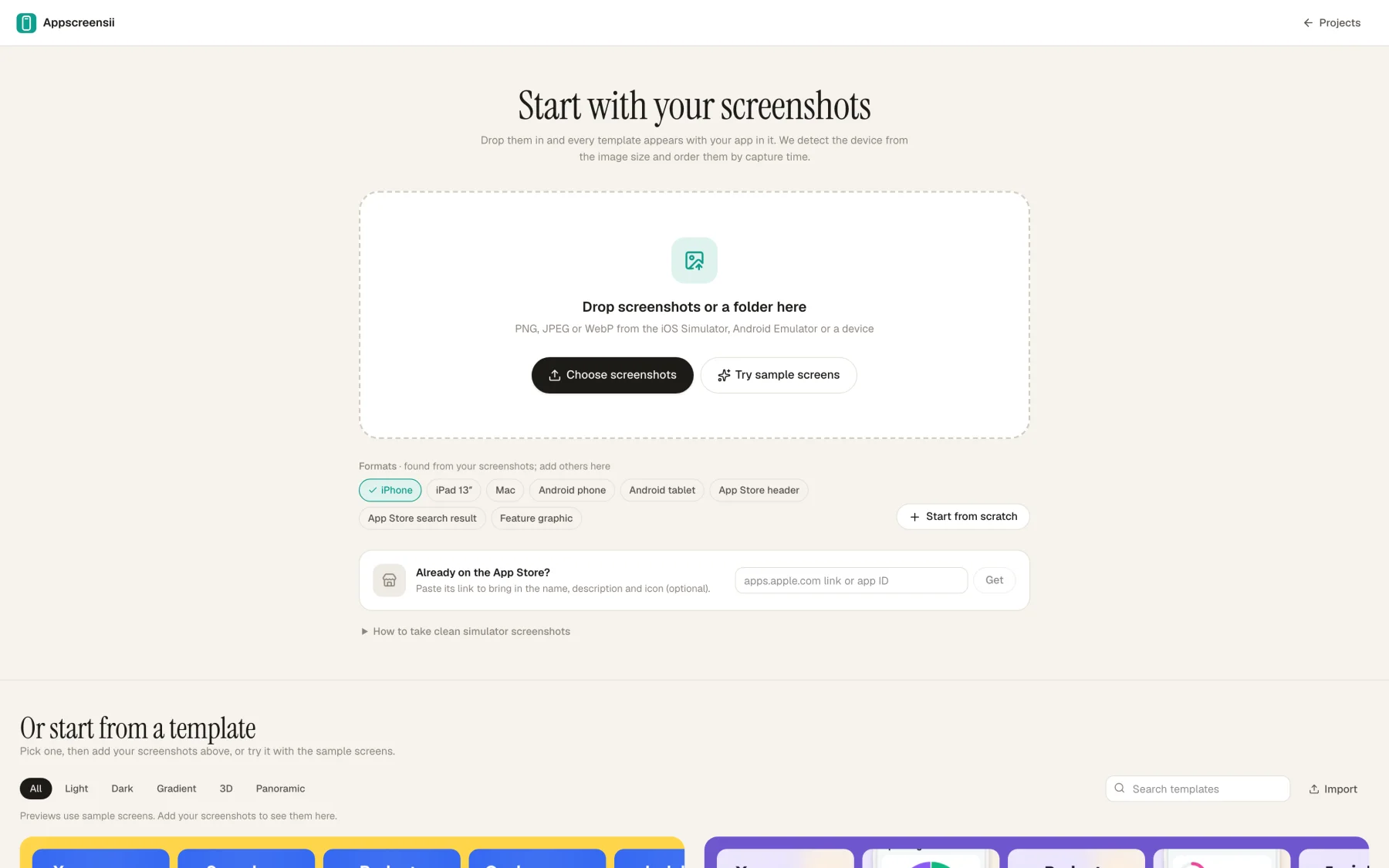
You can build this in Figma or Canva, or with a dedicated tool. In Appscreensii you drop in the captures and see 30 templates with your own screens.
5. Translate
Text in screenshots should be localized for the languages your app supports. Start with the ones you already support. If your interface text is in the picture, a translated caption over an English screen still looks half done, so consider the screens too.
6. Export and check
For iPhone, export 1206 × 2622 or 1179 × 2556. For iPad, if your app runs there, 2064 × 2752 or 2048 × 2732. Save as PNG without alpha, or JPEG. The size checker reads a file and tells you where it fits.
Then look at them small. Shrink a screenshot to thumbnail size and squint. If the headline disappears, it's too small or too low in contrast. Run through the checklist.
7. Upload
In App Store Connect, open your app's version and drag your files into the slot for each device, for each language. Drag to reorder. The product page preview tool shows how your page will look before it's live.
To automate it, fastlane deliver uploads from a folder of screenshots with a subfolder per language, working out each device from the image's size. Appscreensii can export in that layout.
Store rules checked November 4, 2026, against Apple's and Google's own pages. They change, so check the source before relying on any one number.
Questions
Good to know.
What's the best way to make App Store screenshots?
Capture clean screens, write short captions, then use whichever design tool suits you. A dedicated tool is quickest and handles the sizes. A general design tool gives you more control and more manual work.
How long does it take?
It depends on your screens and how many languages you ship. The slowest parts are usually getting clean captures and agreeing on the words, so do those first.
What order should screenshots go in?
Strongest first. Apple says to lead with your best features and tell a cohesive story, and only the first few can appear in search results.
Should I use real app data?
Use realistic sample data, not anyone's real information.
Can I change screenshots without a new app version?
Apple says you can submit assets for approval alongside a new app version or in your Asset Library in App Store Connect. Check what your app's status allows.
Keep reading
More on store screenshots.
Your store page is the first thing people see.
Drop in your screenshots and see them in every template, right now.
Get started