Pick Appscreensii if…
- You update screenshots every release
- You ship in several languages
- You want store rules checked
- You want real device frames
Canva and App Store screenshots
If your team already uses Canva, it's a fair place to start. Here's how to do it well, and the point where store sizes, repeats and translated screens make a dedicated tool worth it.
Runs in your browser on a computer · No card until you export
In short
You can make App Store screenshots in Canva: set a custom size, use a template, and translate text with its Pro Translate feature. It's a good fit if you already use Canva for everything else. It's a general design tool, so you handle store sizes, alpha, device detection and swapping screens each release. Appscreensii is built only for store screenshots, and does those for you, but it doesn't do the rest of your marketing.
What a dedicated tool adds
One design exports at every size for each device, and you're told which ones App Store Connect refuses. All sizes.
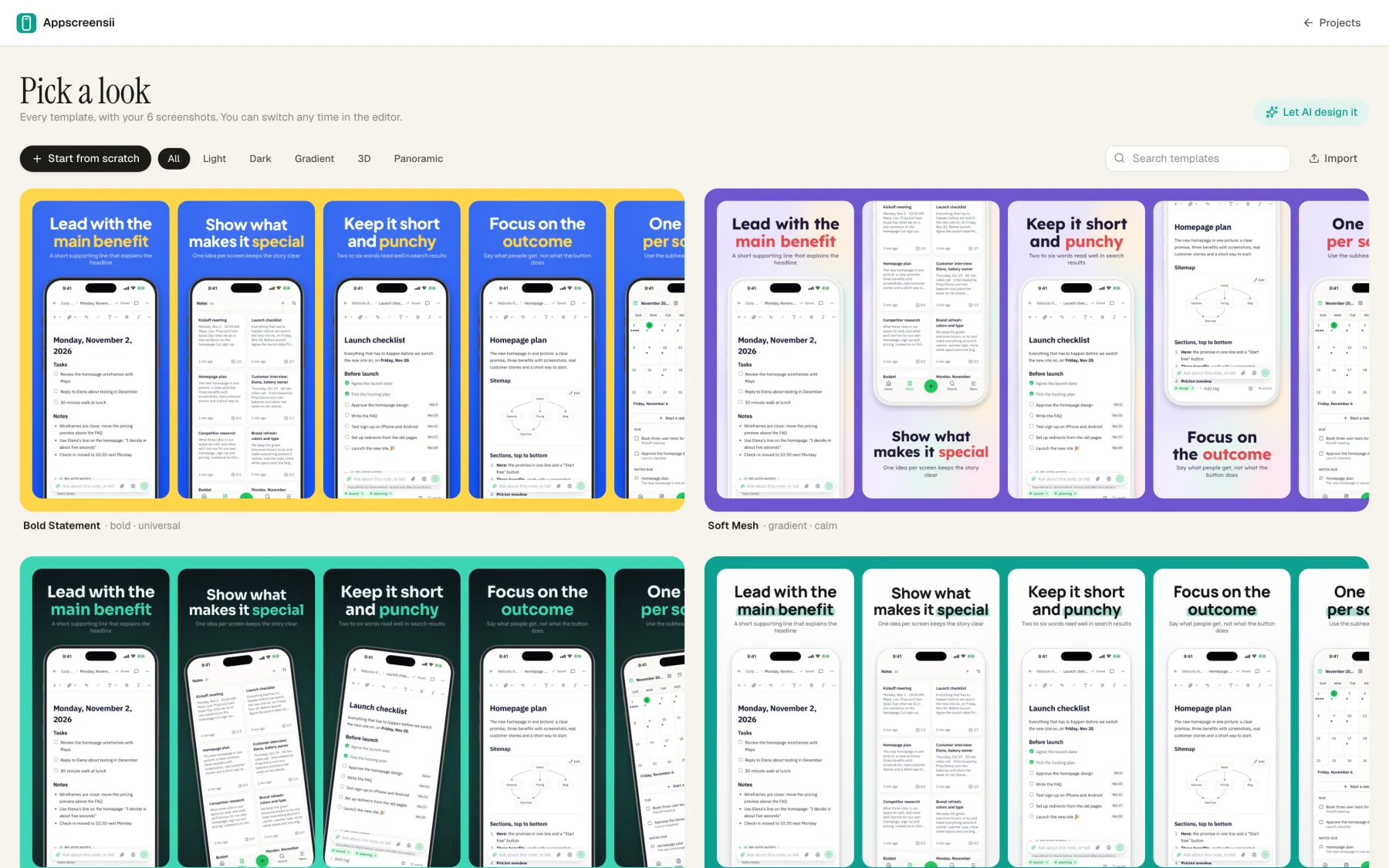
Captures are matched to their device, with 19 frames, 5 styles and real 3D.
Translation covers your interface text as well as the captions.
30 checks, for words the stores warn about, refused sizes and more.
Side by side
| Feature | Appscreensii | Canva |
|---|---|---|
| Made for | App Store and Google Play screenshots, with a team | Design for everyone: presentations, social posts, documents and more |
| Templates | 30 templates and 20 layouts, previewed with your own screens | A very large template library, searchable for app store screenshots |
| Store sizes | Built in, with refused sizes marked | You set a custom size |
| Translation | 84, including captions and text inside screenshots | Translate (Pro) for the text in a design, in 100+ languages |
| Working together | Live cursors and selections, roles, comments with @mentions | Yes |
| Other marketing | No: store assets only | Yes, nearly everything else |
| Price to start | Designing costs nothing. Exporting starts a 7-day free trial, then $12 a month, or $10 a month billed annually. See pricing | A free plan, with Pro features for paid plans |
Compared from each product's own public pages on November 4, 2026; features and prices change, so check before you decide. "Not stated" means we didn't find it on those pages, not that the product can't do it. Product names are trademarks of their owners. Appscreensii isn't affiliated with or endorsed by them.
Which to pick
Questions
Canva's template search returns results for app store screenshots. Check the size of any you pick, since App Store Connect only takes exact sizes.
Canva's Translate feature, on Pro, translates the text in your design. Text that's part of a pasted image, like your app's interface, is a different matter.
No, only store assets. If you need the rest of your marketing in one place, Canva is the better fit.
Designing costs nothing. Exporting starts a 7-day free trial, with a card, then it's $12 a month, or $10 a month billed annually. Cancel before the trial ends and you pay nothing. A project owner's plan covers the people they invite. See pricing.
Keep reading
Drop in your screenshots and see them in every template, right now.
Get started