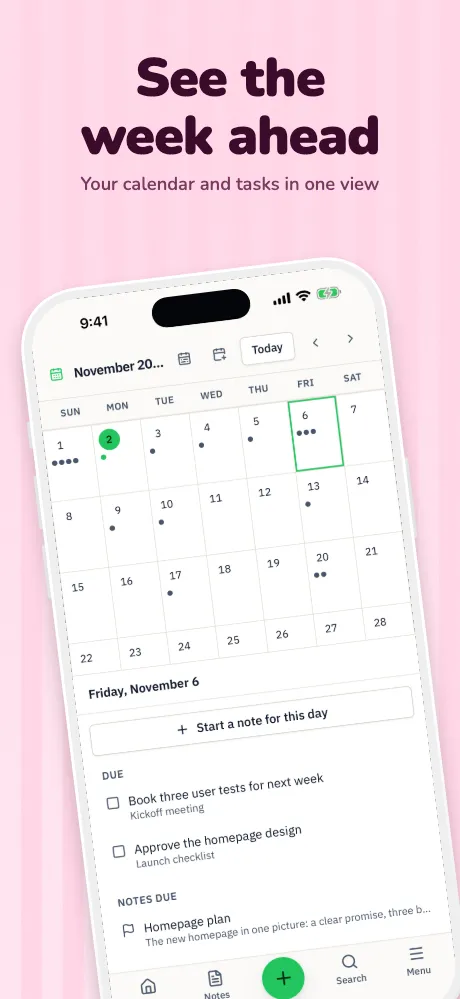
Google Play feature graphic
The feature graphic, sized and ready.
Google Play won't publish a listing without one. Add it to your project and it takes your template, headline and colors at exactly 1024 × 500, with no alpha.
Runs in your browser on a computer · No card until you export
In short
A Google Play feature graphic is a 1024 × 500 pixel image, saved as a JPEG or 24-bit PNG with no alpha, and Google requires one to publish a listing. Appscreensii makes it in the same project as your screenshots, so it picks up your template, headline and colors. Google advises few words, nothing time-sensitive, and key elements kept away from the edges.
- Size
- 1024 × 500 pixels
- Format
- JPEG or 24-bit PNG, no alpha
- Required
- Yes, to publish on Google Play
- Price
- Designing costs nothing. Exporting starts a 7-day free trial, then $12 a month, or $10 a month billed annually. See pricing
Examples
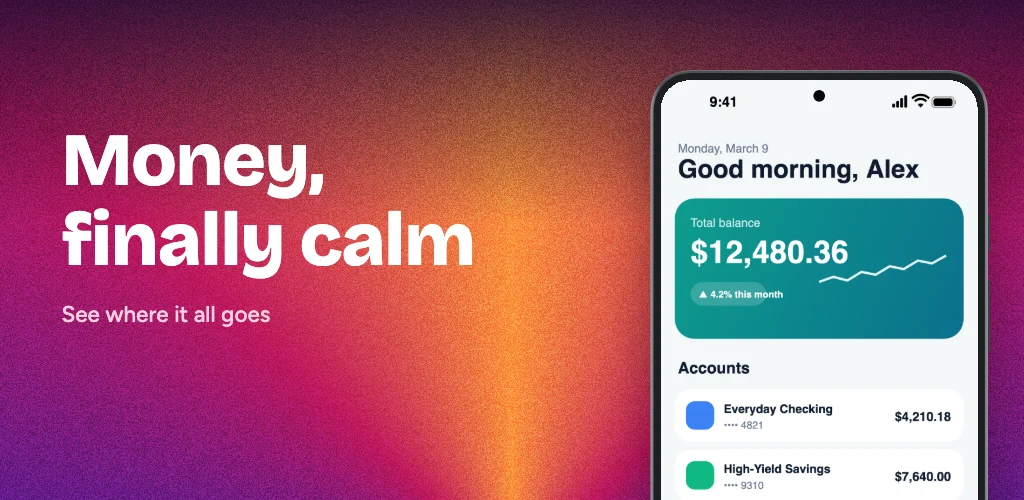
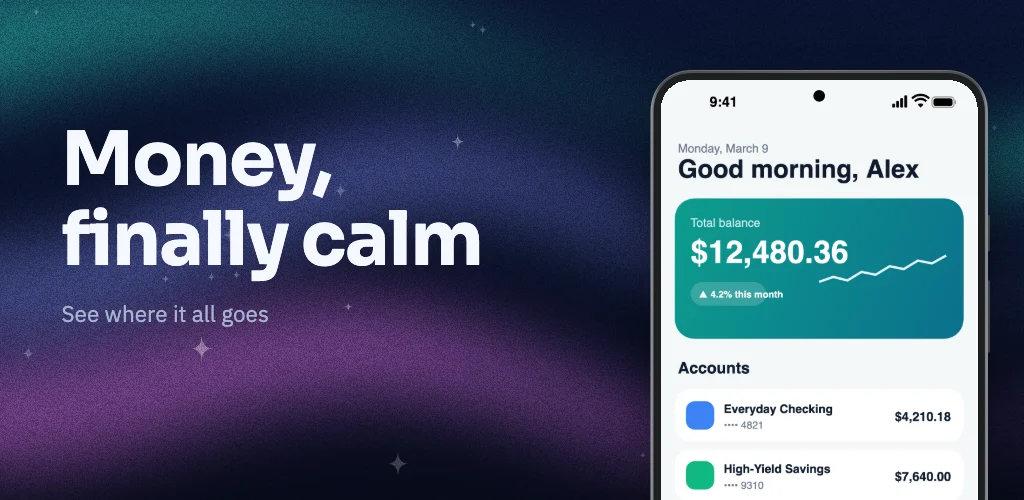
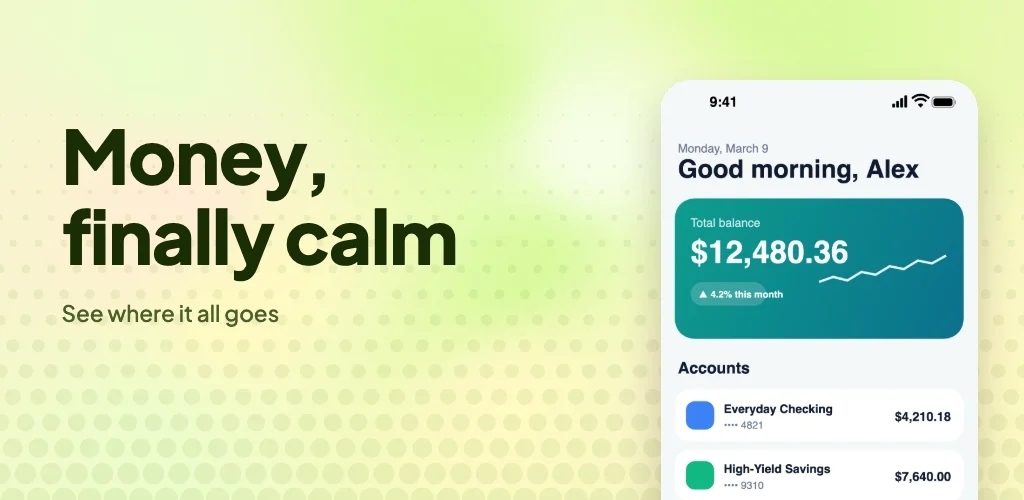
Three feature graphics, one headline.
All made in Appscreensii from the built-in sample app. Changing the template takes one click.
What Google asks for
From Google's preview assets page and its store listing best practices, read on November 4, 2026:
- Size and format: 1024 × 500 pixels, JPEG or 24-bit PNG with no alpha.
- Text: keep it to a minimum and design for small sizes.
- Safe area: keep the important parts toward the center, away from areas that may get cut off.
- Time: avoid anything time-sensitive.
- Background: avoid pure white, black or dark gray.
- Claims: no store performance, rankings, prices or promotions, such as "#1" or "10% off".
- Badges and marks: no Google Play or other store badges, and no third-party trademarks without permission.
One thing to weigh: Google's page also discourages device imagery on feature graphics, because it can date quickly. Our examples above show a phone, since many listings do. For a safer version, choose a frameless template or delete the device and let your headline carry it.
Making one in Appscreensii
Open your project, add the Feature graphic format, and it appears with your first screen's headline and your template's background. Move or resize anything, or apply another template. In the Export dialog it comes out at 1024 × 500, and with fastlane supply naming it lands in the listing's images folder as featureGraphic.
Because it's in the same project, translating the project gives you a feature graphic in each language too.
Questions
Good to know.
What size is a Google Play feature graphic?
1024 × 500 pixels, as a JPEG or a 24-bit PNG with no alpha channel.
Is a feature graphic required?
Yes. Google lists it as required to publish a listing.
Can I put text on it?
Yes, but Google suggests keeping text to a minimum, and it shouldn't include rankings, prices or promotions.
Can I make one per language?
Yes. It's part of the project, so it follows your translations, and you can change the wording for any one language.
What does Appscreensii cost?
Designing costs nothing. Exporting starts a 7-day free trial, with a card, then it's $12 a month, or $10 a month billed annually. Cancel before the trial ends and you pay nothing. A project owner's plan covers the people they invite. See pricing.
Keep reading
More on store screenshots.
Your store page is the first thing people see.
Drop in your screenshots and see them in every template, right now.
Get started